
What is Waymark?
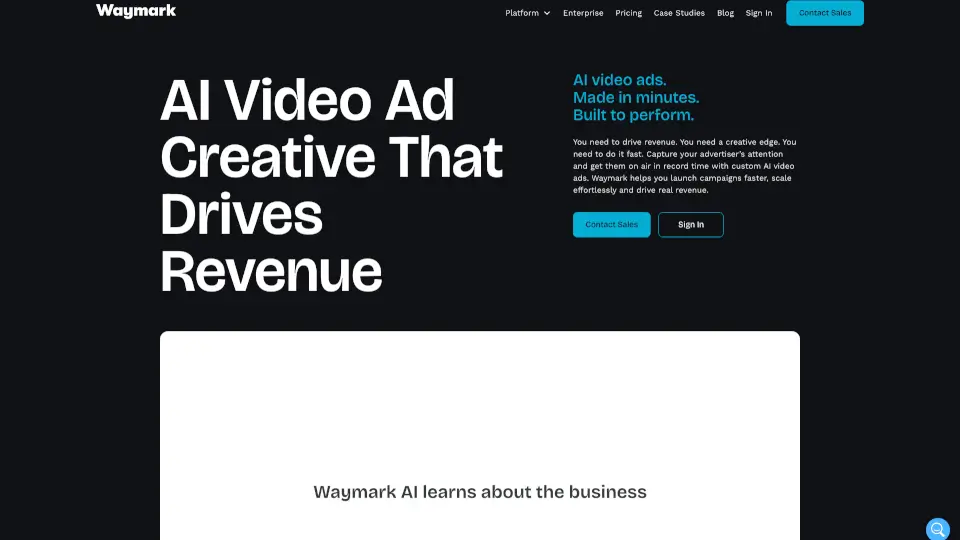
Waymark is an AI video ad platform that lets businesses create professional, high-performing commercials in just minutes—no filming, editing, or design skills required. Whether you're selling ad space, pitching new clients, or scaling creative output, Waymark turns any brand’s website into a ready-to-air video ad using smart generative AI.
The real power? You can walk into every sales meeting with custom spec ads already made for your prospect. That means faster deals, more revenue, and less time waiting on creative teams. From local TV spots to digital and CTV campaigns, Waymark delivers broadcast-quality video that actually drives results.
What are the features of Waymark?
- Instant Branding: Enter a brand’s URL, and Waymark auto-generates a polished ad using their logo, colors, images, and messaging.
- AI Scriptwriting: Get clear, compelling ad copy tailored to each client—written by AI in seconds.
- AI Voiceovers: Choose from realistic, customizable voice options that match tone, gender, and style preferences.
- Intuitive Editing Suite: Tweak scenes, swap text, or adjust visuals with a simple drag-and-drop interface—no experience needed.
- Variations: One click creates new versions in different lengths, aspect ratios (like 16:9 for TV or 9:16 for social), or languages.
- Automatic Translations: Localize ads instantly for diverse audiences without re-recording or manual editing.
What are the use cases of Waymark?
- Sales teams creating personalized spec ads before client meetings to win new business faster.
- Media companies helping local advertisers launch CTV and broadcast-ready commercials without production delays.
- Marketing agencies scaling video output for dozens of clients while maintaining brand consistency.
- Tech platforms embedding Waymark to offer self-serve ad creation, boosting advertiser adoption and spend.
- Creative teams producing high-volume seasonal campaigns (like holiday promos) in minutes instead of weeks.
- Small businesses making professional video ads on their own—without hiring a production crew.
How to use Waymark?
- Start by entering your client’s website URL—Waymark pulls brand assets automatically.
- Let the AI generate a complete ad with script, visuals, and voiceover in under a minute.
- Use the editing suite to fine-tune scenes, text, or voice if needed.
- Click “Variations” to create multiple formats (e.g., 15s, 30s, vertical, horizontal).
- Download or publish directly to digital, social, or broadcast channels.
- Use these ads for pitches, live campaigns, or as part of a self-serve ad platform.