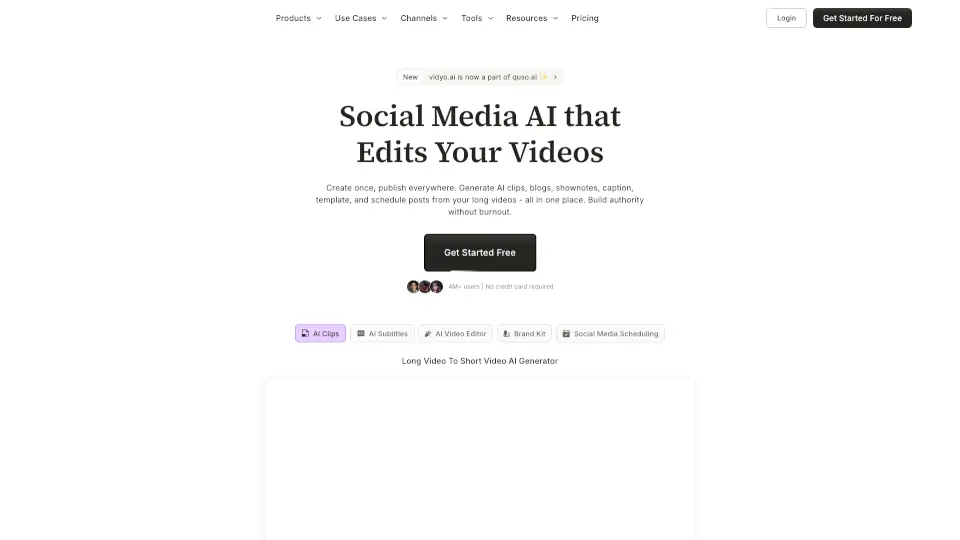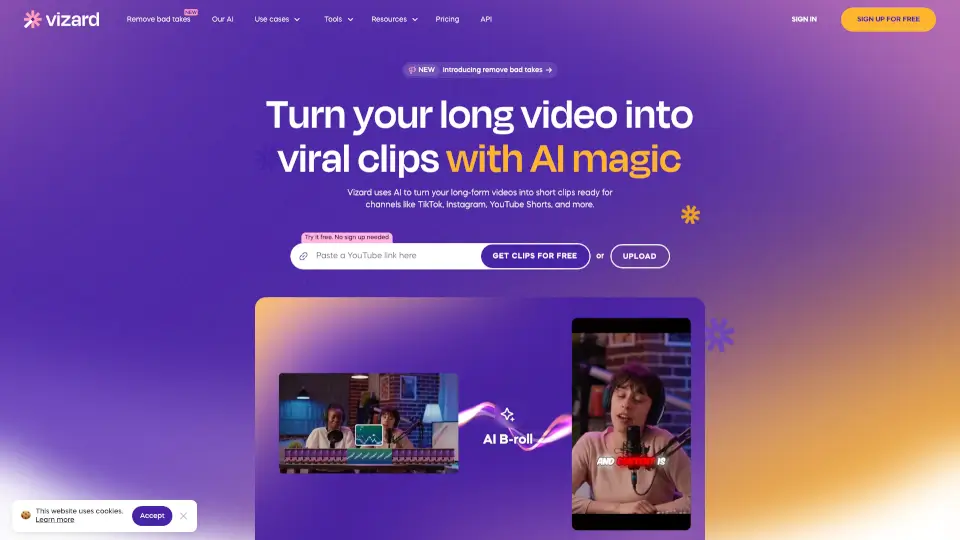

What is vidyo.ai?
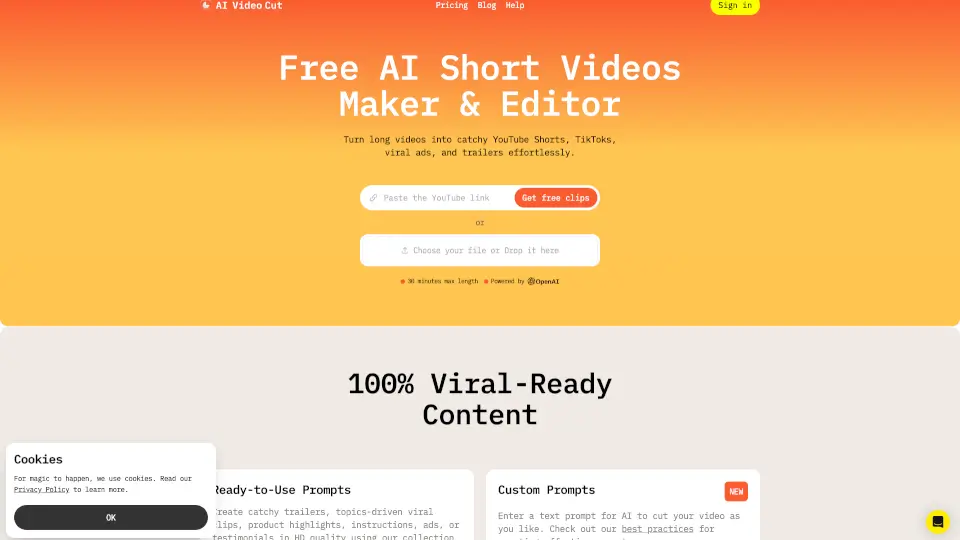
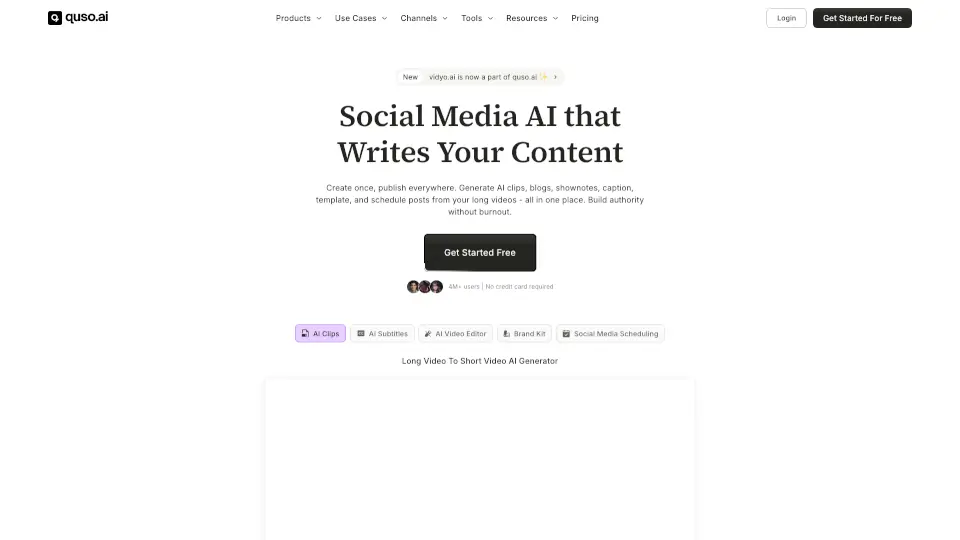
quso.ai (formerly vidyo.ai) is an all-in-one AI-powered platform that helps creators, coaches, podcasters, and businesses turn long videos into engaging short-form clips—and schedule them across social media in seconds. Instead of juggling multiple editing and scheduling tools, you get everything in a single dashboard: AI clipping, auto-subtitles, brand-consistent editing, and cross-platform posting.
Trusted by over 4 million users, quso.ai saves hours every week by automating the most time-consuming parts of content creation. Whether you’re repurposing a podcast episode, webinar, or YouTube video, quso.ai finds your best moments, adds captions, applies your branding, and publishes to TikTok, Instagram, LinkedIn, and more—so you can focus on creating, not editing.
What are the features of vidyo.ai?
- AI Clip Generator: Automatically turns long videos into viral-ready short clips using smart scene detection.
- AI Subtitle Generator: Adds animated, customizable subtitles in English, Spanish, French, and German to boost retention.
- Social Media Scheduling: Publish to 7+ platforms—including TikTok, Instagram, YouTube, LinkedIn, Facebook, Twitter (X), and Pinterest—with one click.
- AI Video Editor: Drag-and-drop editor with brand kits, B-roll library, music, and filler-word removal (no experience needed).
- Content Repurposing Suite: Generate blogs, show notes, captions, hashtags, and video hooks from a single upload.
- Intelliclips & Cutmagic: AI pinpoints high-impact moments and trims dead air automatically for polished results fast.
What are the use cases of vidyo.ai?
- A podcaster uploads a 60-minute episode and instantly generates 15 TikTok/Reels clips with captions and scheduled posts.
- A real estate agent repurposes property tour videos into bite-sized Instagram Stories and Facebook posts with branded overlays.
- A business coach uses old webinar footage to create daily LinkedIn tips, complete with AI-written captions in their brand voice.
- An e-commerce brand turns product demos into shoppable short videos for TikTok and Pinterest without hiring editors.
- A non-profit shares mission-driven stories across platforms using auto-generated clips and multilingual subtitles.
- A freelance content creator scales output by editing once and publishing everywhere—saving 10+ hours per week.
How to use vidyo.ai?
- Upload a video directly or paste a YouTube link to start repurposing.
- Let quso.ai’s AI scan your video and suggest top clips—or pick exact timestamps yourself.
- Customize clips with your brand kit (logos, fonts, colors) and add B-roll or background music.
- Use AI Social Captions to generate engaging text, hashtags, and descriptions in one click.
- Schedule posts across all connected social accounts using the built-in calendar.
- Track performance with integrated Social Media Analytics to see what’s working.