
What is SyncSketch?
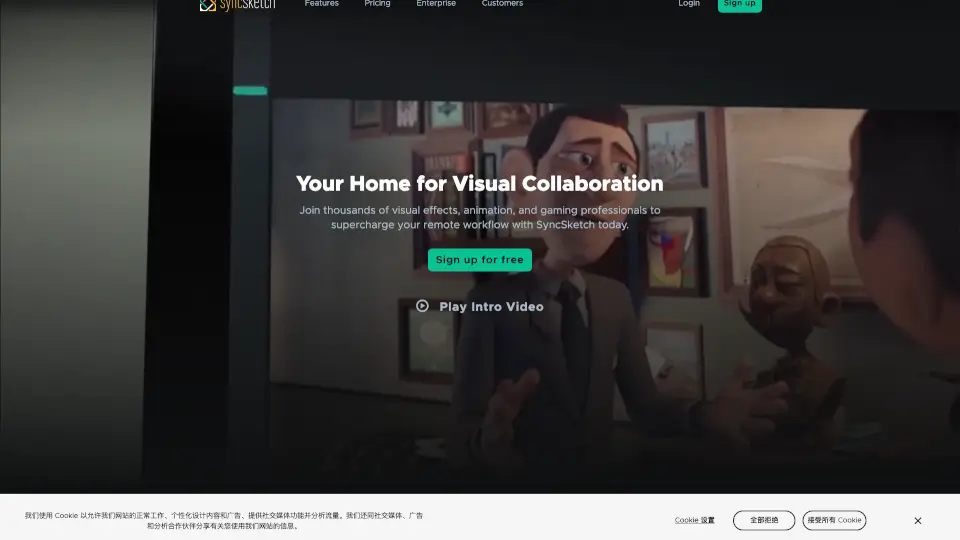
SyncSketch is a cloud-based collaboration tool designed for visual teams in industries like VFX, animation, gaming, and tech. It allows teams to review media, leave frame-accurate feedback, and work together in real-time, no matter where they are in the world. With features like rich annotations, 3D model reviews, and seamless sharing, SyncSketch makes remote collaboration feel effortless. It’s trusted by top studios and teams to streamline their workflows and enhance creativity.
What are the features of SyncSketch?
- Rich Annotations: Use a powerful brush engine to add detailed, frame-accurate feedback directly on your media.
- Real-Time Presentation: Review media synchronously with your team, just like you’re in the same room.
- 3D Model Reviews: Examine static or animated 3D assets, including shading, textures, and UV maps.
- Easy Sharing: Send a link to clients or team members for instant feedback, no setup required.
- Presentation Mode: Let specific presenters control the session while others observe.
- Mobile Support: Give feedback on the go using your smartphone or tablet.
- PDF Summary: Generate a PDF with screenshots, annotations, and comments for easy reference.
- File Comparison: Compare versions or reference footage side by side.
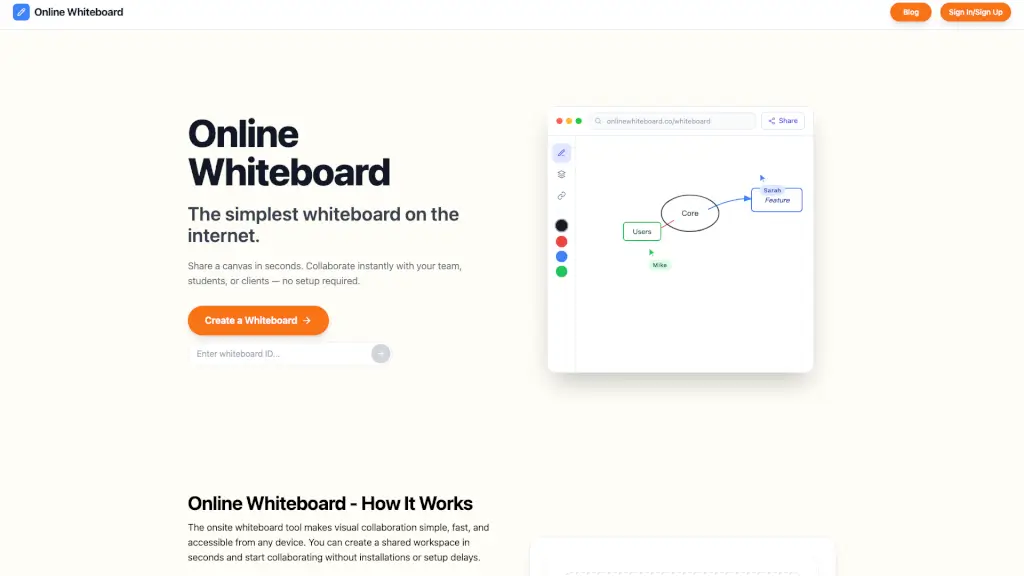
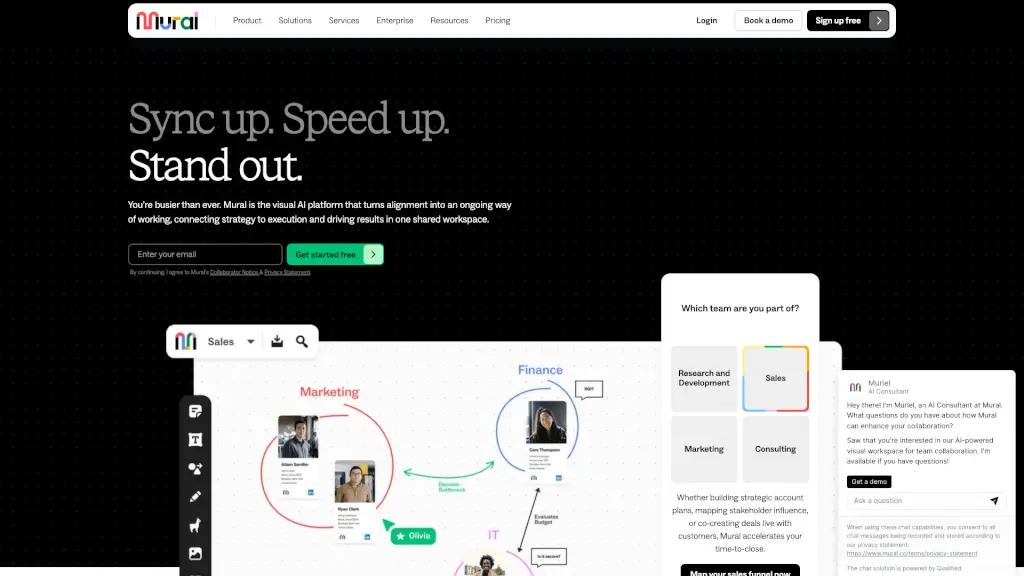
- Collaborative Whiteboard: Brainstorm ideas with a shared whiteboard and custom brushes.
What are the use cases of SyncSketch?
- Animation and VFX Reviews: Leave precise feedback on every frame.
- 3D Model Collaboration: Review and discuss 3D assets with your team.
- Client Feedback: Share a link and get instant input without back-and-forth emails.
- Brainstorming Sessions: Use the whiteboard to sketch and share ideas in real-time.
How to use SyncSketch?
- Sign Up: Create a free account or start a trial.
- Upload Media: Add your images, videos, or 3D models to SyncSketch.
- Invite Team: Share a link with your team or clients for collaboration.
- Review and Annotate: Use tools like the brush, annotations, and whiteboard to leave feedback.
- Generate Summary: Create a PDF of your session for future reference.