
What is SparkReceipt?
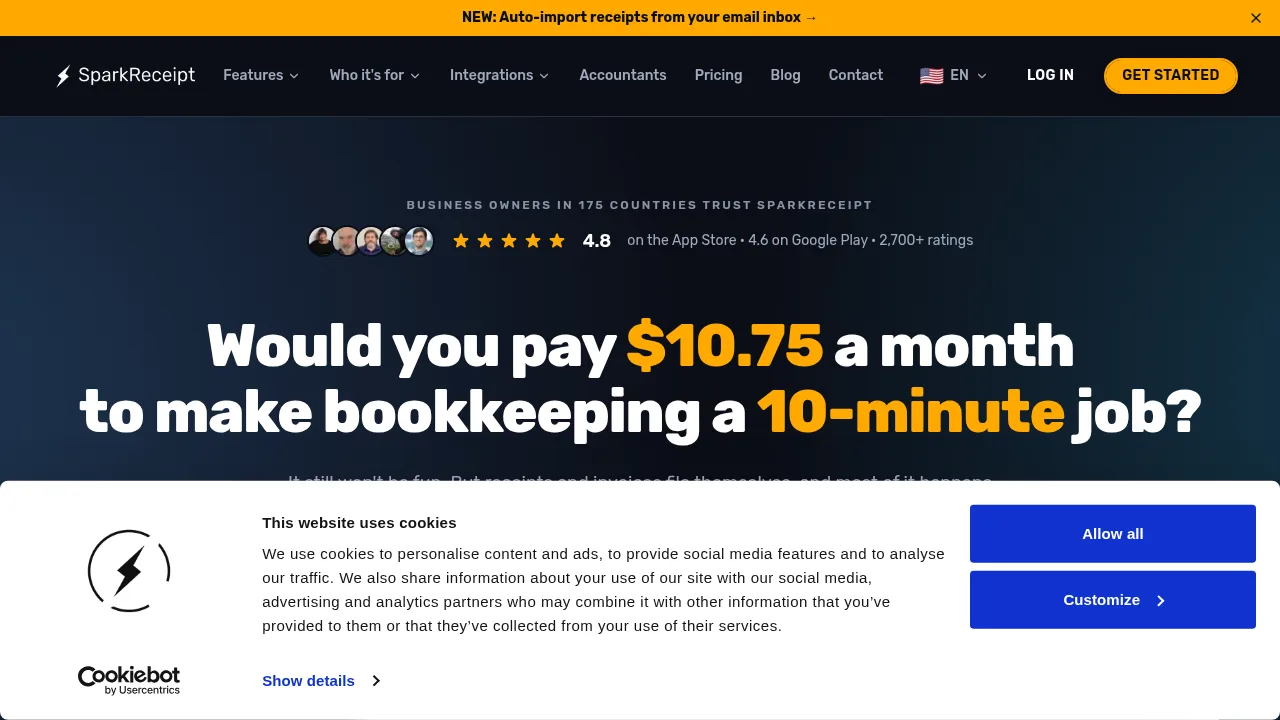
SparkReceipt is an AI receipt scanner and bookkeeping app for freelancers, self-employed individuals, and small businesses. It captures receipts from phone scans, email inboxes, and file uploads, then matches them to bank transactions. The platform runs on iOS, Android, and the web, with data stored in Sweden and backed up in Germany.
What are the features of SparkReceipt?
- Email receipt importConnects to Gmail, Outlook, or any IMAP mailbox to automatically fetch digital receipts and invoices, including historical imports from a chosen start date.
- Bank transaction matchingImports transactions via US bank connections or uploaded PDF, CSV, and Excel statements, then pairs each line with its corresponding receipt.
- AI data extractionReads merchant names, dates, totals, taxes, currencies, and itemized line items from receipts in virtually any language across 190 currencies.
- Plain-language categorization rulesAccepts natural language instructions (SparkAgent) to automate how specific merchants or expense types are categorized going forward.
- Accounting software publishingPublishes data directly into QuickBooks Online, Xero, Sage Accounting, FreeAgent, FreshBooks, and Zoho Books with attached receipt images, or exports files for Wave, Sage 50, DATEV, and others.
- GPS mileage trackingLogs business trips by GPS or manual entry, exporting trip reports as PDF, CSV, or Excel files.
What are the use cases of SparkReceipt?
- Clearing a paper backlogUsers upload a year or more of accumulated shoebox records during the trial period to reconstruct past books before tax season.
- Monthly reconciliation routineBusiness owners confirm automated bank-to-receipt matches and export a completed P&L or expense report in approximately ten minutes per month.
- Accountant collaborationAccountants receive a free login to access reconciled books, pull reports, or run accounting software publishes directly from client accounts.
How to use SparkReceipt?
- Connect email inboxLink Gmail, Outlook, or an IMAP mailbox so new and historical receipts import automatically.
- Import bank transactionsConnect a US bank feed or upload a statement in PDF, CSV, or Excel format.
- Scan paper receiptsUse the mobile app to photograph physical receipts at the point of purchase.
- Confirm matchesReview the system's paired transactions by amount, date, and merchant, or ask SparkAgent to process the list.
- Export or publishSend the reconciled month to accounting software or generate a report as a PDF, Excel, or CSV file.
SparkReceipt Pricing Information:
- Pro plan$5.75 per month billed annually; includes 50 documents per month, 1 user, and a 7-day free trial.
- Elite plan$10.75 per month or $129.00 per year billed annually; includes unlimited document scanning subject to fair use, 1 user, and a 7-day free trial. Bank statement extraction and larger historical email imports use credits.
- Extra users$1.00 per month per additional user, billed as $12 annually.
- Accountant accessFree seat on any plan, separate from included or extra paid users.