What is Skyvern AI?
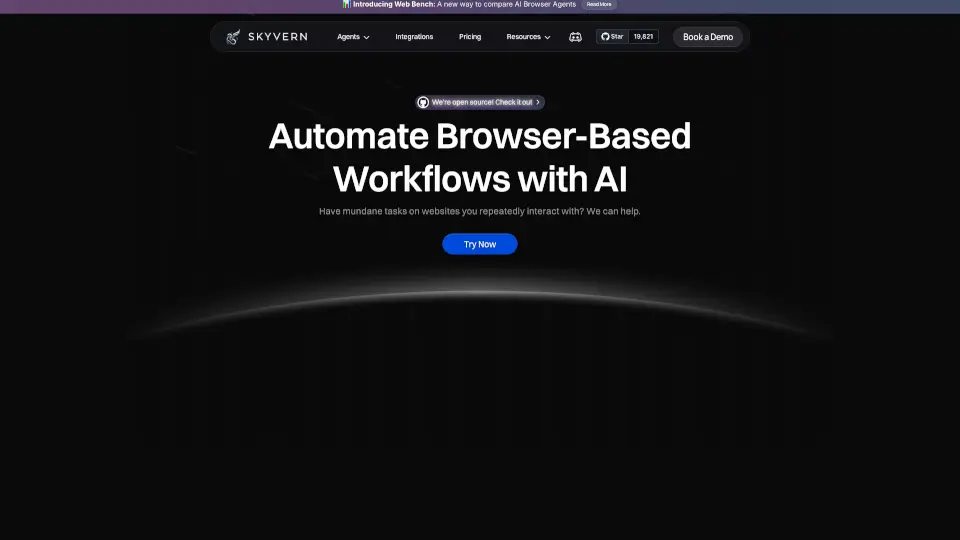
Meet Skyvern, the AI-powered browser automation platform that handles real-world website workflows without brittle code or constant maintenance. Whether you need to log into dozens of portals, download invoices, fill forms, or extract data, Skyvern acts like a human worker—navigating CAPTCHAs, 2FA, and complex UI changes automatically. It’s open source, built to integrate with your existing stack, and trusted by over 30,000 users and 500+ enterprise teams.
What are the features of Skyvern AI?
- CAPTCHA & 2FA Support: Skyvern solves CAPTCHAs natively and handles two-factor authentication (including TOTP) so your automations never break.
- Explainable AI: Every workflow run includes detailed summaries showing exactly what the AI did and why—no black boxes.
- Data Extraction: Extract structured data (CSV, JSON) from any website without needing an API. Specify your schema, Skyvern does the rest.
- Proxy Network Support: Target country, state, or even zip-code specific residential and datacenter proxies for geolocation-sensitive tasks.
- Multi-Method Workflow Creation: Build automations via natural language copilot, uploaded SOPs, recorded browser sessions, visual builder, or native Python/TypeScript SDKs.
- Document Processing: Download, parse, classify, and route documents from any portal with OCR and structured output.
- Enterprise-Grade Security: SOC2 Type II, HIPAA compliant, end-to-end encrypted, and self-hostable (Docker) for complete control.
- Seamless Integrations: Connect with Zapier, Make, Clay, n8n, Workato, and more—no custom glue code needed.
What are the use cases of Skyvern AI?
- Accounts Payable Automation: Automatically download invoices from hundreds of vendor portals—behind logins, 2FA, and CAPTCHAs—without missing a single PDF.
- Data Extraction at Scale: Pull structured data like pricing, product catalogs, or public records from any site and output as JSON or CSV.
- Lead Generation & Outreach: Enrich profiles, find contacts, and submit outreach forms across directories and platforms automatically.
- Form Filling & Compliance: Submit applications, registrations, and compliance forms across multiple sites at scale, handling dynamic fields and validation.
- Browser Testing & QA: Run end-to-end tests that adapt to UI changes automatically—no more flaky selector-based suites.
How to use Skyvern AI?
- Choose your workflow creation method: Use the Copilot (describe in plain English), upload an SOP, record a browser session, or use the visual builder.
- Define the task: Tell Skyvern what to do—e.g., “Log into vendor.acme.com, navigate to invoices, download all PDFs from last month.”
- Configure authentication: Store credentials securely. Skyvern can handle logins, 2FA, and CAPTCHAs automatically.
- Set output format: Specify how you want results returned (CSV, JSON, PDFs) and where to route them (webhooks, databases, etc.).
- Run and monitor: Execute the workflow. Use the built-in observability to review every action and summary.
- Integrate via SDK: For code-first teams, trigger workflows using the Python or TypeScript SDK, or self-host with Docker.