
What is Scrapybara?
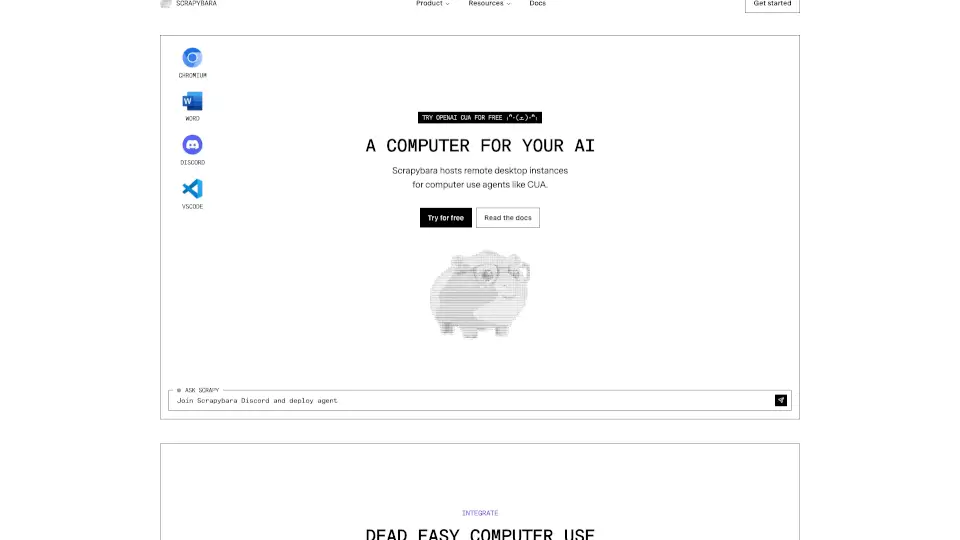
Scrapybara is like giving your AI a virtual computer—it lets models like Claude or OpenAI’s CUA control a full desktop environment (browser, files, code) through a simple API. Need web scraping, automated testing, or research? Just spin up an instance and let your AI do the work.
What are the features of Scrapybara?
- Remote Desktops: Instantly launch Ubuntu/Windows instances with browser access.
- Unified API: One line of code to run AI agents with tools like Bash, file editing, and Chromium.
- Autoscaling: Deploy hundreds of agents without managing servers.
- Session Persistence: Pause/resume tasks—no lost progress.
- Real-time Control: Monitor and interact with agents mid-task.
What are the use cases of Scrapybara?
- Web Scraping: Auto-collect data (e.g., YC startup lists).
- Code Testing: Run parallel UI tests (like CodeCapy’s PR bot).
- Research: Scrape and analyze data at scale.
- Gaming: Build AI dungeon crawlers (yes, really).
How to use Scrapybara?
- Install:
pip install scrapybaraornpm install scrapybara. - Start an instance:
client = Scrapybara()
instance = client.start_ubuntu()
- Assign tasks:
response = client.act(
    tools=[ComputerTool(instance)],
    model=OpenAI(),
    prompt="Scrape LinkedIn profiles"
)