
What is Rotor Videos?
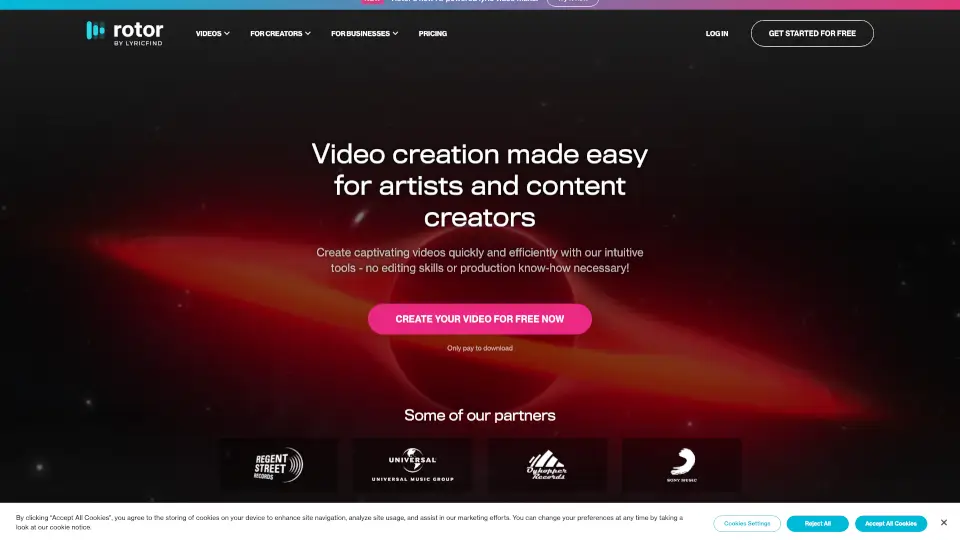
Tired of spending hours—or big bucks—on music videos? Rotor Videos is the go-to AI-powered tool that lets musicians create professional-quality music videos, lyric videos, Spotify Canvas loops, and more in just minutes. No editing skills needed. Just upload your track, pick a style, and let Rotor’s smart engine do the heavy lifting.
Whether you’re dropping a new single or promoting your back catalog, Rotor helps you connect with fans visually across Spotify, Apple Music, Instagram, YouTube, and TikTok—all without hiring a production team or breaking the bank.
What are the features of Rotor Videos?
- AI-Powered Video Generation: Automatically syncs visuals to your music’s rhythm and mood for a pro-level edit in minutes
- Massive Stock Footage Library: Access over 9 million high-quality video clips included with every download—no extra fees
- 150+ Customizable Styles: Choose from filters like VHS Vision, Glitch, Retro, and Gingham to match your music’s vibe
- Platform-Optimized Formats: Instantly resize videos for Spotify Canvas (3–8 sec loops), Apple Music Album Motion, Instagram Reels, YouTube Shorts, and more
- Lyric Video Maker: Turn your song lyrics into dynamic, engaging videos with perfect timing—ideal for social sharing
- Pay-Only-to-Download Model: Create unlimited drafts for free; only pay when you’re ready to export
What are the use cases of Rotor Videos?
- Create a Spotify Canvas loop to boost streams and keep listeners engaged on repeat
- Generate Apple Music Album Motion videos to make your album art stand out in the Apple ecosystem
- Produce lyric videos for YouTube or Instagram to help fans sing along and share your music
- Promote new releases with eye-catching social media clips tailored for TikTok, Reels, or Stories
- Breathe life into old tracks by turning them into album artwork videos for your back catalog
- Quickly build promo content for tours, merch drops, or fan engagement campaigns
How to use Rotor Videos?
- Upload your audio file—Rotor supports most common music formats
- Choose your video type: Spotify Canvas, Lyric Video, Music Video, Album Motion, etc.
- Browse or search the 9M+ clip library, or let Rotor auto-suggest footage based on your song’s mood
- Pick a visual style or filter (like Glitch or Retro) and add custom text if needed
- Preview and refine your video using simple drag-and-drop tools
- Download when ready—only then do you use credits (free to create, pay to export)