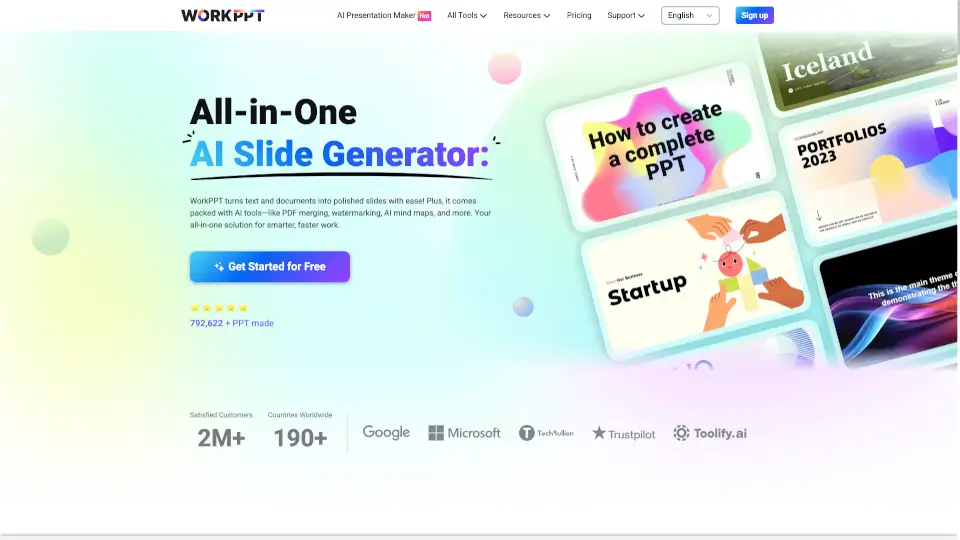
What is WorkPPT?
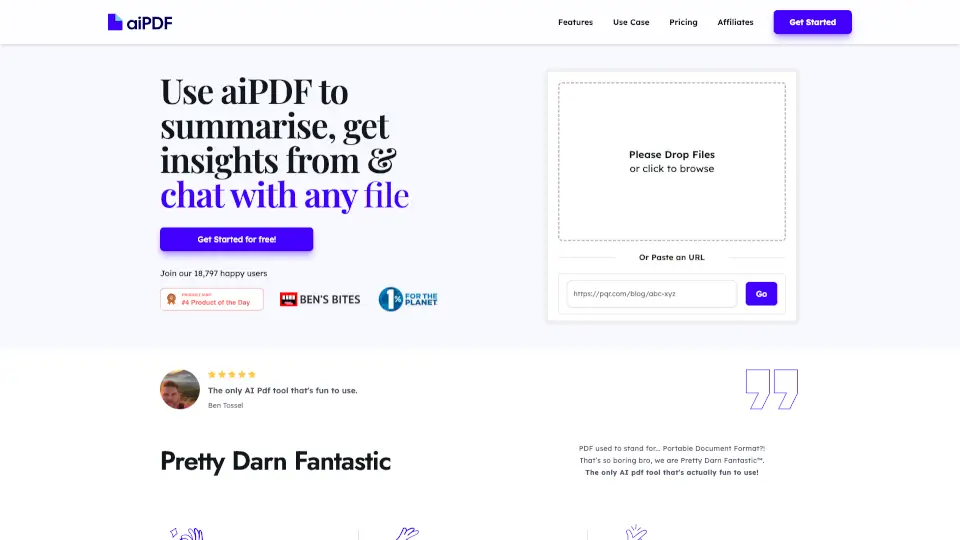
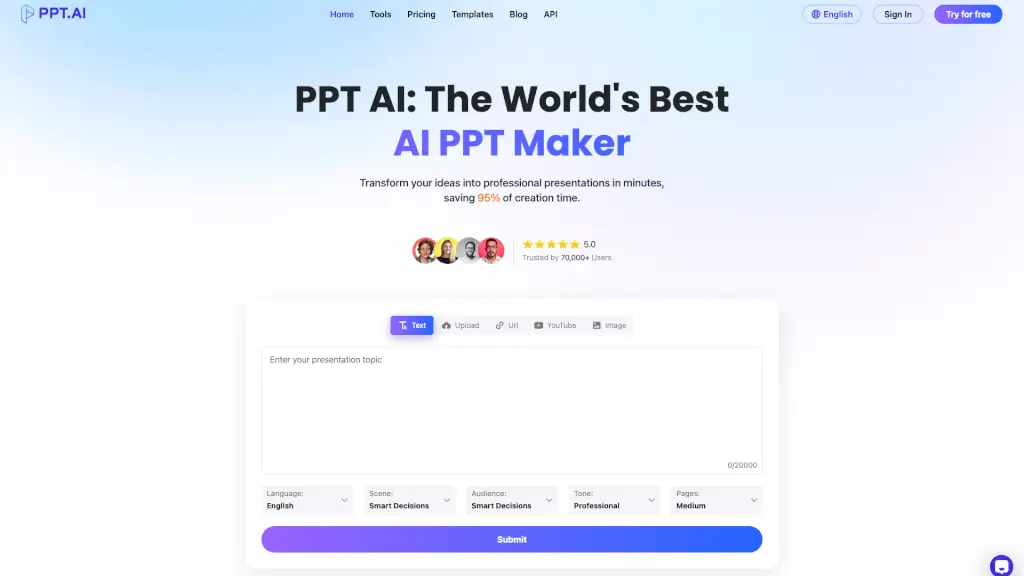
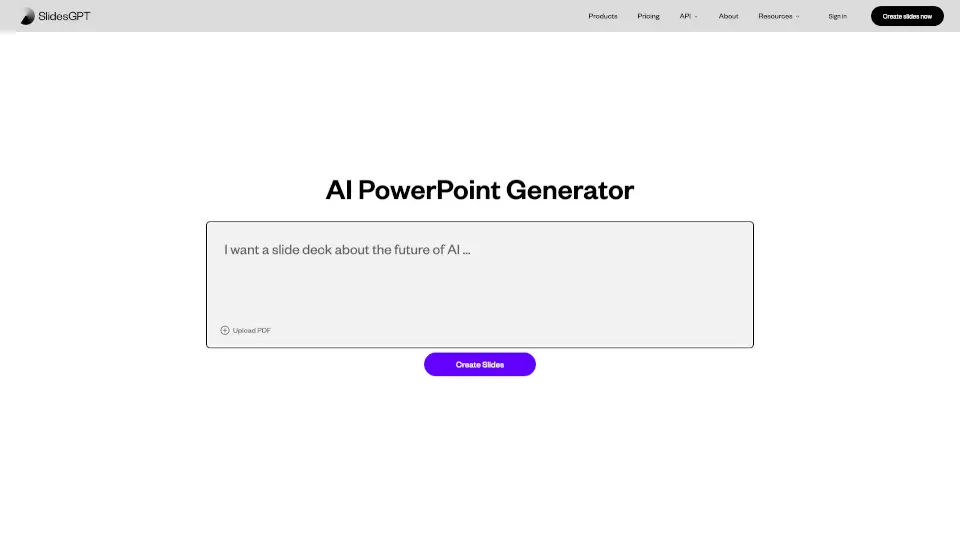
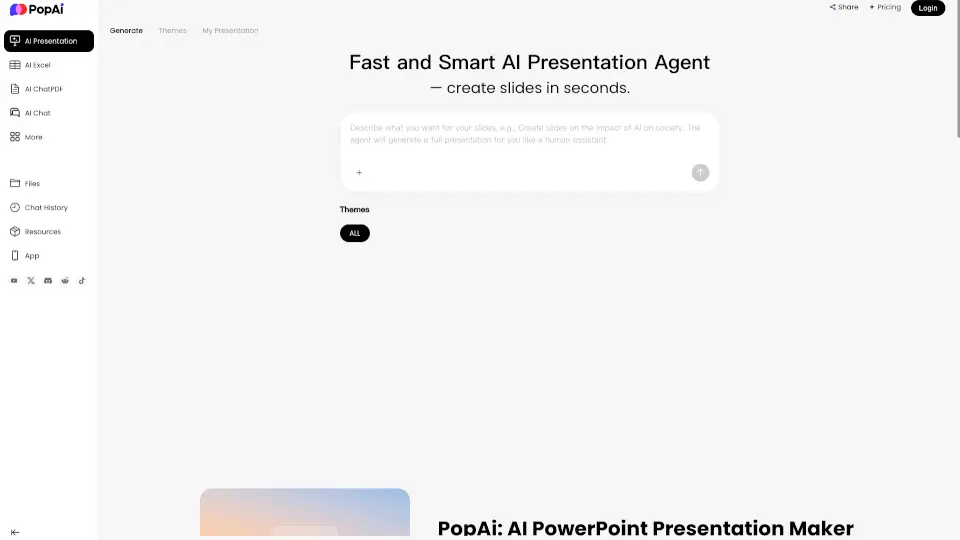
WorkPPT is your all-in-one productivity tool for creating presentations, summarizing content, chatting with AI, and handling PDF files. With WorkPPT, you can generate slides in seconds, summarize documents, merge or split PDFs, add watermarks, and even create mind maps. It's fast, secure, and super easy to use—perfect for students, professionals, and teams who want to save time and get more done.
What are the features of WorkPPT?
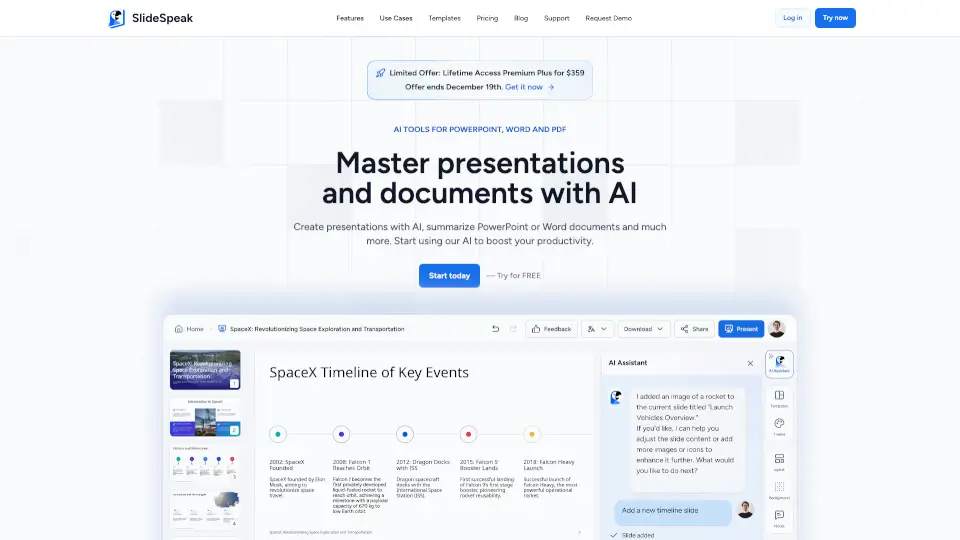
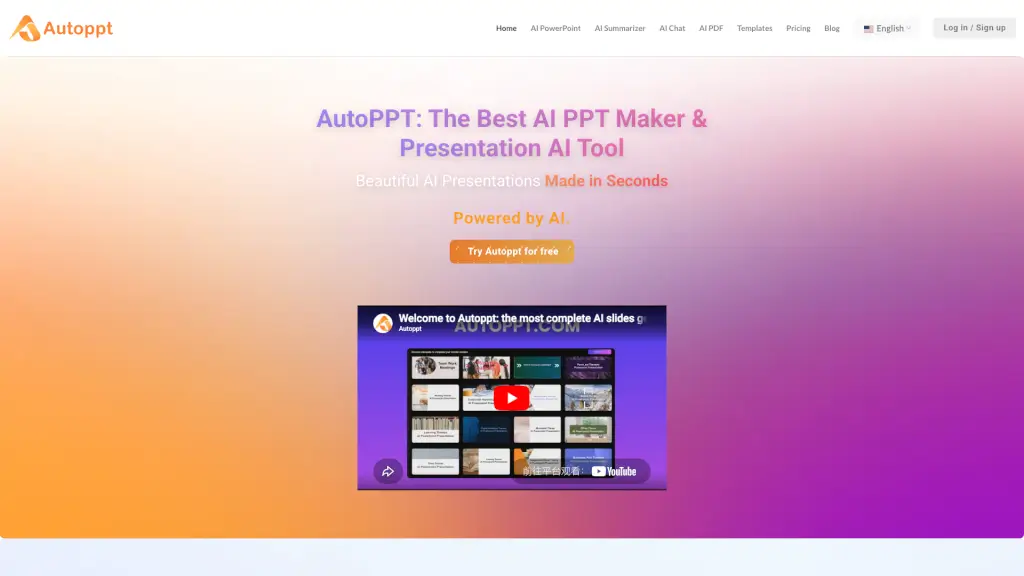
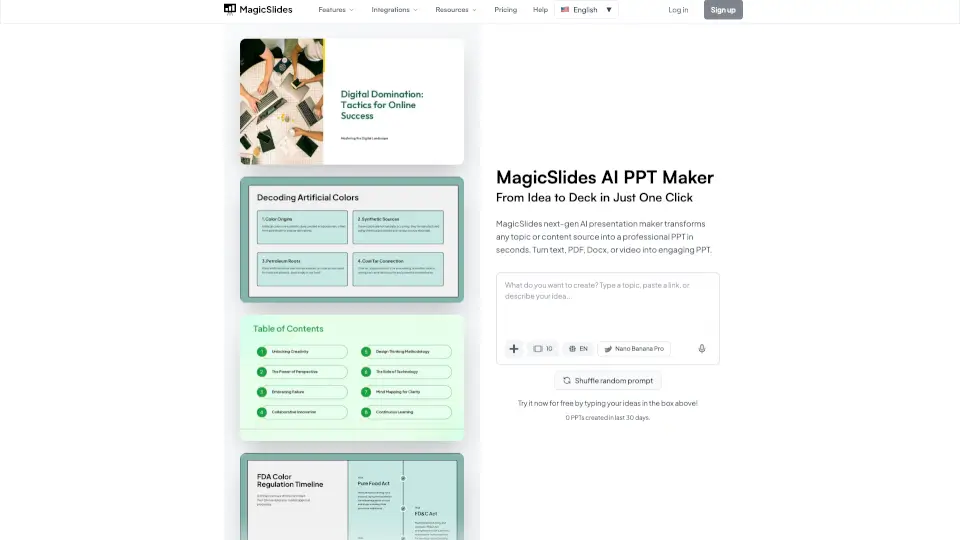
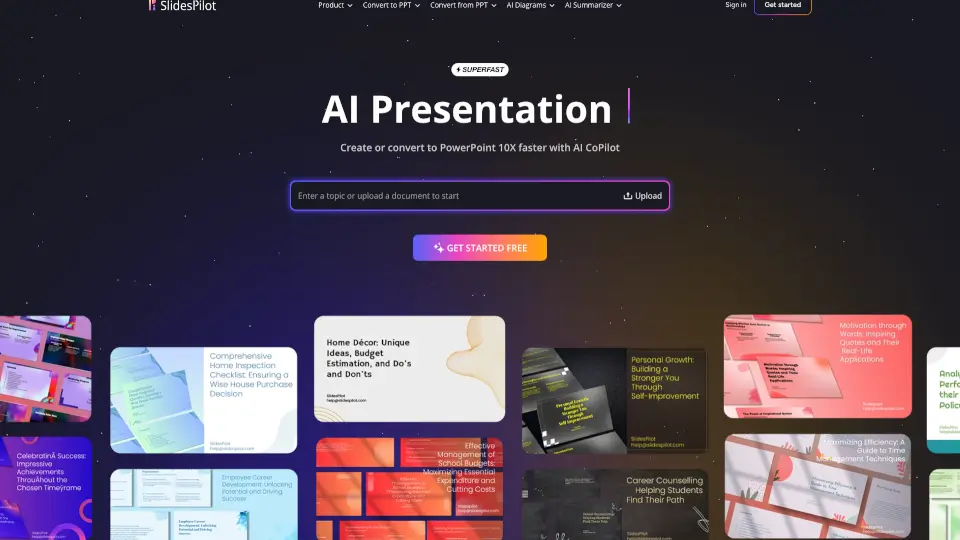
- AI Presentation Maker: Instantly turn your ideas into professional slides with just a few words.
- AI Summarizer: Summarize text, files, or online links in one click.
- AI Chat Assistant: Get quick answers, inspiration, and productivity tips.
- PDF Tools: Merge, split, convert PDFs to images, and add watermarks or stamps.
- Mind Map Generator: Create clear and logical mind maps from any topic.
- Multi-language Support: Available in English, French, Arabic, Spanish, Portuguese, Japanese, Korean, and German.
- Easy Sharing: Present and share your slides online with publish and analyze features.
What are the use cases of WorkPPT?
- Students: Summarize study materials, create presentations for class, and organize notes with mind maps.
- Professionals: Prepare business slides, merge or split PDFs for reports, and chat with AI for quick insights.
- Teams: Collaborate on presentations, share files securely, and boost productivity with all-in-one tools.
- Educators: Generate teaching materials, summarize articles, and create visual aids for lessons.
How to use WorkPPT?
- Sign up for WorkPPT and choose your plan.
- Enter your topic or upload your document to generate slides or summaries.
- Use the PDF tools to merge, split, or add watermarks to your files.
- Chat with the AI assistant for help or inspiration.
- Create mind maps by entering your topic.
- Share your presentations online or download them for offline use.