
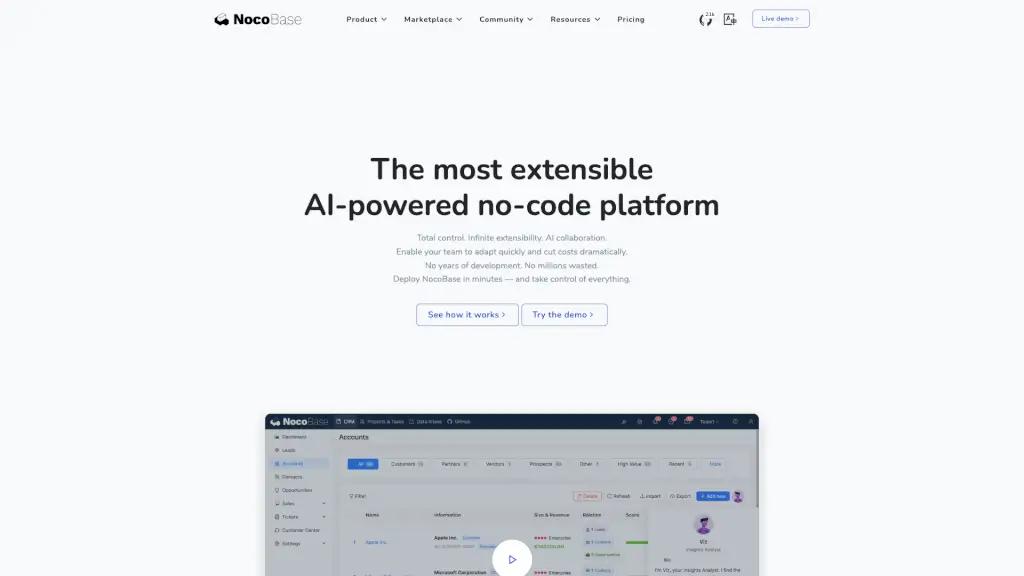
What is NocoBase?
NocoBase is an AI-driven, open-source, self-hosted, no-code and low-code development platform designed to help you build powerful applications quickly and easily. Whether you're a small business or a large enterprise, NocoBase offers a flexible and extensible solution that can adapt to your unique needs. With its intuitive interface and robust features, NocoBase empowers you to create, customize, and deploy applications without the need for extensive coding knowledge. This makes it an ideal choice for teams looking to streamline their processes and reduce development costs.
What are the features of NocoBase?
- Data Source: Define your main database model or connect external data sources to manage and organize your data efficiently.
- Blocks & Actions: Use blocks to display data visually and actions to process and manage your data, making it easy to build and customize your applications.
- AI Employees: Utilize built-in or custom AI employees to handle tasks, automate processes, and enhance your application's functionality.
- Workflows: Automate and orchestrate complex business logic with workflows, ensuring your operations run smoothly and efficiently.
- Permissions: Implement fine-grained permissions to control access to menus, data, and actions, ensuring security and compliance.
- Extensibility: Extend NocoBase through plugins, scripts, and integrations, allowing you with endless possibilities to tailor the platform to your specific needs.
What are the use cases of NocoBase?
- CRM System: Build a comprehensive customer relationship management system to track interactions, manage leads, and improve customer service.
- Ticketing System: Create a ticketing system to handle support requests, manage tickets, and provide a seamless experience for both customers and support staff.
- Project Management: Develop a project management tool to track tasks, assign responsibilities, and monitor progress, all in one place.
- HR Management: Implement an HR management system to handle employee onboarding, leave approvals, and other HR-related tasks, streamlining your HR processes.
- Content Management System (CMS): Build a CMS to manage and publish content, making it easy to maintain and update your website or blog.
How to use NocoBase?
- Step 1: Define the Data Source: Start by defining your main database model or connecting to external data sources to set up the foundation of your application.
- Step 2: Add Blocks to Display Data: Use blocks to organize and present your data visually, such as tables, forms, charts, and calendars.
- Step 3: Configure Actions to Process Data: Set up actions to add, edit, query, import, export, or trigger workflows to manage your data effectively.
- Step 4: Integrate AI Employees: Embed AI employees into your application to handle specific tasks, such as translation, analysis, or research.
- Step 5: Set Up Workflows: Automate processes and orchestrate complex business logic using workflows to keep your business running smoothly.
- Step 6: Manage Permissions: Implement fine-grained permissions to control access to menus, data, and actions, ensuring security and compliance.