What is Mirage?
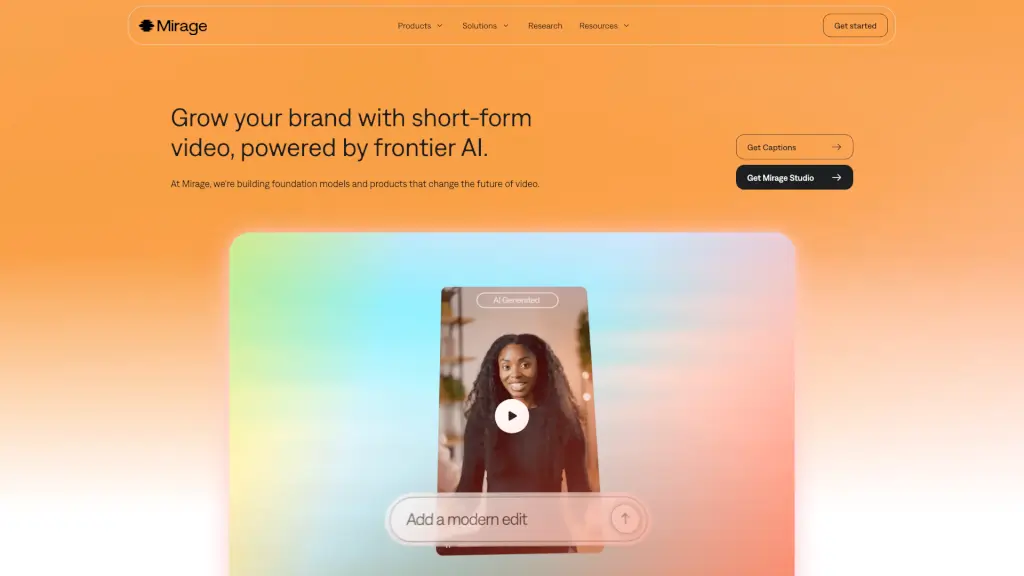
Mirage AI Video is revolutionizing the way we create and produce short-form videos. With cutting-edge AI technology, Mirage makes it incredibly easy for anyone to turn their ideas into engaging videos. Whether you're a content creator, marketer, or just someone with a great idea, Mirage's tools like Captions and Mirage Studio can help you bring your vision to life without the need for complex editing skills or expensive equipment.
What are the features of Mirage?
- AI-Powered Video Generation: Just describe your idea, and Mirage's AI will generate the footage you need. No more recording live footage or hiring actors.
- Text-Based Editing: Use simple text commands to edit your videos. Change pacing, add transitions, or insert graphics—all with a few keystrokes.
- High-Quality Outputs: The AI is trained on the fast-paced language of social video, ensuring that your content feels authentic and engaging.
- Scalable Production: With Mirage Studio, creative teams can generate hundreds of video variations quickly, perfect for A/B testing and performance marketing.
- Fully-Licensed Content: All generated videos are fully-licensed, making them ready for use across various platforms without any legal worries.
What are the use cases of Mirage?
- Content Creators: Easily create engaging videos for platforms like TikTok, Instagram, and YouTube.
- Marketers: Generate high-quality, platform-native videos for campaigns, ads, and social media posts.
- Small Businesses: Produce professional-looking videos to promote products and services without the need for a large budget.
- Educators: Create educational content with ease, using AI-generated visuals and text-based editing.
- Event Planners: Quickly produce promotional videos for events, with the ability to make multiple versions for different audiences.
How to use Mirage?
- Describe Your Idea: Start by describing the concept or story you want to tell in a few sentences.
- Generate Footage: Let the AI generate the video based on your description. You can choose from AI-generated actors or even use selfies.
- Edit with Text Commands: Use simple text commands to make edits. For example, "add a transition" or "speed up the pace."
- Add Finishing Touches: Insert graphics, logos, or other elements to make the video uniquely yours.
- Export and Share: Once you're happy with the result, export the video and share it on your preferred platform.