
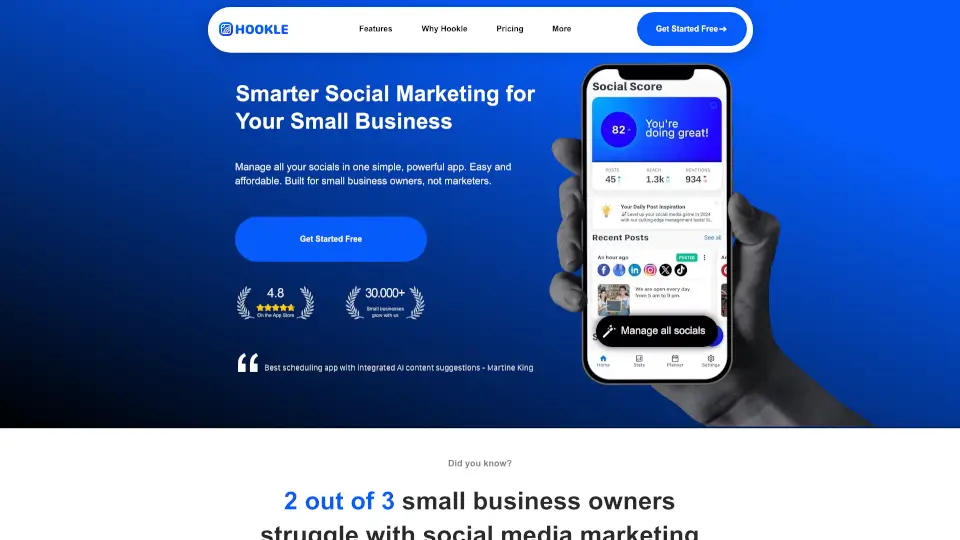
What is Hookle?
Meet Hookle, the all-in-one AI-powered social media assistant built specifically for small business owners. No more juggling multiple apps, expensive agencies, or staring at a blank post screen. Hookle helps you create, schedule, and track social posts across all your platforms in minutes — with smart AI that writes in your own brand voice. It’s simple, affordable, and designed for real people who just want to grow their business without the headache.
What are the features of Hookle?
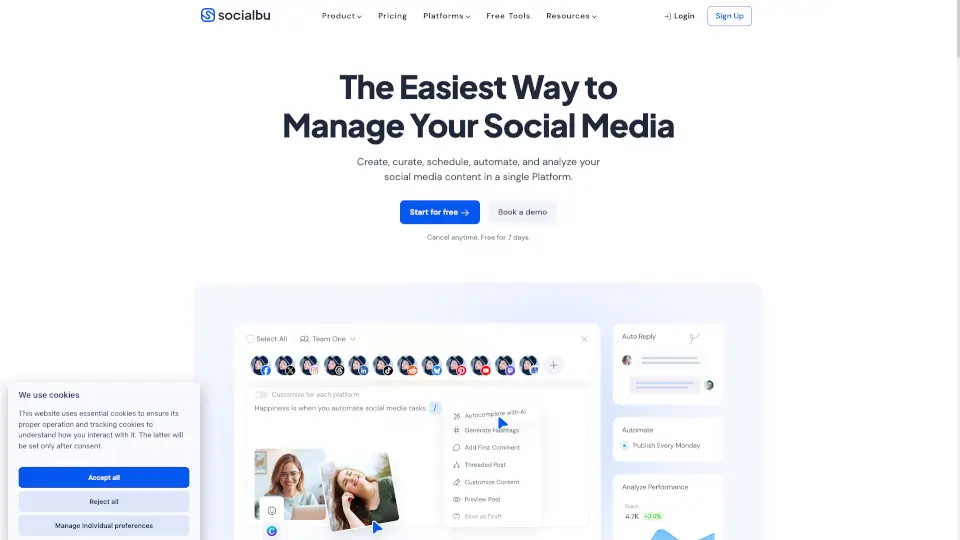
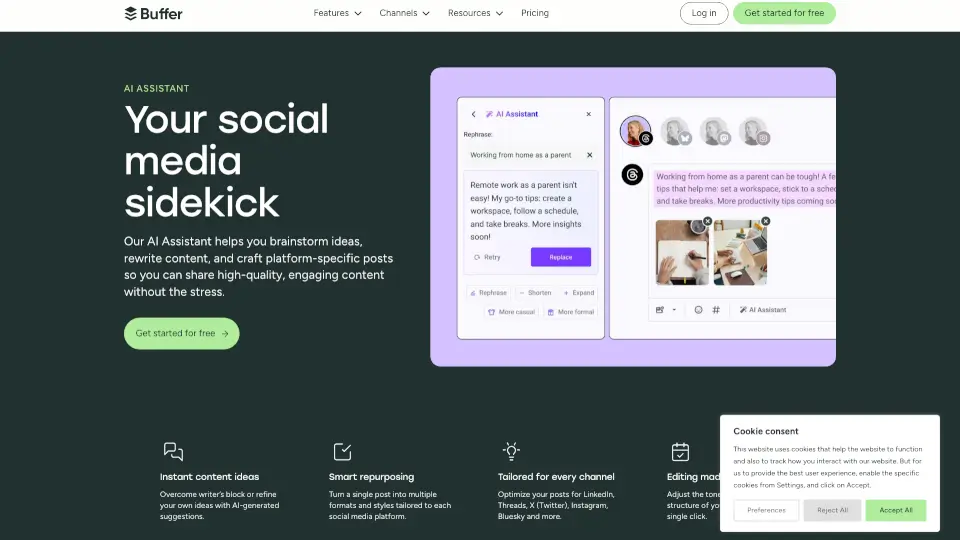
- AI Content Creation: Generate authentic, engaging posts in your style with one click — including hashtags, emojis, and any language you need.
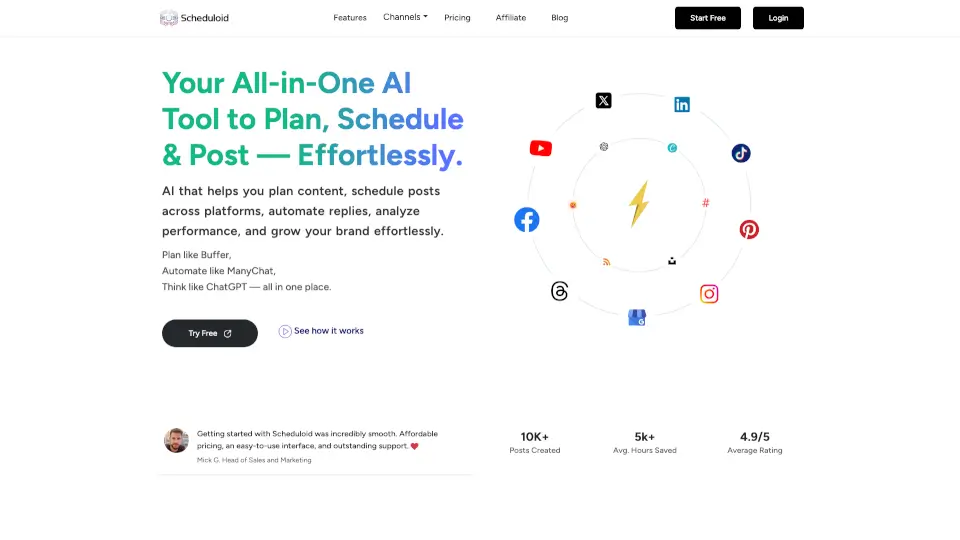
- Multi-Platform Management: Connect and post to Facebook, Instagram, TikTok, X, Threads, Pinterest, Google, and more from one dashboard.
- Smart Scheduling: Use the Planner to auto-publish posts at optimal times with AI-powered Smart Scheduling for maximum engagement.
- Daily Content Ideas: Never run out of things to post — Hookle AIDE gives you personalized, ready-to-publish post ideas every day.
- Google Business Profile Management: Easily update your Google listing with news, promotions, and offers to boost local SEO and visibility.
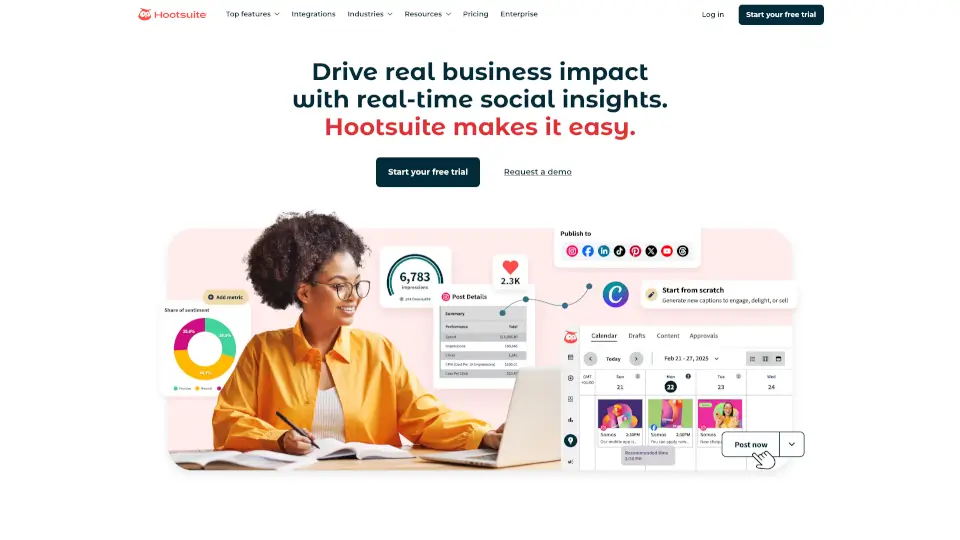
- Unified Analytics: Track performance across all channels in one view with a Social Score and simple stats that show what’s working.
- AI Photo Selection: Choose from over 8 million stock images with one click — Hookle finds high-quality, relevant photos for your posts.
- Instant, No-Learning-Curve Setup: Open the app and go — no training, no stress, no hidden fees.
What are the use cases of Hookle?
- A therapist schedules weekly mental health tips across Facebook, Instagram, and LinkedIn in 5 minutes.
- A real estate agent uses Hookle’s AI to create property showcase posts and auto-publish them while showing houses.
- A restaurant owner posts daily specials to Instagram and Google Business Profile, keeping locals informed and hungry.
- A photographer generates content ideas for behind-the-scenes shots and schedules them during peak engagement times.
- A coffee shop uses Hookle’s photo selection to find beautiful stock images for each new drink menu item.
- A fitness coach tracks which post types get the most engagement and adjusts strategy using the simple stats dashboard.
How to use Hookle?
- Step 1: Download Hookle from the app store and start a free account — no credit card needed.
- Step 2: Connect your social media accounts (Facebook, Instagram, X, TikTok, etc.) — Hookle sets up automatically.
- Step 3: View all your social posts on one dashboard. Follow guided steps to post or schedule your first update.
- Step 4: Use Hookle’s AI to generate personalized content ideas or create a post from scratch — just pick your brand voice.
- Step 5: Schedule your posts for auto-publishing at the best times, then check stats to see what’s working.