
What is Grok Studio?
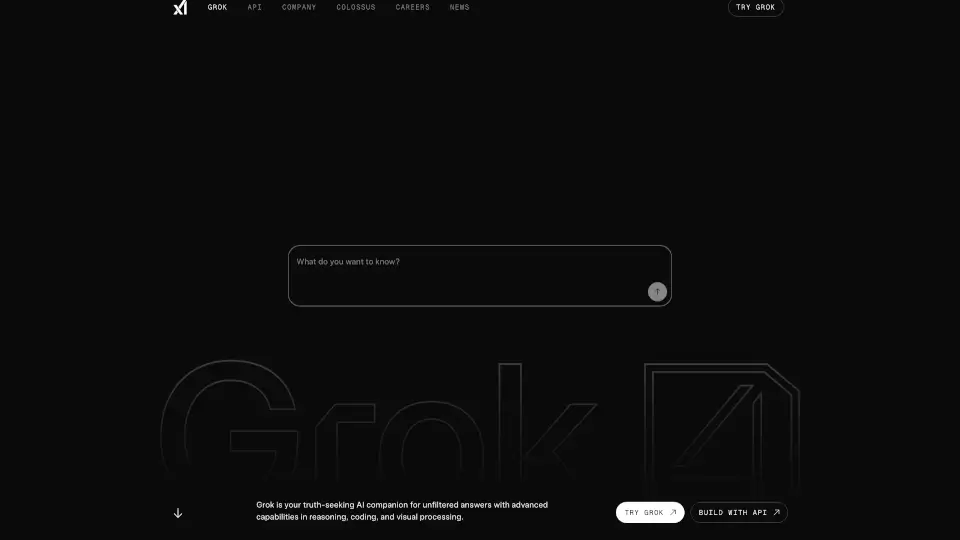
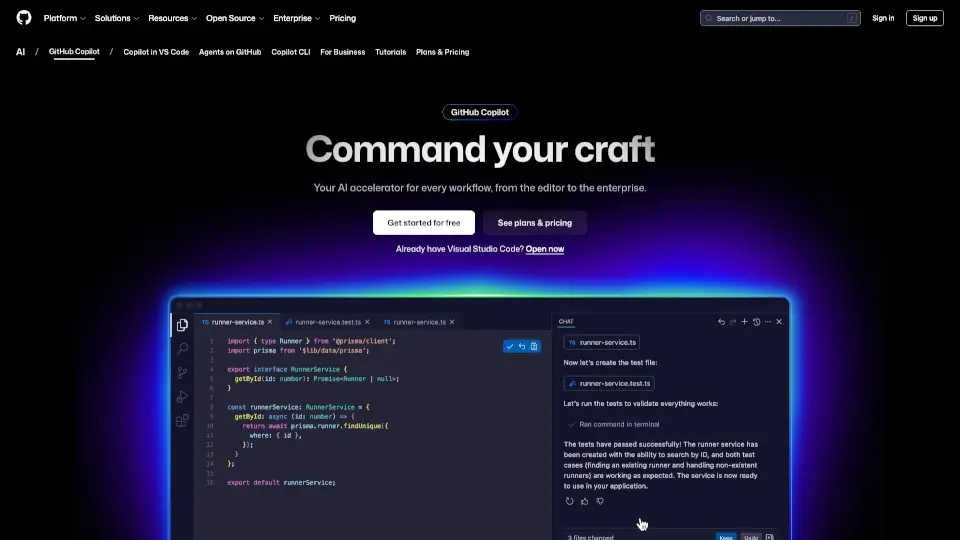
Grok Studio is your go-to AI-powered workspace for creating documents, writing code, and even building browser games. Designed to make collaboration easy, it offers a split-screen interface where you can work alongside Grok AI to boost your productivity. Whether you're drafting reports, coding projects, or designing games, Grok Studio has the tools to help you succeed. Plus, it’s free for everyone, so you can access powerful AI features without paying a dime.
What are the features of Grok Studio?
- Split-Screen Collaboration: Work with Grok AI side by side, reducing context switching and making your workflow smoother.
- Multi-Format Support: Create and edit documents, code in languages like Python or JavaScript, data reports, and even browser games.
- Real-Time Preview: See the results of your code execution and document formatting instantly as you work.
- Google Drive Integration: Seamlessly import, edit, and sync files from Google Docs, Sheets, and Slides.
- Free Accessibility: Available to both free and premium Grok users, so everyone can enjoy AI-powered collaboration.
- Code Execution: Write and run code in a sandboxed environment, with support for multiple programming languages.
- Browser Game Development: Build and test interactive games using libraries like Phaser.js.
What are the use cases of Grok Studio?
- Writing and Editing Documents: Draft essays, reports, or articles with AI assistance for grammar, style, and suggestions.
- Coding Projects: Develop software, scripts, or apps with real-time code execution and AI-powered suggestions.
- Data Analysis: Create and edit data reports, visualizing your findings as you go.
- Browser Game Development: Design and test interactive games directly in the workspace.
How to use Grok Studio?
- Choose Your Content Type: Start by selecting whether you want to work on a document, code project, data report, or browser game.
- Set Up Your Workspace: Import existing files or start fresh in the dual-pane interface.
- Collaborate with Grok AI: Ask questions, request edits, or get suggestions from Grok in real time.
- Preview and Refine: See instant results of your work, make adjustments, and export or save your project when you’re done.