What is Whisper?
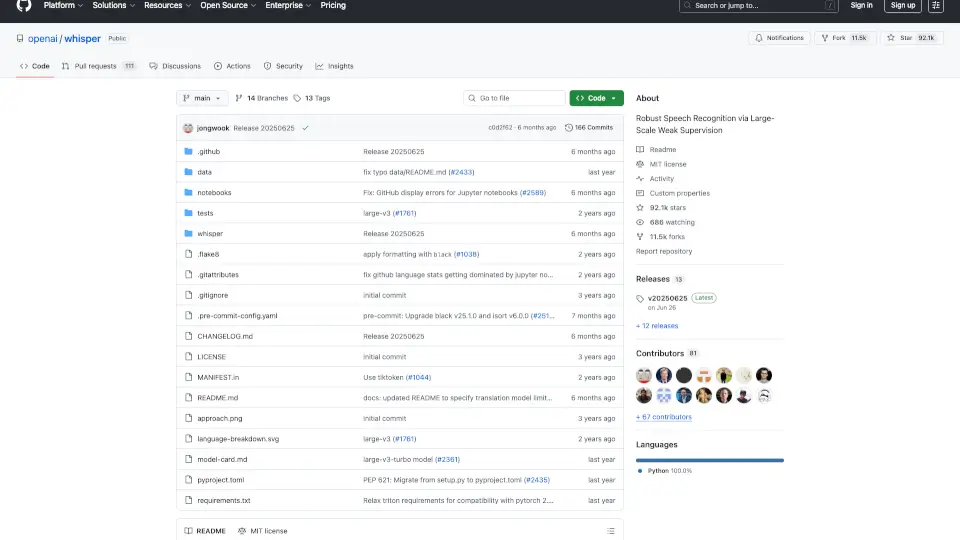
Whisper is an open-source speech recognition tool developed by OpenAI. It’s designed to be user-friendly and versatile, making it easy for anyone to transcribe audio files or even translate speech in real-time. Whether you're working on a project, need to transcribe lectures, or want to build something cool, Whisper is here to help!
What are the features of Whisper?
- Multilingual Support: Whisper can transcribe and translate speech in multiple languages, including English, Japanese, Spanish, and many more.
- High Accuracy: Built using advanced AI technology, Whisper delivers highly accurate speech recognition results.
- Multiple Models: Choose from six different model sizes (tiny, base, small, medium, large, turbo) to balance speed and accuracy based on your needs.
- Real-Time Transcription: Whisper can transcribe audio files in real-time, making it perfect for live events or meetings.
- Easy Integration: Use Whisper as a command-line tool or integrate it into your projects with its Python library.
What are the use cases of Whisper?
- Transcribe Podcasts or Lectures: Quickly turn audio content into text for easy reference.
- Language Translation: Translate speech from one language to another in real-time.
- Accessibility Tools: Help people with hearing impairments by providing real-time captions.
- Content Analysis: Analyze audio data for research, marketing, or customer service.
- Voice Assistants: Build your own voice-activated apps or tools.
How to use Whisper?
- Install Whisper: Run
pip install -U openai-whisperin your terminal to get started. - Use the Command-Line Tool: Transcribe an audio file with
whisper audio.mp3 --model turbo. - Try the Python Library:
import whisper
model = whisper.load_model("turbo")
result = model.transcribe("audio.mp3")
print(result["text"])