
What is GitHub Copilot?
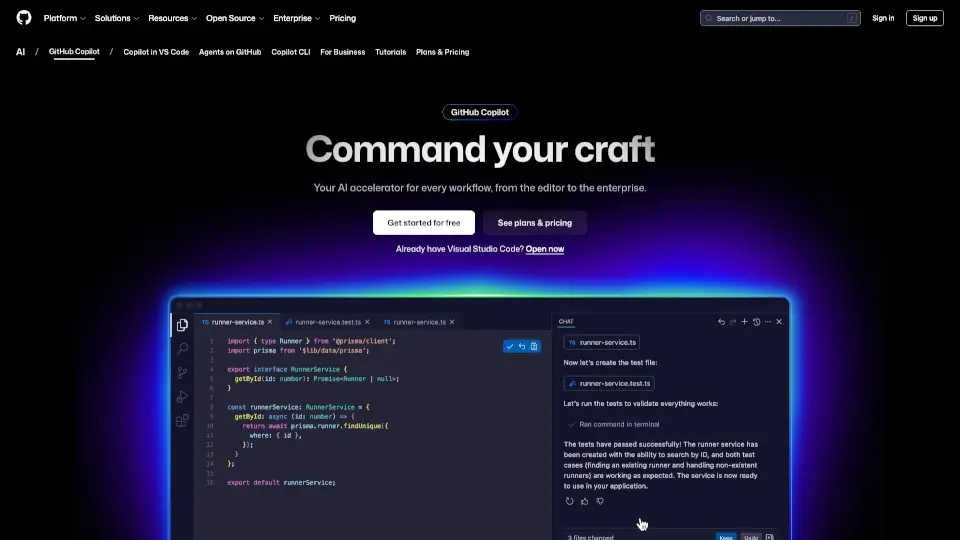
GitHub Copilot is your AI-powered coding assistant that helps you write better code faster. It’s like having a coding buddy who’s always ready to help, whether you’re debugging, writing tests, or just need a quick suggestion. It’s designed to make coding less of a chore and more of a joy.
What are the features of GitHub Copilot?
- Code Completion: Get real-time suggestions as you type, making coding faster and more efficient.
- Chat Assistance: Ask questions and get answers right in your editor, from debugging help to code explanations.
- Multi-Language Support: Works with all major programming languages, though some are better supported than others.
- Customizable: Tailor Copilot to your coding style and preferences.
- Security Features: Includes filters to block insecure code patterns and offensive outputs.
What are the use cases of GitHub Copilot?
- Debugging: Quickly find and fix bugs with Copilot’s suggestions.
- Writing Tests: Generate test cases and documentation with ease.
- Learning New Languages: Get help when you’re exploring a new programming language.
- Code Reviews: Use Copilot to review code and catch potential issues before they become problems.
How to use GitHub Copilot?
- Install the Extension: Add Copilot to your favorite IDE like Visual Studio Code or JetBrains.
- Start Typing: As you code, Copilot will offer suggestions. Accept or dismiss them as needed.
- Ask Questions: Use the chat feature to get help with specific coding challenges.
- Customize Settings: Adjust Copilot’s behavior to match your workflow.