
What is Formstack?
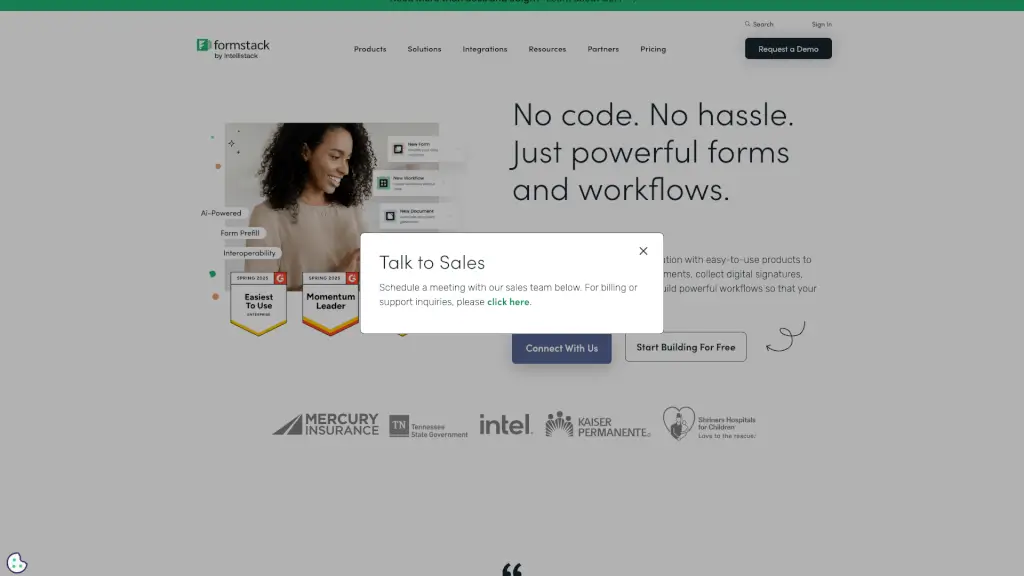
Formstack is a powerful, user-friendly platform that helps you create and manage online forms, documents, and workflows without needing to write any code. Whether you're a small business or a large enterprise, Formstack makes it easy to collect data, generate professional documents, and collect digital signatures. With its intuitive interface and robust features, Formstack streamlines your processes, saving you time and reducing errors.
What are the features of Formstack?
- No-Code Online Form Builder: Build custom forms with drag-and-drop tools, making it easy to collect the data you need.
- Document Automation: Automatically generate professional documents like contracts, proposals, and invoices from form data.
- eSignature Solution: Collect digital signatures securely and easily, ensuring your documents are legally binding.
- Integrations: Connect Formstack with over 100+ popular apps and services, including Salesforce, HubSpot, and PayPal.
- Workflow Automation: Create automated workflows to route data, send notifications, and trigger actions based on form submissions.
- Data Security: Ensure your data is protected with advanced security features, including HIPAA compliance and GDPR readiness.
What are the use cases of Formstack?
- Customer Onboarding: Streamline the onboarding process by collecting customer information and generating welcome documents automatically.
- Event Registration: Create and manage event registration forms, track attendance, and send automated confirmation emails.
- HR Processes: Simplify HR tasks like employee onboarding, performance reviews, and leave requests with automated forms and workflows.
- Sales and Marketing: Generate leads, manage contact lists, and create personalized marketing materials with integrated forms and document generation.
- Healthcare Forms: Securely collect patient information and ensure compliance with HIPAA regulations using HIPAA-compliant forms.
- Financial Services: Automate claims and reports, and streamline financial processes with secure and efficient form solutions.
How to use Formstack?
- Start by creating a new form in the Formstack dashboard using the drag-and-drop builder.
- Add fields and customize the form to fit your specific needs, such as text boxes, dropdowns, and file uploads.
- Set up integrations with your existing tools, like CRM systems or payment gateways, to automate data flow.
- Configure email notifications and automated workflows to handle form submissions and follow-up actions.
- Test your form thoroughly to ensure it works as expected, and then publish it on your website or share the link.
- Monitor form performance and make adjustments as needed to improve data collection and user experience.