
What is ChatBetter?
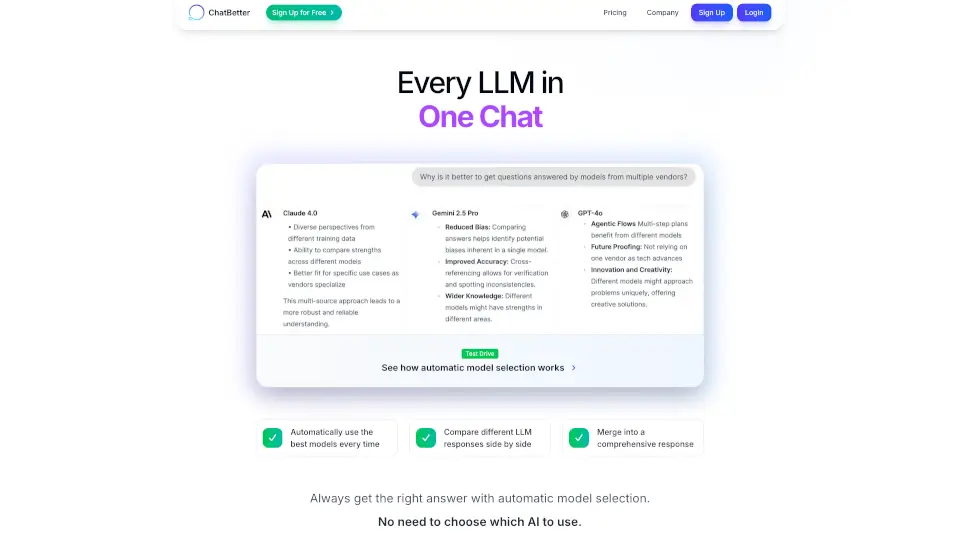
ChatBetter is a smart chat platform that brings together every major AI model in one easy-to-use interface. No more guessing which AI to use—just ask your question and ChatBetter automatically picks the best model for you. Whether you need research, planning, or writing, ChatBetter combines the strengths of top providers like OpenAI, Anthropic, Google, xAI, DeepSeek, Meta, Perplexity, Mistral, and Cohere. It’s built for both individuals and teams, making collaboration and data connection simple and secure.
What are the features of ChatBetter?
- Automatic Model Selection: ChatBetter chooses the best AI model for your question every time.
- All Major AI Providers: Access models from OpenAI, Anthropic, Google, xAI, DeepSeek, Meta, Perplexity, Mistral, and Cohere.
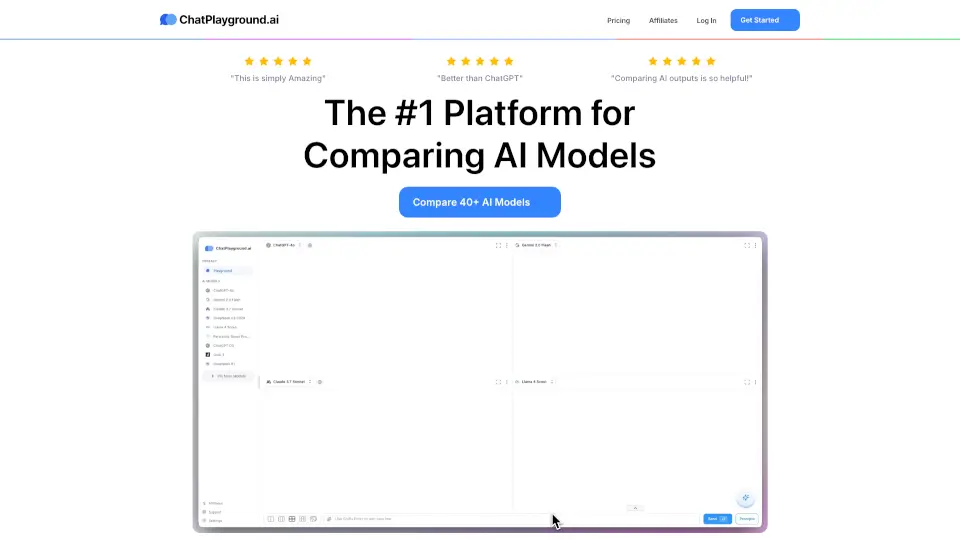
- Side-by-Side Comparison: See how different models answer your question and spot any disagreements.
- Merged Responses: Get a comprehensive answer by combining insights from multiple models.
- Easy Workflows: Chain different models for research, planning, and content creation.
- Team Collaboration: Share chats, work on projects together, and streamline your workflow.
- Enterprise Security: Simple single sign-on (SSO) with Okta, Microsoft, Google, and more.
- Admin Controls: Manage which models your team can use and set access policies easily.
- Data Connections: Connect to Databricks, Google Drive, Confluence, Slack, and more to make your data searchable.
What are the use cases of ChatBetter?
- Research: Get accurate answers and compare insights from multiple AI models.
- Content Creation: Use the best writing models for blogs, emails, and reports.
- Team Projects: Collaborate on chats and share information easily.
- Business Analysis: Connect your business data and get useful insights.
- Workflow Automation: Chain models for complex tasks without hassle.
How to use ChatBetter?
- Sign Up: Create a free account on ChatBetter.
- Ask a Question: Type your question—no need to pick a model.
- Review Answers: See responses from different models side by side.
- Collaborate: Share chats with your team or connect your data sources.
- Manage Settings: Use the admin dashboard to control access and set policies.