
What is 影刀AI Power?
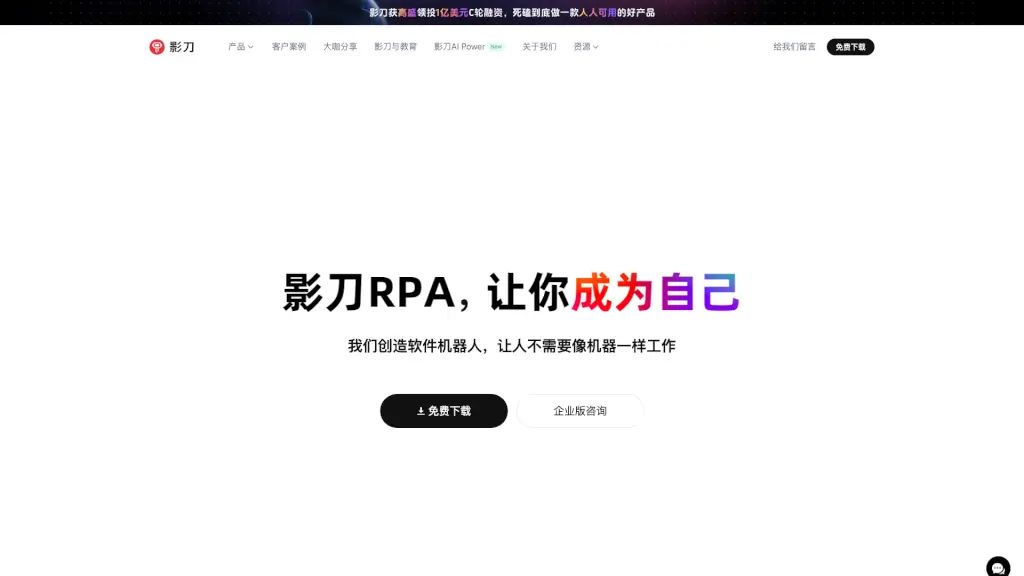
Meet 影刀RPA, a powerful yet user-friendly RPA (Robotic Process Automation) software developed by Hangzhou Fork Intelligent Technology Co., Ltd. Designed to make your life easier, 影刀RPA automates repetitive and time-consuming tasks on both PC and mobile devices. Whether you're in e-commerce, finance, healthcare, or any other industry, 影刀RPA can help you streamline your workflows, boost productivity, and free up your team to focus on more creative and valuable work. With its intuitive drag-and-drop interface, even those with no programming experience can quickly set up and run automated processes, making it a go-to solution for thousands of businesses.
What are the features of 影刀AI Power?
- Intuitive Drag-and-Drop Interface: Build automation flows without writing a single line of code.
- Cross-Platform Compatibility: Works seamlessly on Windows, Mac, and Android systems.
- High Accuracy and Efficiency: Achieves 100% precision and can increase efficiency by up to 9 times.
- 24/7 Availability: Your automated processes can run around the clock, ensuring continuous productivity.
- Flexible Integration: Connects easily with any business platform, including e-commerce, CRM, and ERP systems.
- AI-Powered Automation: Use natural language to create and manage automation flows, making it even more accessible.
What are the use cases of 影刀AI Power?
- E-commerce Operations: Automate tasks like product listings, order management, and customer service.
- Financial Services: Streamline mortgage processing, credit card approvals, and account closures.
- Healthcare Management: Automate patient scheduling, data entry, and report generation.
- Retail Operations: Manage inventory, process orders, and handle financial transactions.
- Manufacturing Processes: Automate production reports, quality control, and supply chain management.
- Cross-Border E-commerce: Handle multi-platform data collection, marketing promotions, and logistics.
How to use 影刀AI Power?
- Identify Repetitive Tasks: Start by identifying the tasks that take up a lot of your time but follow a predictable pattern.
- Create an Account: Sign up for 影刀RPA and log in to access the dashboard.
- Build Your Workflow: Use the drag-and-drop interface to create your automation flow. You can add, remove, and rearrange steps as needed.
- Test Your Automation: Run a test to ensure everything works as expected. Make adjustments if necessary.
- Deploy and Monitor: Once satisfied, deploy your automation and monitor its performance to make sure it’s running smoothly.
- Optimize and Expand: As you get more comfortable, explore additional features and expand your automation to cover more tasks.