
What is 象寄翻译?
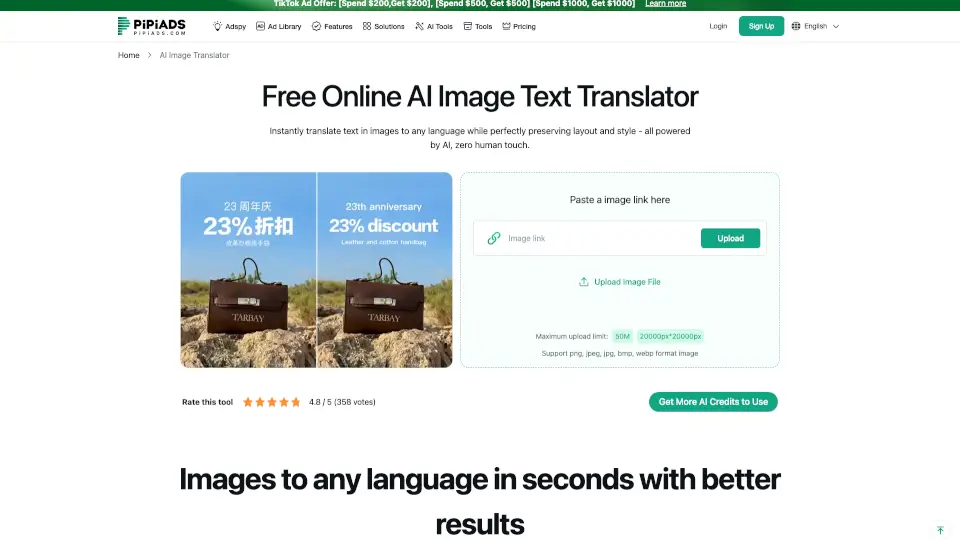
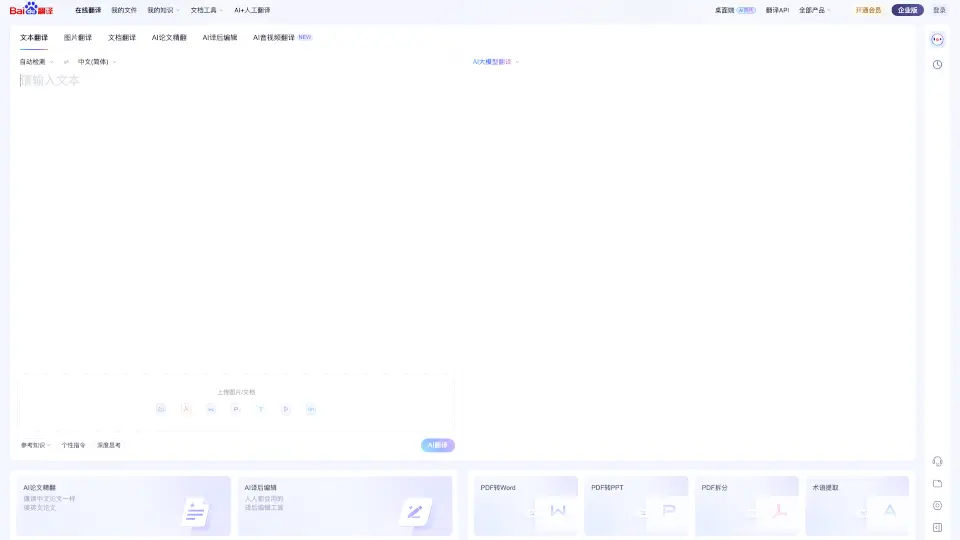
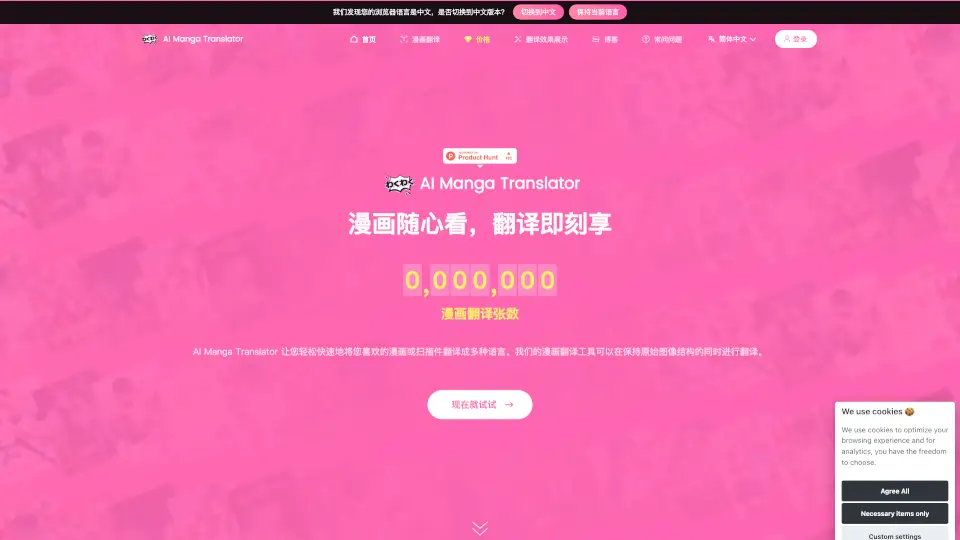
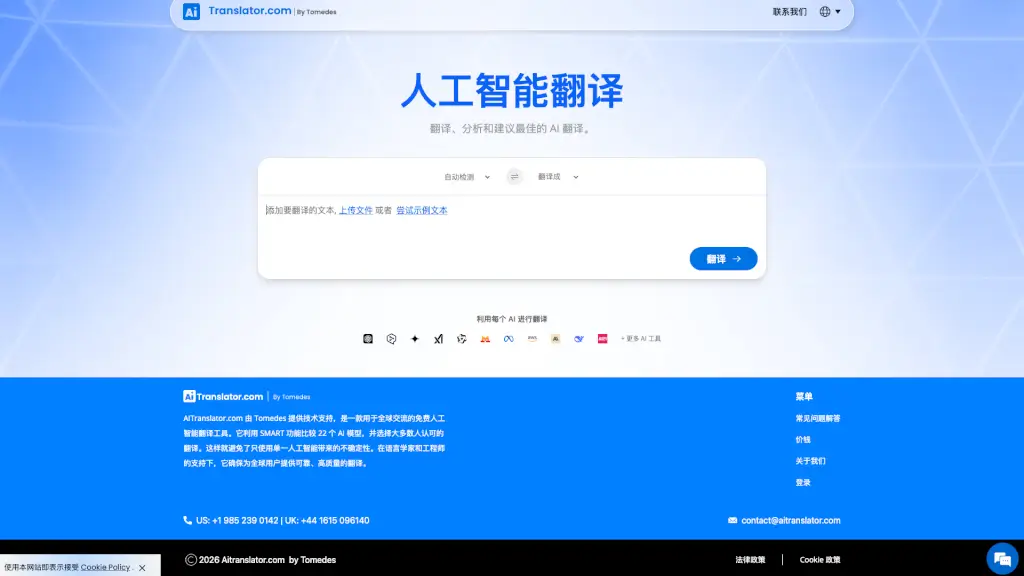
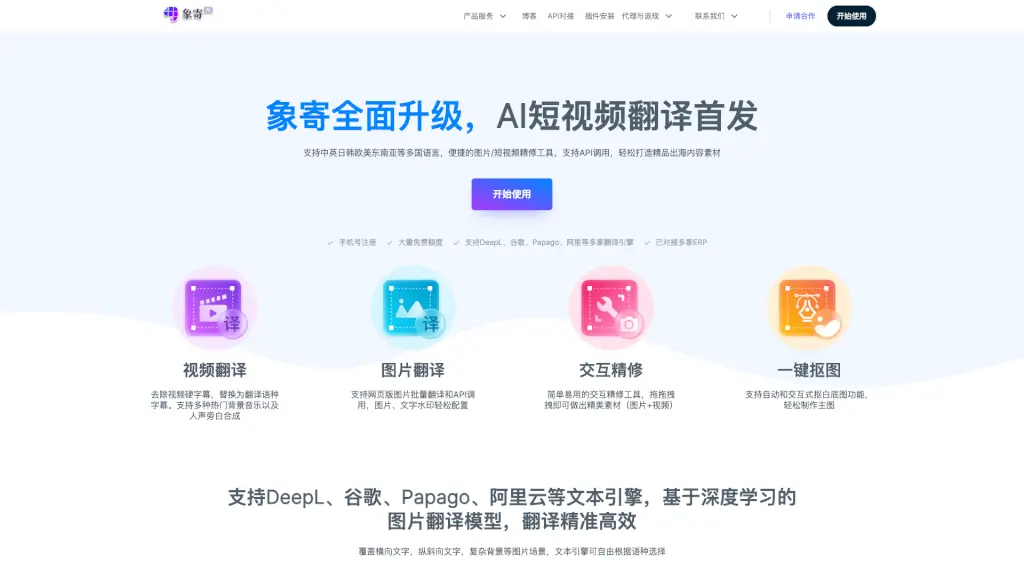
Xiangji Translation is a smart, all-in-one AI tool designed to break language and design barriers for visual content. Whether you're translating product images for global sales or adding multilingual subtitles to short videos, Xiangji handles it fast—no design skills needed. Built with deep learning and multiple translation engines, it delivers accurate, natural-sounding results even on complex images with tilted text or busy backgrounds.
Ideal for e-commerce sellers, digital marketers, and content creators, Xiangji streamlines workflows by combining translation, image editing, video subtitling, and background removal in one easy-to-use platform. With generous free credits and flexible pricing, it’s your go-to solution for creating polished, localized content that resonates worldwide.
What are the features of 象寄翻译?
- AI-Powered Image Translation: Translate text in images accurately—supports horizontal, vertical, and slanted text across complex backgrounds.
- Short Video Translation: Remove hard-coded subtitles and replace them with translated ones; add voiceovers and background music.
- One-Click Background Removal: Instantly generate clean white-background product images using automatic or interactive tools.
- Multi-Engine Translation Support: Choose from DeepL, Google Translate, Papago, Alibaba Cloud, and more based on language and quality needs.
- Interactive Visual Editing: Drag-and-drop interface lets anyone edit text boxes, adjust fonts, and refine visuals without Photoshop.
- Bulk Processing & API Access: Translate hundreds of images or integrate directly into your workflow via API—already compatible with major ERPs.
- Smart Over-Translation Protection: Skip logos, T-shirt prints, or brand elements to avoid unwanted changes during translation.
What are the use cases of 象寄翻译?
- An Amazon seller quickly translates 50+ product photos into Spanish and German for European marketplaces.
- A TikTok marketer adds Japanese subtitles and local voiceovers to viral short videos for Asian audiences.
- A dropshipping store removes watermarks and replaces English labels with French text on lifestyle product images.
- A designer creates studio-quality white-background main images for a Shopify catalog in minutes—no photo editing experience needed.
- A content agency uses the API to auto-translate client banners into 10 languages as part of their localization pipeline.
- A small business owner manually excludes their logo during translation to keep branding consistent across regions.
How to use 象寄翻译?
- Sign up with your phone number to get free usage credits instantly.
- Upload an image or video and select your target language from 20+ supported options.
- Use the drag-and-drop editor to adjust translated text, change fonts, or exclude areas like logos.
- For videos, customize subtitle style, pick a synthetic voice, and add background music before exporting.
- Use “Interactive Refinement” to erase unwanted backgrounds or fix tricky translations manually.
- Explore API documentation if you want to automate bulk translations in your existing system.