

Watermarkly logo

Watermarkly

6
5.0
(0 Reviews)
Russia44.94%

Watermarkly offers a fast, free, and user-friendly way to blur faces online while giving you full control over privacy and image quality.

Verified by SeekTool
Social Media:
Watermarkly

Watermarkly Product Information

What is Watermarkly?

Need to protect someone’s identity in a photo? Watermarkly’s free face blurring tool makes it fast, easy, and totally online—no downloads or sign-ups required. Whether you’re sharing photos on social media, publishing news content, or handling sensitive data, this browser-based app uses smart AI detection to automatically find and blur faces in seconds.

What sets Watermarkly apart is its balance of automation and control: it blurs all faces by default, but you can easily unblur specific people, adjust blur strength, or even blur license plates and other objects manually. Plus, it works on any device—laptop, phone, or tablet—so privacy protection is always within reach.

What are the features of Watermarkly?

  • AI-Powered Face Detection: Automatically finds and blurs every face in your image without manual input.
  • Selective Blurring: Choose exactly which faces stay visible—perfect for keeping team members clear while hiding bystanders.
  • Adjustable Blur Intensity: Slide from subtle to strong (0–100%) to match your privacy needs and image quality.
  • Manual Blur Tools: Add custom blurred areas to hide license plates, screens, or any sensitive detail.
  • Shape & Rotation Control: Switch between oval or rectangle blur shapes and rotate them to fit tilted faces perfectly.
  • Batch Processing: Upload and blur faces in multiple photos at once—ideal for events or large projects.
  • Smooth, Natural Borders: Blurred zones blend seamlessly into your image with feathered edges for a polished look.

What are the use cases of Watermarkly?

  • Journalists protecting the identity of witnesses or victims in news photos.
  • Teachers or coaches sharing group photos while safeguarding children’s privacy (required by law in many cases).
  • Event photographers posting candid shots online without individual consent forms.
  • Real estate agents blurring faces of neighbors or passersby in property photos.
  • Social media users sharing vacation or party pics without exposing friends’ identities.
  • Businesses complying with GDPR or CCPA when using customer images in reports or ads.
  • Parents sharing school or sports photos while ensuring minors remain anonymous.

How to use Watermarkly?

  • Go to the Watermarkly Blur Faces tool in any web browser—no app install needed.
  • Drag and drop your photos or upload them from your device or cloud storage.
  • Let the AI auto-blur all detected faces, then review the results.
  • Click “Objects” to uncheck faces you want to keep visible, or use “Add Blur” for manual coverage.
  • Adjust blur intensity, shape, size, or angle using the editing toolbar for precision.
  • Download your edited images—note that the free version includes a small Watermarkly logo.

Watermarkly Contact Email:

[email protected]

Do you like this tool?

Upvote to help others discover it!

Watermarkly Alternatives

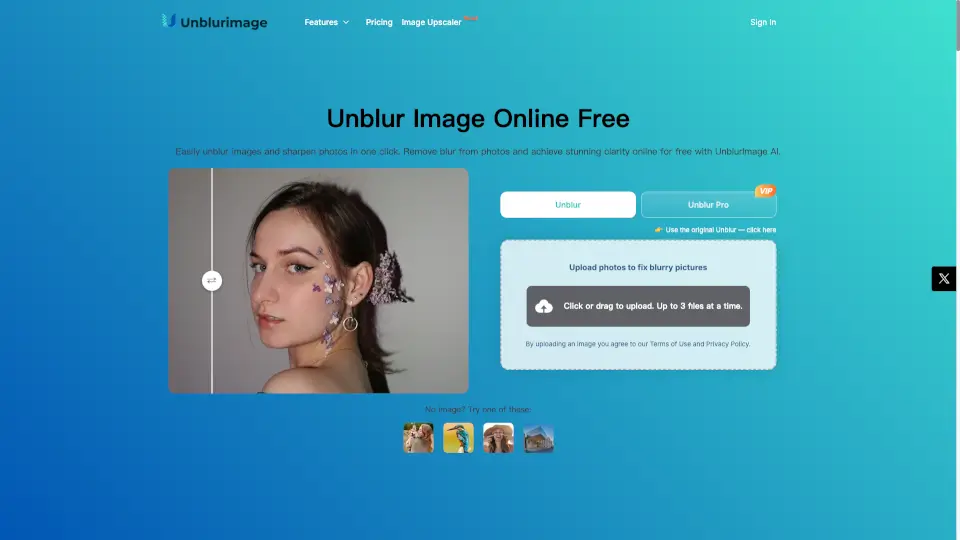
Unblurimage AI

UnblurImage AI makes blurry photos sharp and clear—free, fast, and no sign-up. Perfect for social media, shopping, or printing!

US
20.94%
|
652.7K
|
5.0
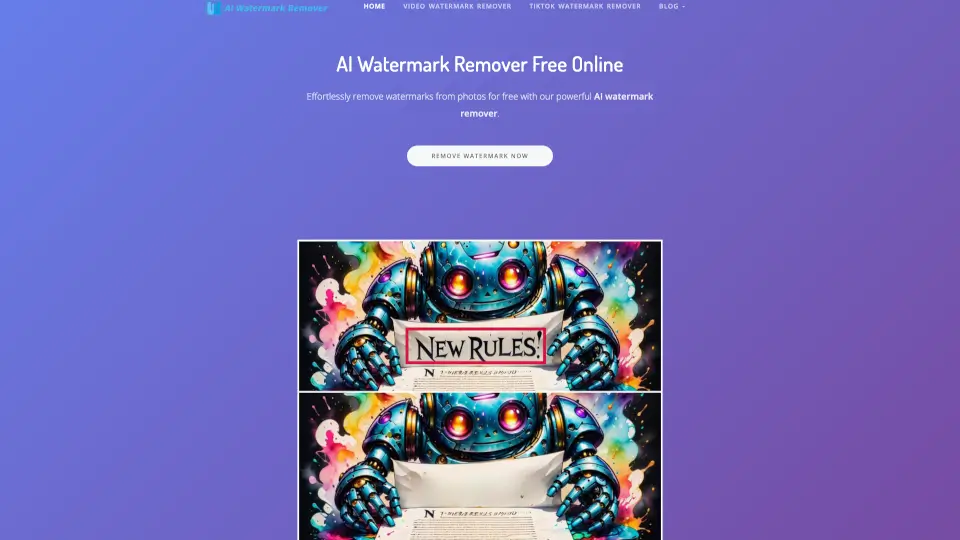
AI Watermark Remover

AI Watermark Remover makes it simple to erase watermarks from photos and videos—free, fast, and no fuss. Perfect for social media, personal projects, or pro content!

NG
18.96%
|
22.9K
|
4.0
Dewatermark.ai

Dewatermark.AI is a free, AI-powered tool that makes removing watermarks from images quick and easy, while maintaining high quality.

VN
12.64%
|
1.7M
|
5.0
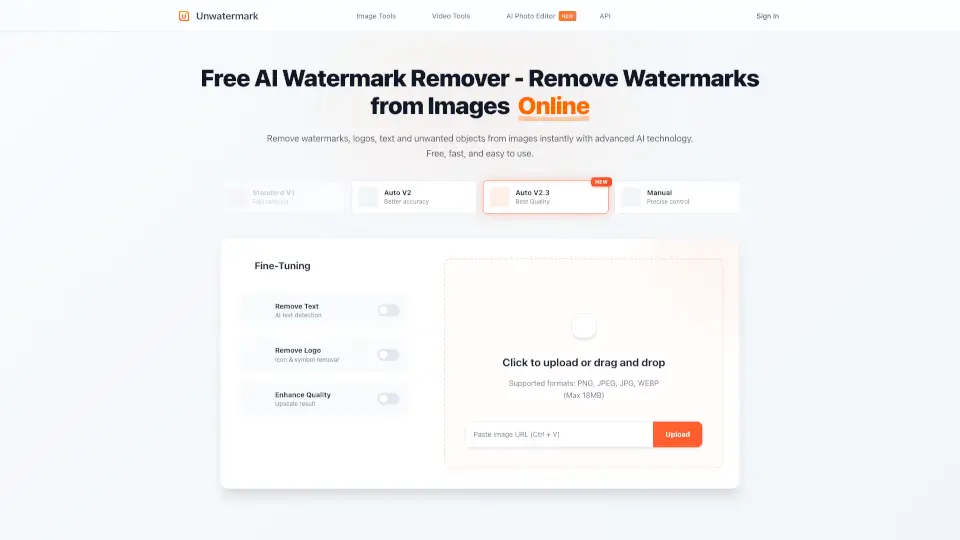
Unwatermark AI

Unwatermark AI makes watermark removal fast, easy, and free—no tech skills needed. Perfect for creators, students, and designers!

VN
16.59%
|
944.0K
|
5.0
Blurbackground AI

BlurBackground AI lets you edit photo backgrounds like a pro—free, fast, and no sign-up needed. Perfect for portraits, products, and social media.

US
41.48%
|
1.6K
|
3.0
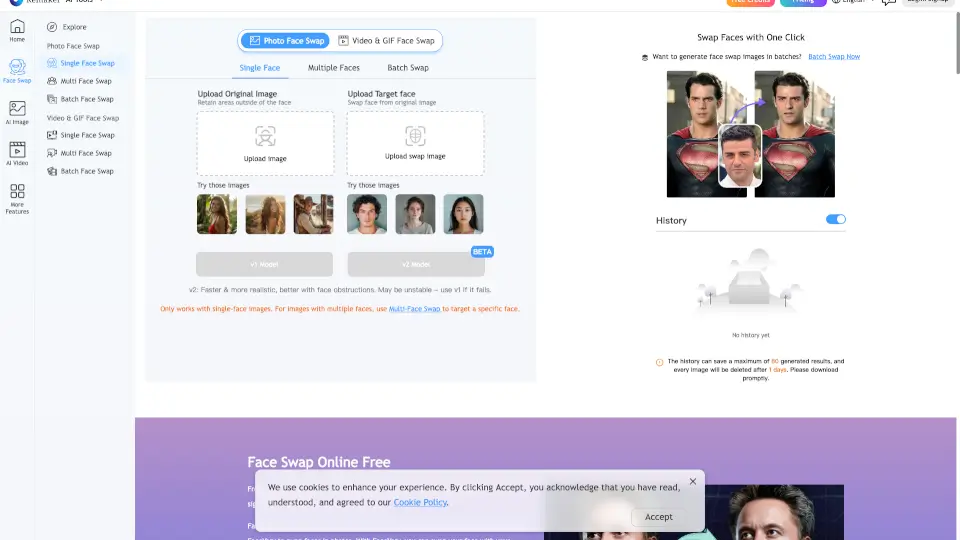
FaceVary

Face Swap Online Free lets you swap faces in photos and videos instantly—no sign-up, no watermark, and 100% free.

IN
14.94%
|
2.9M
|
5.0
Face26

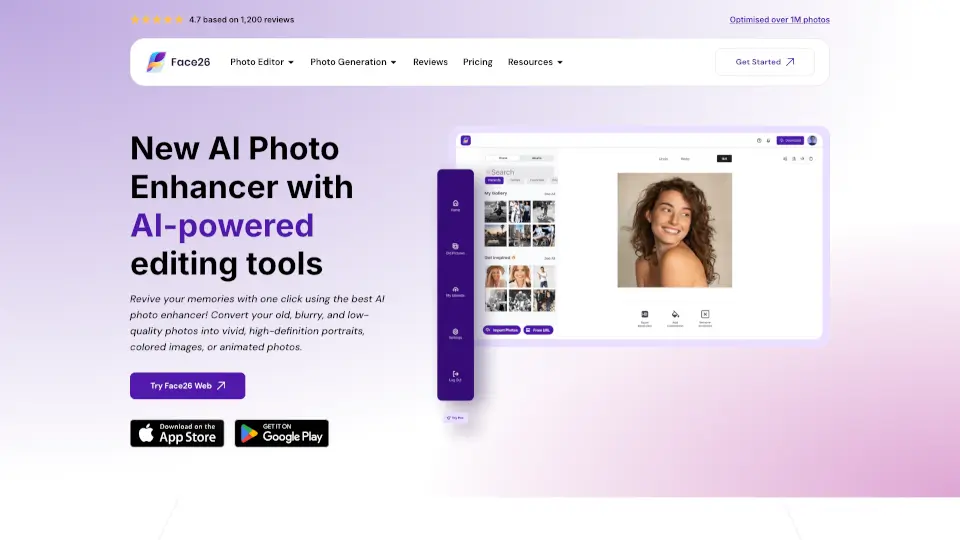
Face26 is a free, easy-to-use AI photo enhancer that restores, sharpens, and upscales images with professional-quality results in seconds.

FR
16.07%
|
52.8K
|
5.0
JPGRM

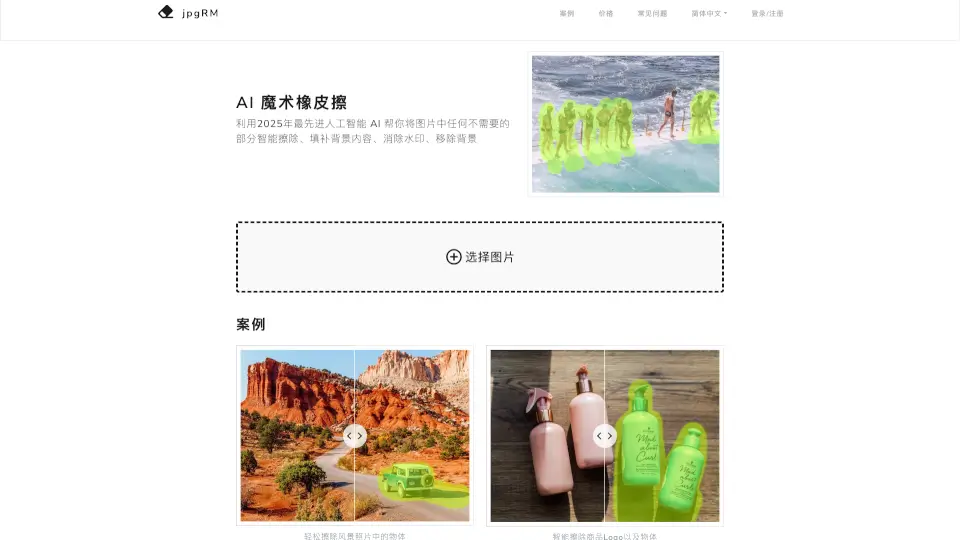
AI Magic Eraser uses next-gen artificial intelligence to instantly remove unwanted objects, watermarks, and backgrounds from photos with realistic, seamless results.

CN
41.20%
|
60.9K
|
5.0

Watermarkly Related Other Categories

Watermarkly Traffic Analysis

💡 Insights

Medium Scale
100K-1M monthly visits. Growing tool with active development.
⚠️
Slight Decline
Traffic has slightly decreased recently.
👍
Good Experience
Bounce rate of 53%. Users are willing to explore features.
🌍
Russia Dominant
45% users from Russia. Optimized for this market.
  • Monthly Visits

    944.28K

  • Bounce Rate

    53.21%

  • Pages Per Visit

    2.23

  • Visit Duration

    00:01:11

  • Global Rank

    60457

  • Country Rank

    5420

Visits Over Time

Traffic Sources

SearchOrganic60.86%
Direct29.57%
Referrals6.22%
SocialOrganic1.94%
GenAi0.73%
Mail0.61%
DisplayAds0.07%
SearchPaid0.00%
SocialPaid0.00%
Affiliate0.00%

Top Keywords

1
обрезать фото
CPC$0.21
7.29KTraffic
2
watermarkly
CPC$0.27
6.36KTraffic
3
обрезать фото онлайн
CPC$0.24
4.94KTraffic
4
уменьшить размер фото
CPC$0.18
4.13KTraffic
5
сжать фото
CPC$0.23
4.10KTraffic

Top Regions

RegionPercentage
Russia
Russia
44.94%
United States
United States
4.86%
Brazil
Brazil
4.15%
India
India
3.10%
Ukraine
Ukraine
3.07%
Low
High

Powered by SimilarWeb

Watermarkly FAQ

How do I blur a face in a picture?

Go to Watermarkly’s Blur Face tool, upload your image(s), and all faces are blurred instantly. Review, tweak if needed, then download.

How can I blur faces online for free?

Use Watermarkly’s free browser-based tool—no registration, no payment. Just upload, blur, and download (with a small logo in the free version).

What is the best app for blurring faces?

Watermarkly stands out for its automatic AI detection, batch processing, and fine-tuned editing—all in a simple, ad-free interface.

How to blur something in a picture (not just faces)?

After uploading, click “Add blur,” then drag, resize, rotate, and shape the blur area over any object—like a license plate or screen.

Watermarkly Reviews

0

0

0 Reviews
Sign Into leave a review

Recent Reviews

No reviews yet

Watermarkly Embed

Use website badges to drive community support for SeekTool.ai. They are easy to embed in your homepage or footer.

Light
Dark
Watermarkly - Featured on SeekTool.aiWatermarkly - Featured on SeekTool.ai
How to install?

Looking for Watermarkly Alternatives?

Compare top AI tools similar to Watermarkly. Find the best option for your needs.

View Alternatives

Reviews

0.0

Share your experience with this tool...

Category Rankings

Ranked by monthly traffic

Trending

Featured

Subscribe to our AI Newsletter

Get the top AI stories delivered to your inbox weekly.