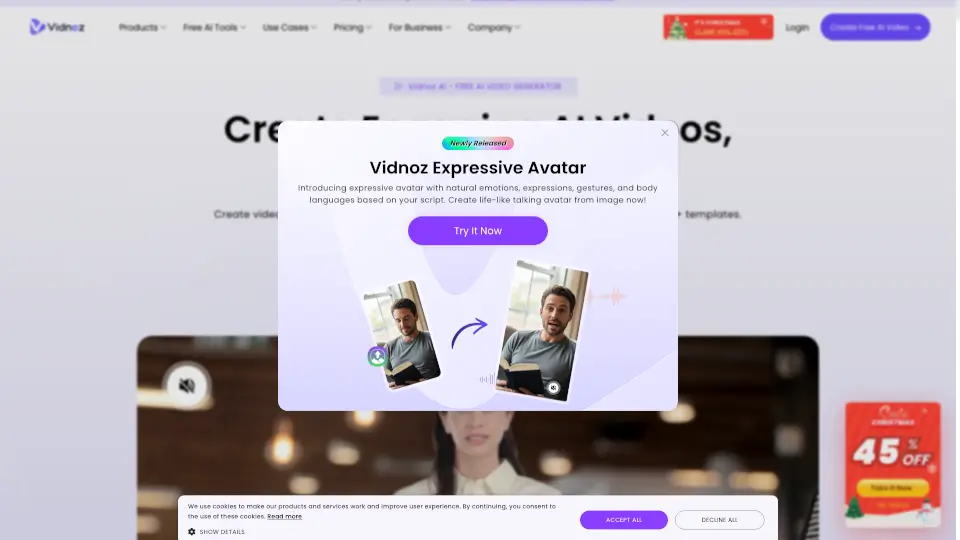

What is Vidnoz AI?
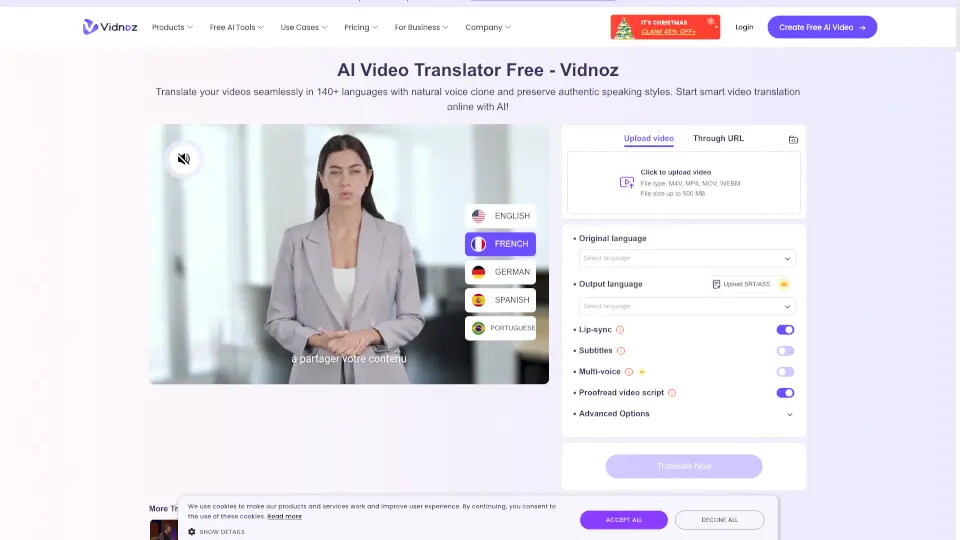
Vidnoz AI Video Translator is a powerful tool that lets you translate videos into 140+ languages instantly. Whether you're a content creator, marketer, or educator, this tool helps you reach a global audience effortlessly. With features like AI voice cloning, lip-syncing, and automatic subtitles, your videos will look professional in any language. Plus, it’s free to use for the first 60 seconds of your video!
What are the features of Vidnoz AI?
- AI Voice Cloning: Creates a synthetic voice that matches the tone and style of the original speaker.
- Lip-Syncing: Makes it look like the speaker is naturally talking in the target language.
- Multi-Language Support: Translate videos into 140+ languages, including English, Spanish, French, Mandarin, and more.
- Subtitle Options: Add or translate subtitles to make your content more accessible.
- Speech Speed Optimization: Adjusts the audio to fit the translated language perfectly.
- Free Version Available: Translate up to 60 seconds of video for free.
What are the use cases of Vidnoz AI?
- Businesses: Translate product demos, marketing videos, or company updates to reach global customers.
- Content Creators: Make your YouTube, TikTok, or Instagram videos accessible to international audiences.
- Educators: Translate lesson videos for students who speak different languages.
- Language Learners: Use translated videos to learn new languages faster.
- Podcasters: Turn audio podcasts into multilingual video content.
How to use Vidnoz AI?
- Upload Your Video: Choose a video file (up to 500 MB in MP4, MOV, or M4V format).
- Select Languages: Pick the original language and the language you want to translate into.
- Customize Options: Choose to add subtitles, adjust speech speed, or enable lip-syncing.
- Start Translation: Click “Translate Now” and wait a few minutes for the process to complete.
- Download or Share: Once done, download your translated video or share it directly.