
¿Qué es Twee?
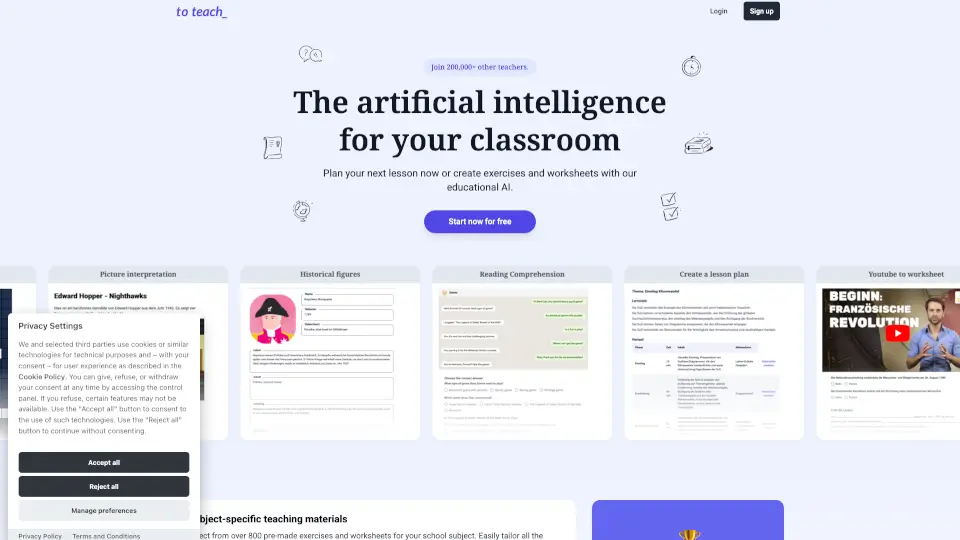
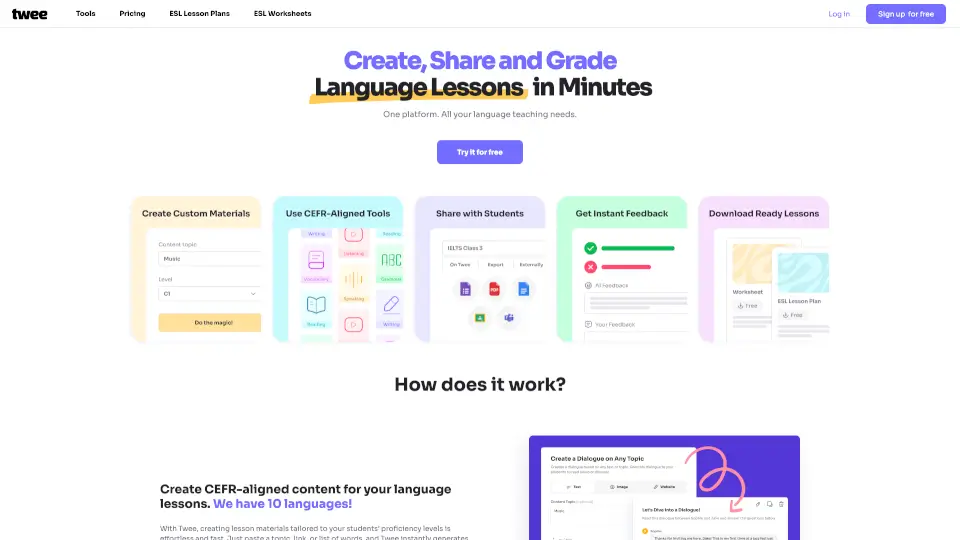
¿Cansado de pasar horas preparando materiales para tus clases de idiomas? Twee es una plataforma impulsada por inteligencia artificial diseñada especialmente para profesores que quieren crear lecciones atractivas en cuestión de segundos. Con Twee, generas hojas de trabajo, cuestionarios, actividades interactivas y planes de clase alineados al MCER (Marco Europeo Común de Referencia), todo adaptado al nivel exacto de tus estudiantes (A1 a C2).
Lo mejor: funciona con 10 idiomas, incluido el inglés como lengua extranjera (ESL), y te permite compartir tus materiales de forma digital o imprimible. Ya sea que enseñes en primaria, secundaria, universidad o clases privadas, Twee simplifica tu flujo de trabajo y te devuelve tiempo valioso cada semana.
¿Cuáles son las características de Twee?
- Generación automática de contenidos: Crea textos, diálogos, ejercicios de completar huecos, preguntas abiertas y más a partir de un tema, enlace o lista de vocabulario.
- Evaluación automática con IA: Corrige respuestas de estudiantes —incluyendo respuestas escritas— y ofrece retroalimentación útil sin que tú tengas que revisar cada ejercicio manualmente.
- Más de 40 herramientas pedagógicas: Desde creador de preguntas ABCD hasta transcripción automática de audio y video, pasando por ejercicios de vocabulario con imágenes.
- Compatibilidad MCER: Todo el contenido se ajusta automáticamente al nivel del Marco Europeo (A1-C2), gracias a un modelo de IA entrenado por profesores reales.
- Compartir de múltiples formas: Exporta en PDF o Word, o comparte enlaces interactivos mediante Google Forms, Docs o la propia plataforma de Twee.
- Gestión completa de clases: Organiza alumnos, tareas, progreso y asignaciones desde una sola interfaz intuitiva.
¿Cuáles son los casos de uso de Twee?
- Crear una hoja de trabajo personalizada sobre "redes sociales" para un grupo de adolescentes nivel B1 en menos de un minuto.
- Generar preguntas de comprensión oral a partir de un video de YouTube que usarás en clase mañana.
- Diseñar un ejercicio de vocabulario con imágenes para niños principiantes (A1) usando palabras como “apple”, “dog” o “school”.
- Evaluar automáticamente las respuestas escritas de 30 estudiantes a una tarea de ensayo corto, ahorrando horas de corrección.
- Preparar un plan de lección completo sobre “viajes sostenibles” con lectura, vocabulario, preguntas verdadero/falso y debate final.
- Adaptar el mismo tema para tres niveles distintos en una clase multigrado o con diversidad de habilidades.
¿Cómo usar Twee?
- Ingresa un tema, enlace web o lista de palabras en la barra principal de Twee.
- Selecciona el idioma y el nivel MCER deseado (A1 a C2).
- Elige el tipo de actividad que necesitas: cuestionario, diálogo, ejercicio de gramática, etc.
- Revisa y edita ligeramente el material generado si lo deseas.
- Guarda como PDF/Word o comparte directamente con tus estudiantes mediante enlace interactivo.
- Usa la función de evaluación automática para revisar las respuestas enviadas por los alumnos.