What is sora2ai.ai?
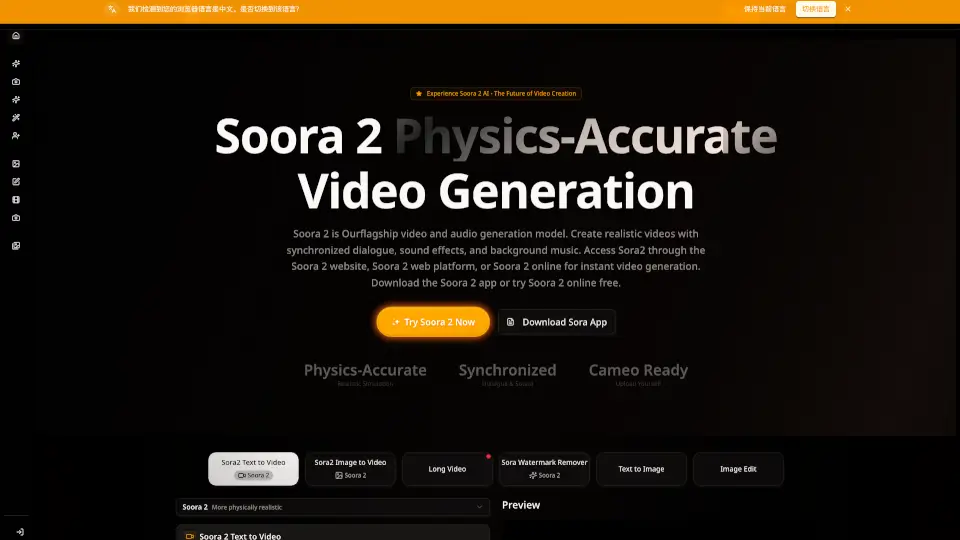
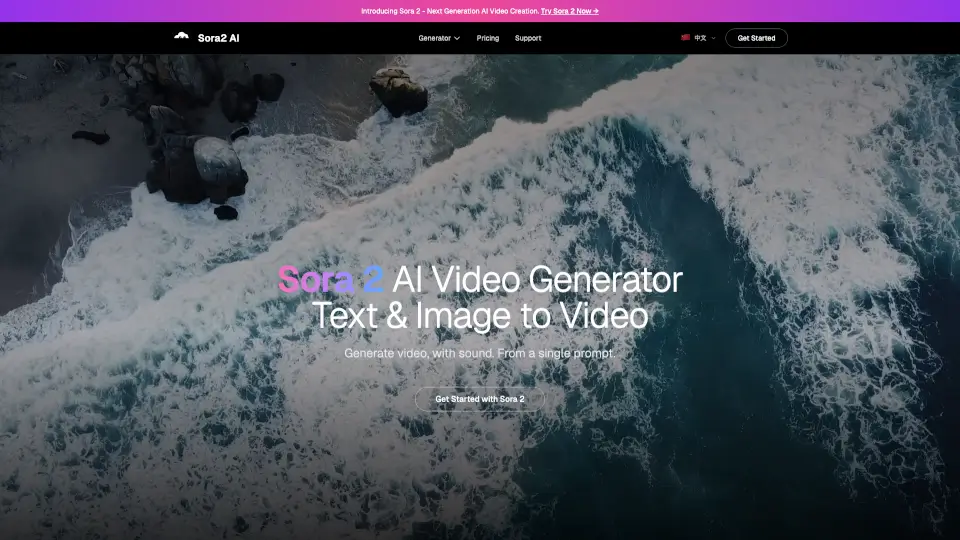
Sora2ai.ai is a one-stop AI video and image creation studio. It brings together top models like Sora 2, Veo 3, and NanoBanana to help you quickly make movie-quality videos and stunning brand visuals. Whether you want to turn text into video, edit images, or create personalized content, Sora2ai.ai makes it easy and fast.
What are the features of sora2ai.ai?
- 20-Second Video Generation: Create longer, continuous videos up to 20 seconds—2.5 times longer than Veo 3.
- Cameo Personalization: Insert yourself or others into videos with accurate face, voice, and movement.
- Native Audio Creation: Generate videos with synchronized dialogue, music, and sound effects.
- Realistic Physics Simulation: Enjoy lifelike gravity, water, and motion effects for natural-looking scenes.
- Multi-Style Mastery: Switch between realistic, cartoon, and surreal styles with high quality.
- Multi-Shot Consistency: Keep characters and environments consistent across different shots and angles.
- GPT-5 Powered Prompts: Use natural language to control complex video instructions.
- Enhanced Security: C2PA watermarking and strict content review for safe, traceable creations.
- Web & iOS Access: Create and share on desktop or mobile, with social and collaboration features.
What are the use cases of sora2ai.ai?
- Film & Media Production: Prototype scenes and storyboards quickly, with longer video segments.
- Social Media Content: Make personalized birthday wishes, memes, and creative clips for platforms like TikTok.
- Marketing & Advertising: Generate full brand stories, product demos, and A/B test different styles.
- Education & Training: Build step-by-step tutorials with realistic simulations and accessible audio.
- Creative Arts & Indie Films: Experiment with unique styles and personalized storytelling.
- Gaming & Virtual Worlds: Prototype cutscenes and character intros with consistent animation.
How to use sora2ai.ai?
- Sign up at Sora2ai.ai for free credits.
- Choose your model: Sora 2, Veo 3, or NanoBanana.
- Enter your text prompt or upload an image.
- Select video length, aspect ratio, and style.
- Enable watermark removal if needed.
- Generate your video or image—usually ready in 2-3 minutes.
- Download and share your creations.