What is Snipo?
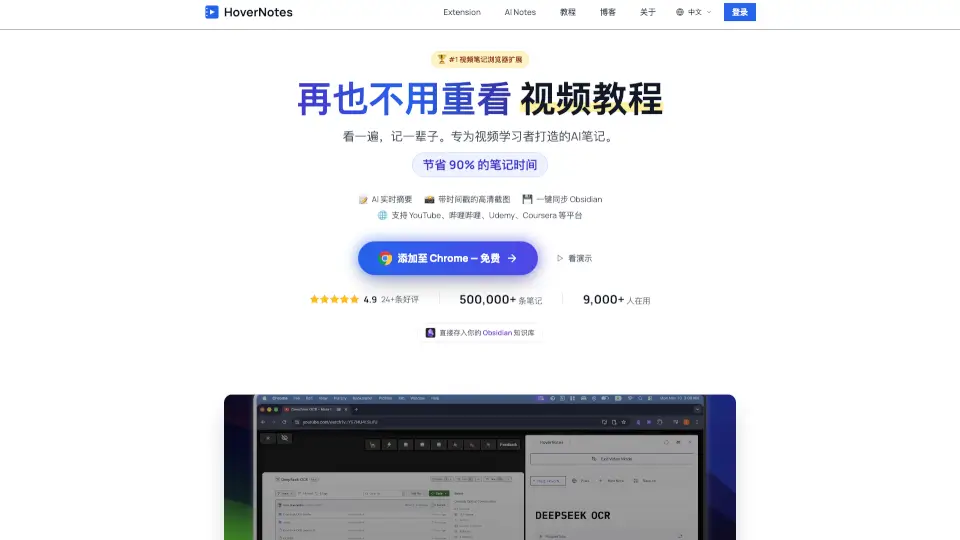
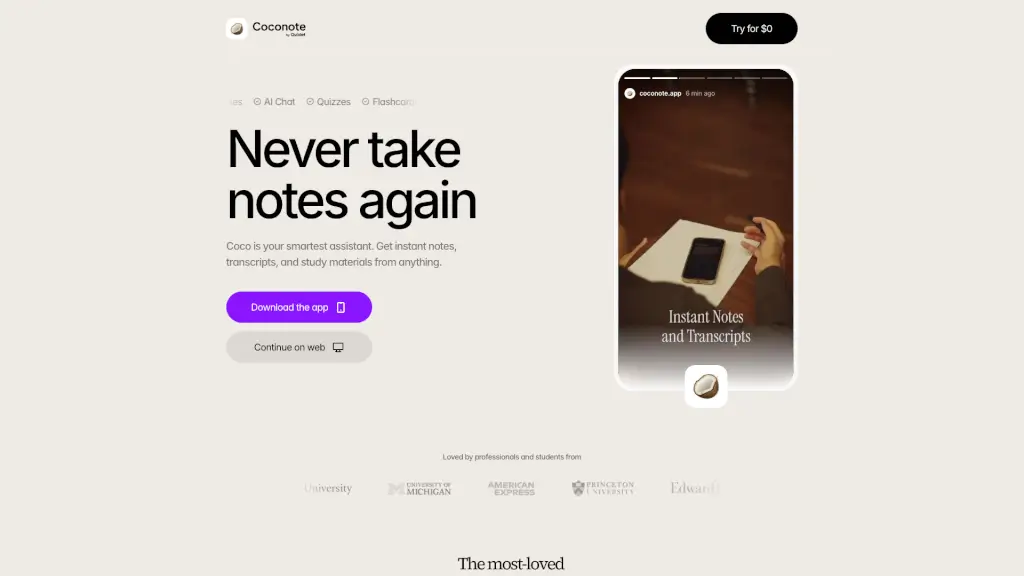
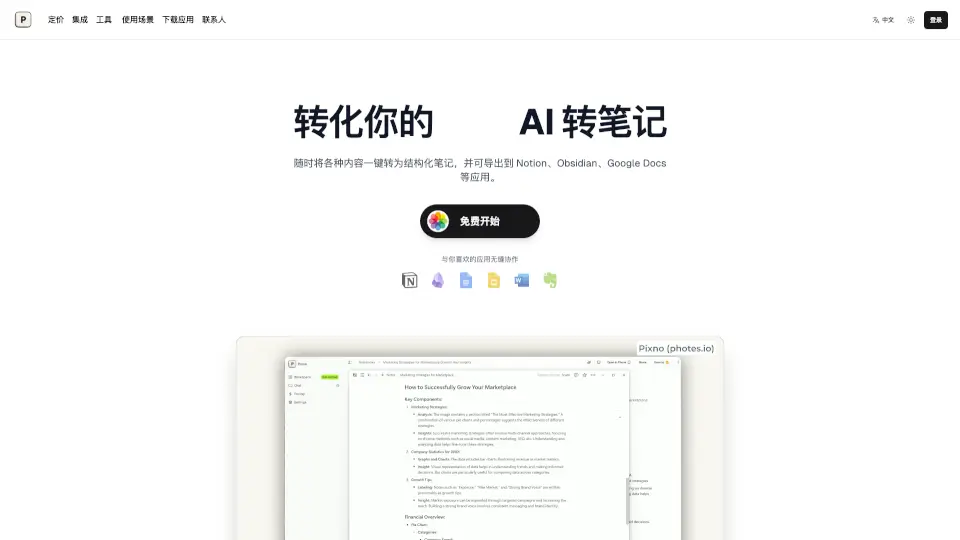
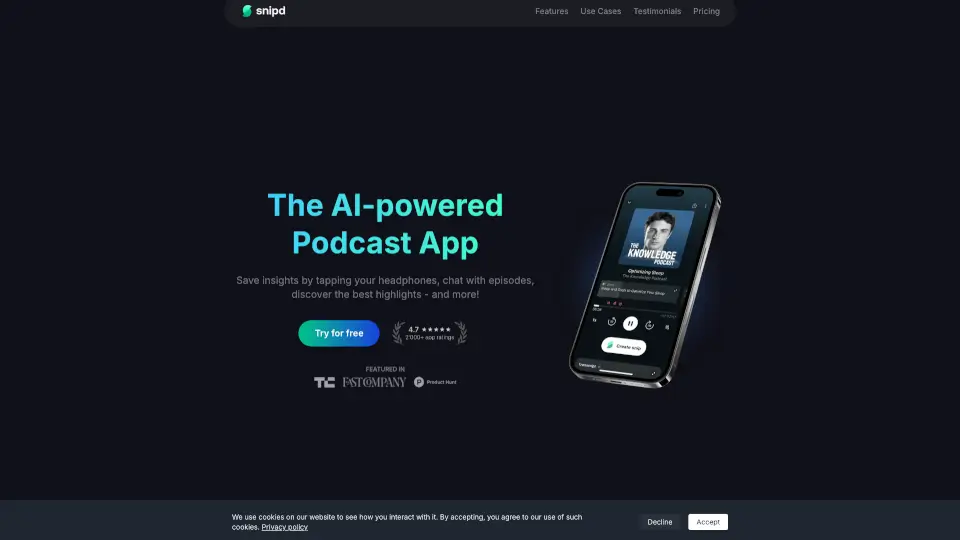
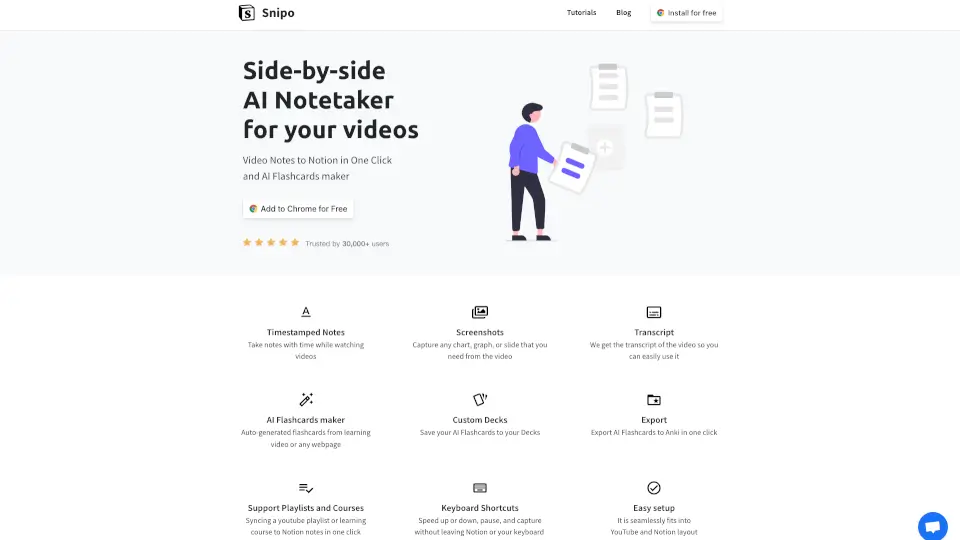
Snipo is a browser extension that revolutionizes how you take notes from videos. It works directly on platforms like YouTube, Udemy, Coursera, Skillshare, and LinkedIn Learning. With one click, you capture timestamped notes, screenshots, and even the full transcript—and send everything straight to your Notion workspace. Plus, Snipo includes an AI flashcard maker that can auto-generate flashcards from any video or webpage, which you can then export to Anki. It's designed for students, lifelong learners, and anyone who wants to save time and actually remember what they watch.
What are the features of Snipo?
- Timestamped Notes: Take notes with automatic time stamps as you watch, so you can always jump back to the exact moment.
- Screenshots: Capture any chart, graph, or slide from the video and save it alongside your notes.
- Transcript: Snipo grabs the full video transcript, making it easy to search, copy, or reference later.
- AI Flashcards Maker: Automatically generate flashcards from any learning video or webpage, saving you hours of manual creation.
- Custom Decks: Organize your AI flashcards into personalized decks for different subjects or courses.
- Export to Anki: Push your flashcards to Anki in one click for spaced repetition study.
- Support Playlists and Courses: Sync an entire YouTube playlist or an online course to your Notion in one click.
- Keyboard Shortcuts: Speed up, slow down, pause, or capture without leaving Notion or your keyboard.
What are the use cases of Snipo?
- Online course student: While watching a Coursera lecture, you capture key slides and add notes with timestamps. Later, you export the AI-generated flashcards to Anki for exam prep.
- YouTube learner: You're watching a tutorial on Skillshare. Use Snipo to save the transcript, take notes, and highlight important moments—all synced to your Notion study dashboard.
- Busy professional: During a LinkedIn Learning course, you need quick reference notes. Snipo's one-click screenshot and note-taking let you build a library without pausing your workflow.
- Flashcard enthusiast: You come across a dense video on a new topic. Snipo's AI flashcard maker extracts key concepts into a deck, which you then customize and export to Anki for daily review.
How to use Snipo?
- Step 1: Install the Snipo extension for Chrome, Edge, or Firefox from the official site.
- Step 2: Open any supported video platform (YouTube, Udemy, Coursera, etc.) and start playing your video.
- Step 3: Click the Snipo icon in your browser toolbar to open the side-by-side notetaker.
- Step 4: While watching, use keyboard shortcuts or on-screen buttons to add timestamped notes, capture screenshots, or grab the transcript.
- Step 5: After your session, click “Save to Notion” to push everything to your workspace—or use the AI flashcard maker to generate and manage decks.