
What is Sauna?
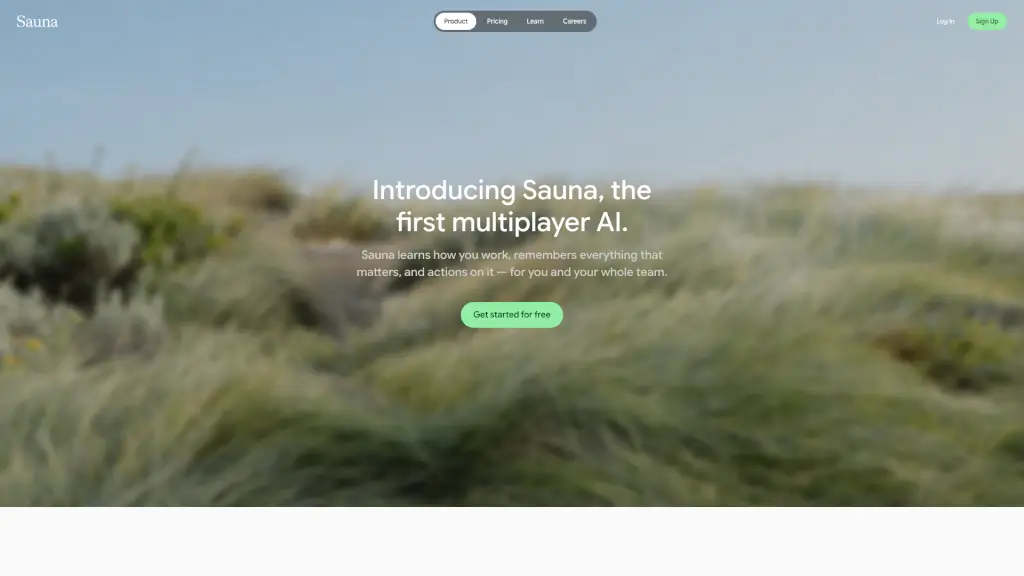
Tired of juggling tasks across apps, emails, and messages while your team waits on you? Meet Sauna—the first multiplayer AI that actually works with you and your team, not just for you. Sauna learns how you work, remembers what matters, and takes action automatically so nothing falls through the cracks.
Unlike regular AI tools that just respond to prompts, Sauna runs 24/7 in the cloud, handling follow-ups, drafting replies in your voice, filing tickets, and keeping projects moving—even when you’re offline. Think of it as your always-on teammate who never sleeps but always sounds like you.
What are the features of Sauna?
- Multiplayer AI: Connect with teammates’ Saunas to ask questions, share context, or pull insights—without interrupting them.
- Always-On Automation: Drafts messages, tracks priorities, files tickets, and delivers briefings around the clock.
- Cross-Platform Access: Use Sauna seamlessly on web, iOS, iMessage, Slack, email, and Superhuman—all with full context.
- Personal Voice Replication: Communicates in your tone and style, whether replying to emails or summarizing meetings.
- Unified Workspace: Brings scattered tasks, decisions, and workflows into one connected hub—your “mission control” for work.
- Peer-to-Peer Knowledge Sharing: View a colleague’s Sauna (like Paul Carter’s) to replay past work or ask questions directly.
What are the use cases of Sauna?
- A product manager uses Sauna to auto-summarize Slack threads and turn action items into tracked tasks.
- A remote worker forwards client emails to Sauna, which drafts personalized replies and schedules follow-ups.
- Team members query each other’s Saunas before meetings to get up to speed—no more “Can you resend that?”
- Founders stay on top of operations by asking Sauna for daily briefings while traveling or offline.
- Support leads use Sauna to triage incoming requests and auto-file Jira tickets based on email content.
- Writers collaborate by letting Sauna pull research from teammates’ workspaces without scheduling syncs.
How to use Sauna?
- Sign up for free at sauna.com and connect your email, Slack, or Superhuman account.
- Start messaging Sauna via iMessage or @Sauna in Slack—just treat it like a teammate.
- Forward important emails to your Sauna address to let it triage, reply, or log next steps.
- Invite teammates so you can access each other’s Saunas (with permission) for seamless collaboration.
- Use the web or iOS app to review automated actions, adjust settings, or replay past decisions.
- Ask Sauna to “summarize my day,” “draft a response to X,” or “check Paul’s latest update” anytime.