
What is AI Age?
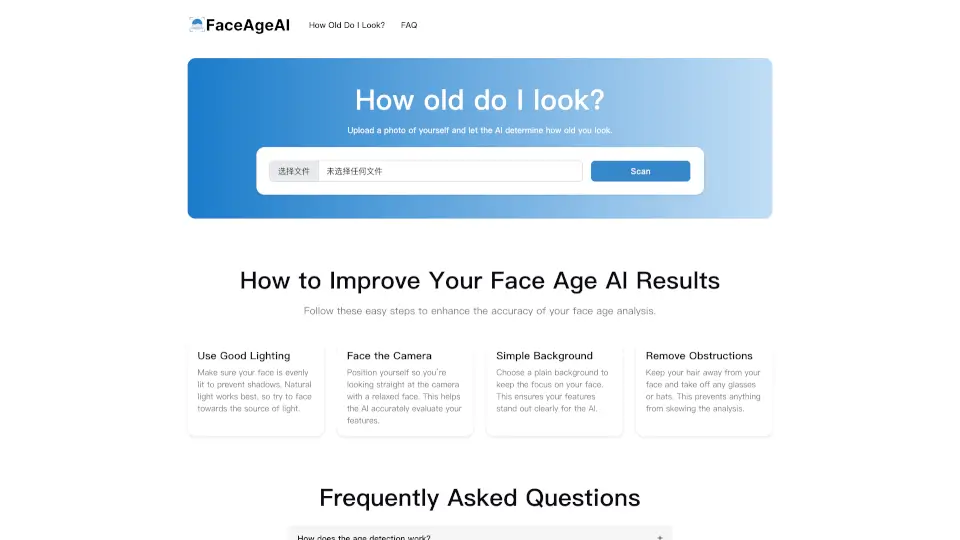
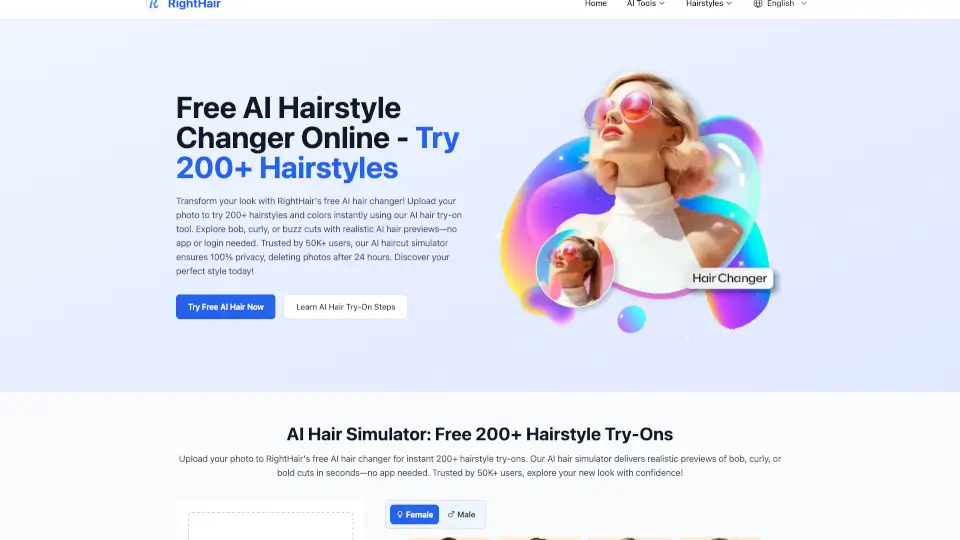
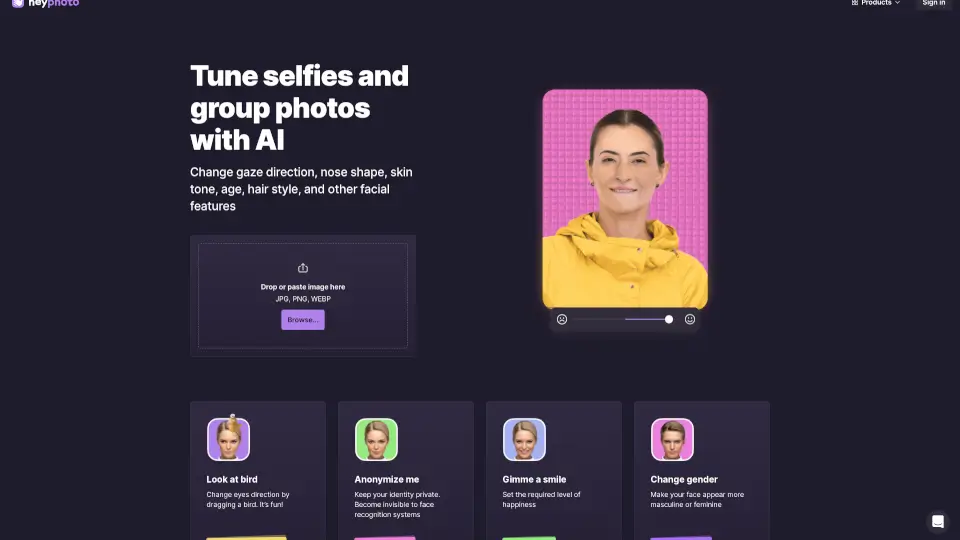
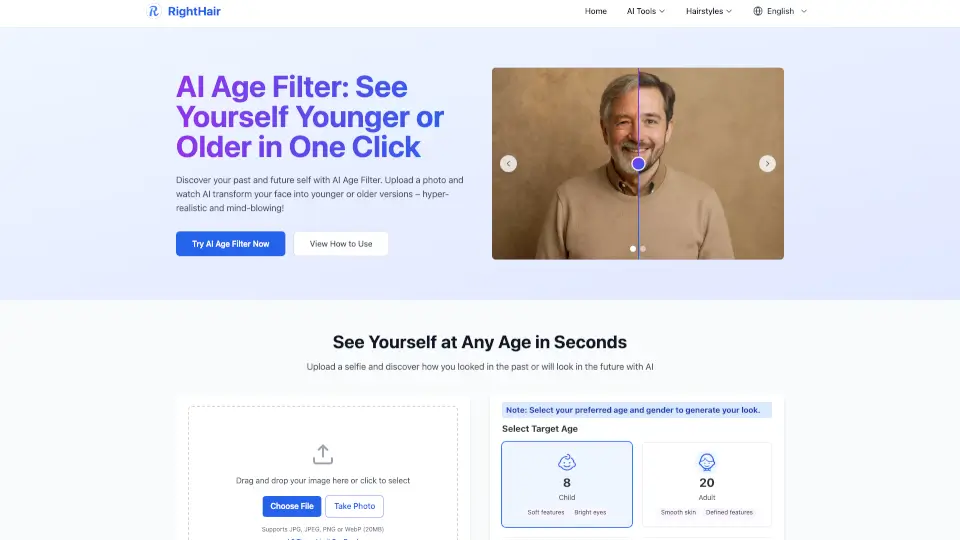
Looking to see how you’d look younger or older in seconds? RightHair’s Free AI Age Filter lets you transform your selfie into any age, from childhood to elderly, with just one click. It’s fast, realistic, and totally free—no watermarks, no hidden fees, and your privacy is always protected. Whether you’re curious about your future self or want a fun throwback, this tool makes it easy and safe to try out different ages online.
What are the features of AI Age?
- Instant Age Transformation: See yourself as a child, adult, middle-aged, or elderly in seconds.
- 100% Free: No subscriptions, no hidden costs, and unlimited downloads.
- Privacy Protected: Your photos never leave your browser—nothing is stored or shared.
- High Accuracy: Uses scientifically-backed aging patterns for realistic results.
- HD Quality: Download your new look in high-definition PNG or animated GIF.
- Multiple Age & Gender Options: Choose your target age and gender for the most accurate transformation.
- Lightning Fast: Get results in under 3 seconds.
What are the use cases of AI Age?
- Social Media Fun: Share your younger or older self with friends and followers.
- Family Entertainment: See how family members might look at different ages.
- Creative Projects: Use age transformations for art, stories, or presentations.
- Personal Curiosity: Satisfy your curiosity about aging or reminisce about the past.
How to use AI Age?
- Upload Your Photo: Choose a clear, well-lit selfie (JPG, JPEG, PNG, or WebP up to 20MB).
- Select Age & Gender: Pick the age group (child, adult, middle-aged, elderly) and your gender.
- Generate & Preview: Click to see your new look in seconds.
- Download & Share: Save your HD result and share it anywhere you like.