What is Doc2X?
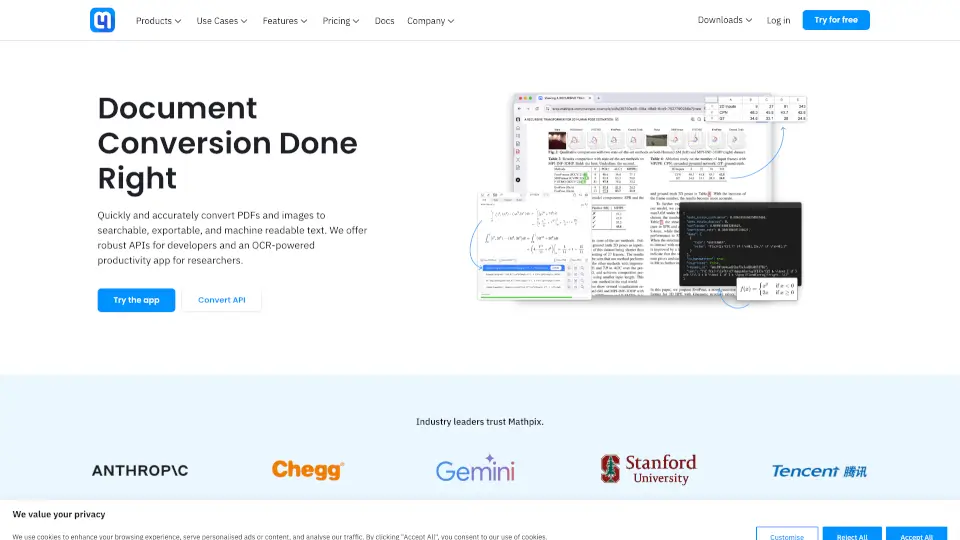
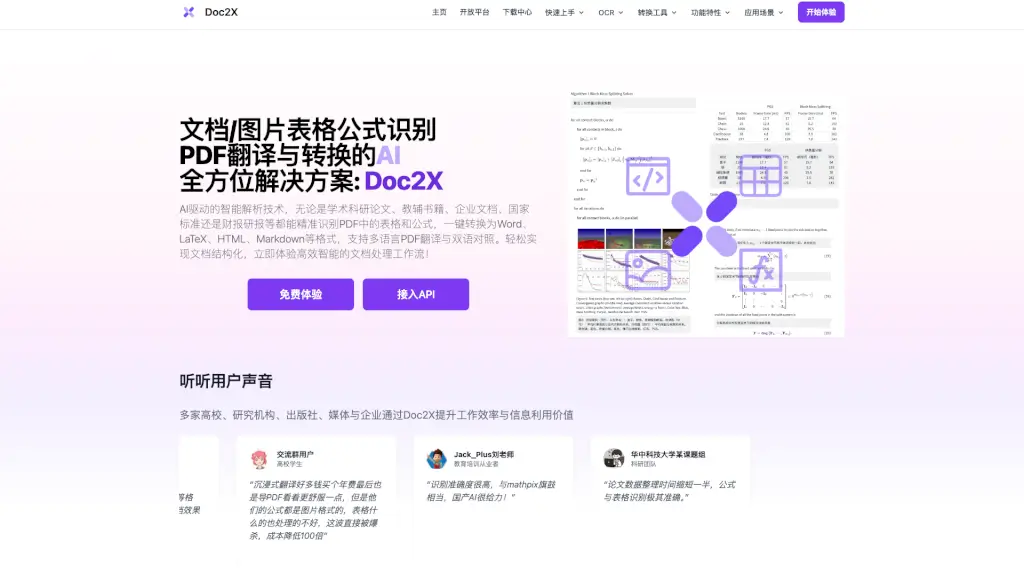
Struggling with PDFs full of complex math formulas, messy tables, or foreign-language text? Doc2X is your AI-powered solution that turns scanned documents and images into clean, editable formats like Word, LaTeX, Markdown, and HTML—with remarkable accuracy. Whether you're a student decoding a research paper, a teacher building a digital question bank, or a financial analyst parsing quarterly reports, Doc2X handles the heavy lifting so you don’t have to.
Built with advanced large language models and specialized OCR technology, Doc2X doesn’t just convert files—it understands structure, context, and content. From handwritten equations to multi-column layouts and merged-cell spreadsheets, it preserves formatting while making everything fully editable. Plus, its bilingual PDF translation feature lets you read and compare original and translated text side-by-side for seamless cross-language work.
What are the features of Doc2X?
- High-Precision Formula Recognition: Accurately converts complex mathematical expressions—including matrices, integrals, and multi-line equations—from images or PDFs into editable LaTeX code.
- Smart Table Extraction: Correctly identifies rotated, nested, and merged-cell tables in academic papers, financial reports, and standards documents.
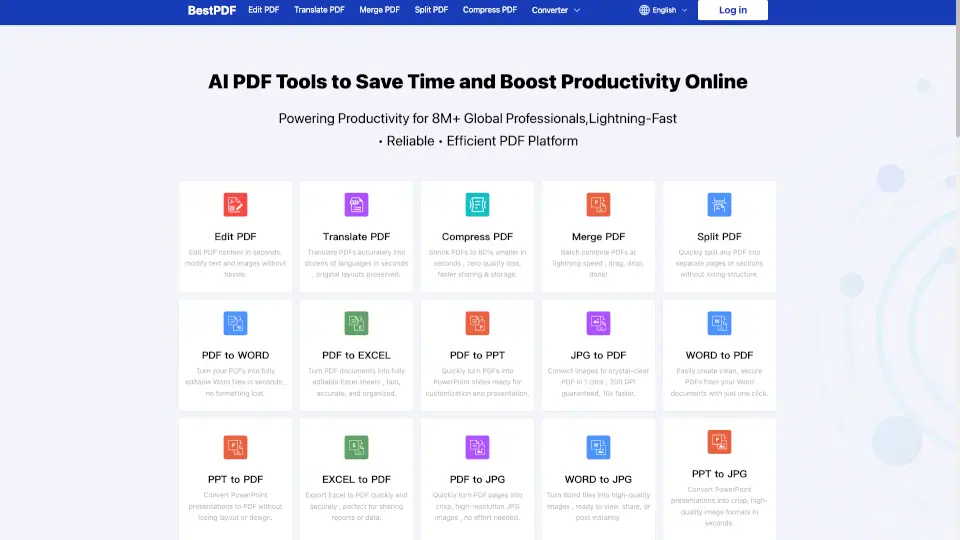
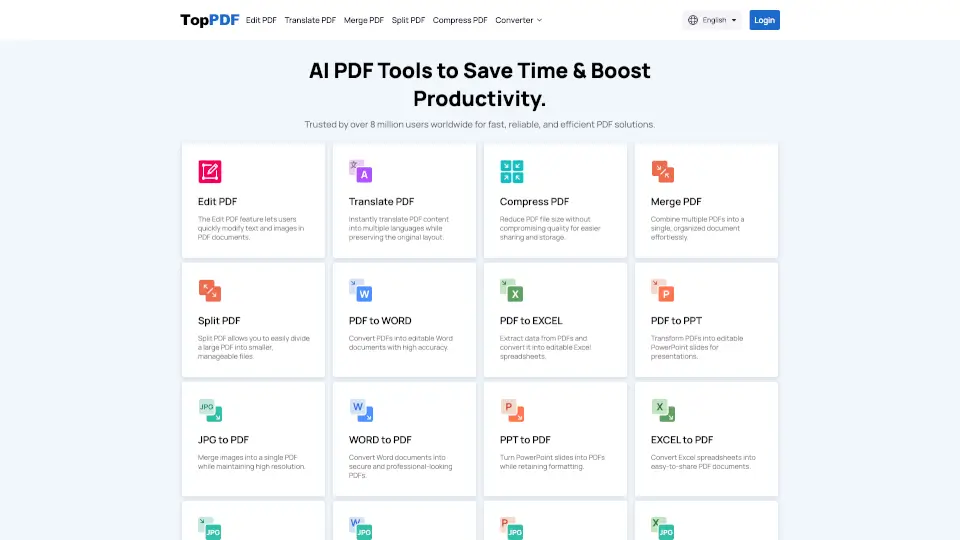
- Multi-Format Conversion: One-click export to Word (DOCX), LaTeX, HTML, Markdown, and more, with visual alignment to the original PDF for easy verification.
- AI-Powered Bilingual Translation: Translate PDFs using top models like GPT, Deepseek, GLM, and Qwen, with dual-pane viewing and bidirectional navigation.
- Batch Processing & API Access: Handle thousands of pages daily via scalable API, ideal for enterprises, publishers, and research teams needing automation.
- Multi-Model Formula OCR: Compare results from Doc2X and Mathpix engines side-by-side for optimal accuracy and editing flexibility.
- Document Structure Preservation: Maintains multi-column layouts, footnotes, code blocks, and section headings during conversion.
What are the use cases of Doc2X?
- A researcher extracts equations and data tables from 50+ academic PDFs to compile a literature review in LaTeX.
- A high school math teacher digitizes printed exam questions with handwritten-style formulas into an online quiz platform.
- A financial analyst converts quarterly earnings reports into structured Excel-ready data via the PDF-to-table API.
- A publisher transforms legacy textbooks containing chemical notations and diagrams into reflowable HTML for e-learning.
- A student uses bilingual translation to study German engineering papers while seeing English explanations inline.
- A startup builds a RAG-based knowledge base by converting internal policy PDFs into clean Markdown for vector search.
How to use Doc2X?
- Upload a PDF or image file directly on the Doc2X homepage—no software install needed.
- Choose your desired output format (Word, LaTeX, Markdown, etc.) or enable translation if working with foreign-language docs.
- Review the side-by-side preview to verify formula and table accuracy before downloading.
- For formulas, use the multi-model editor to tweak LaTeX output or switch between recognition engines.
- Developers can integrate batch processing via the Doc2X API for automated document pipelines.
- Delete files from servers immediately after conversion for enhanced privacy control.