
What is Mailforge?
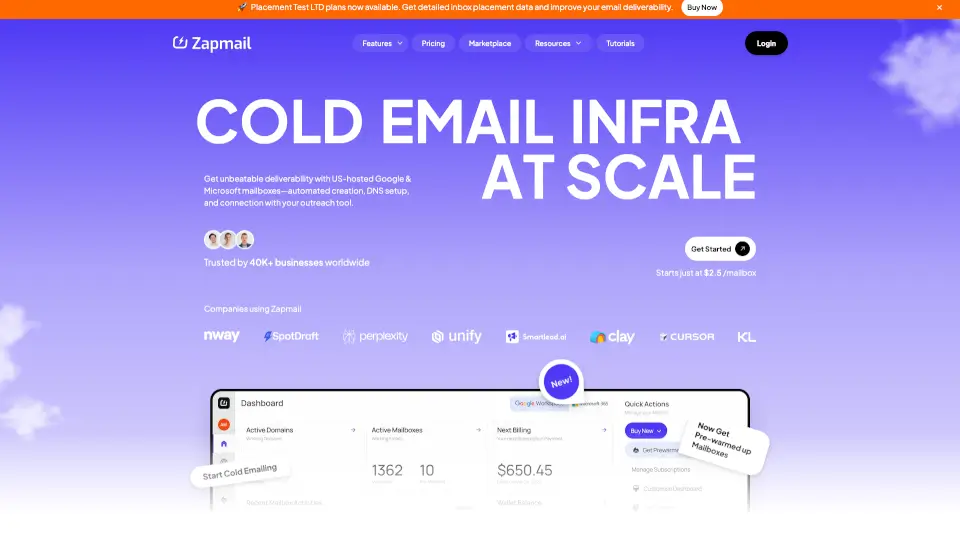
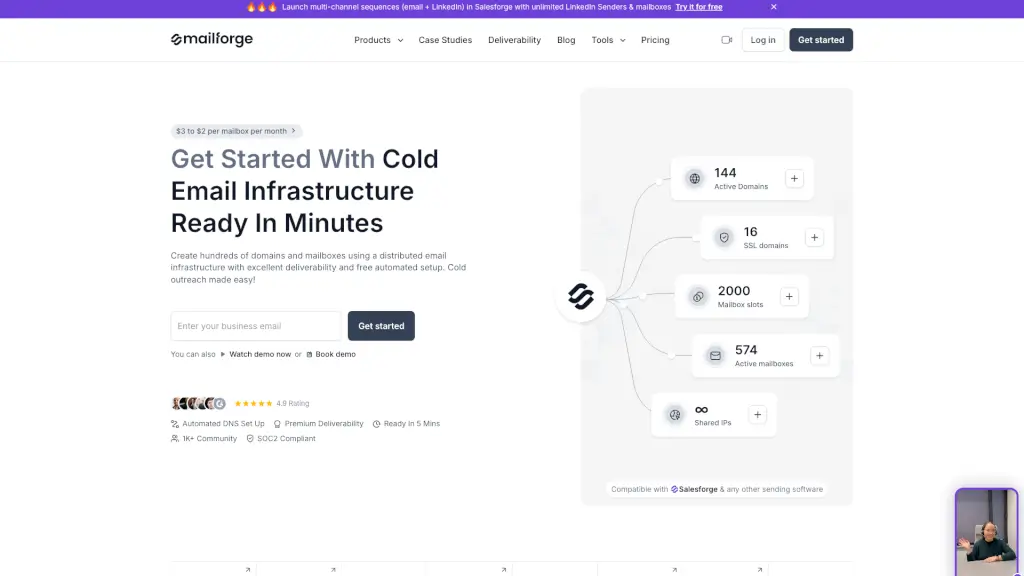
Mailforge is a powerful cold email infrastructure platform that lets you create hundreds or even thousands of domains and mailboxes in minutes—without the technical headaches. Built specifically for sales teams and agencies running cold outreach campaigns, it solves the biggest problem in email deliverability: getting your messages into prospects’ inboxes instead of spam folders.
Unlike generic email providers like Gmail or Microsoft 365, Mailforge is optimized from the ground up for cold email, with automated setup of critical protocols (like SPF, DKIM, and DMARC) and a distributed IP infrastructure that mimics trusted email ecosystems. Whether you're a solo founder or part of a large sales org, Mailforge gives you enterprise-grade deliverability at just $2–$3 per mailbox per month.
What are the features of Mailforge?
- Automated DNS Setup: Instantly configures SPF, DKIM, DMARC, and custom tracking for every domain—no manual record editing needed.
- Distributed Email Infrastructure: Uses shared IPs across millions of businesses to boost sender reputation and inbox placement.
- Bulk Domain & Mailbox Management: Create and manage hundreds of domains and mailboxes in minutes through an intuitive dashboard.
- Works With Any Sending Tool: Fully compatible with Salesforge, Clay, Smartlead, and other cold email platforms.
- SSL & Domain Masking: Keep your primary domain private while displaying branded landing pages securely.
- Multiple Workspaces: Organize campaigns by client, product line, or team without clutter.
- Domain Transferring Made Easy: Move domains in or out of Mailforge seamlessly when needed.
What are the use cases of Mailforge?
- A B2B SaaS startup launching multi-channel outreach (email + LinkedIn) to 10,000+ leads without triggering spam filters.
- A sales agency managing cold email for 30+ clients, each requiring separate domains and branding.
- An e-commerce brand testing new markets with localized domains and dedicated mailboxes for higher trust and open rates.
- A solo entrepreneur scaling outbound while avoiding Gmail’s sending limits and deliverability pitfalls.
- A growth team running A/B tests across dozens of email sequences using isolated domains to protect sender reputation.
How to use Mailforge?
- Sign up for Mailforge and connect your first domain—the app guides you step-by-step.
- Let Mailforge automatically configure DNS records (SPF/DKIM/DMARC) with one click.
- Create as many mailboxes as needed based on your sending volume (use their built-in calculator for guidance).
- Integrate your preferred cold email tool (like Salesforge) using the provided SMTP or API credentials.
- Monitor deliverability health via Warmforge (part of The Forge Stack) to maintain high inbox placement.
- Use Multiple Workspaces to keep campaigns organized by client, region, or product.