
Lemonade logo

Lemonade

0
5.0
(0 Reviews)
United States19.41%

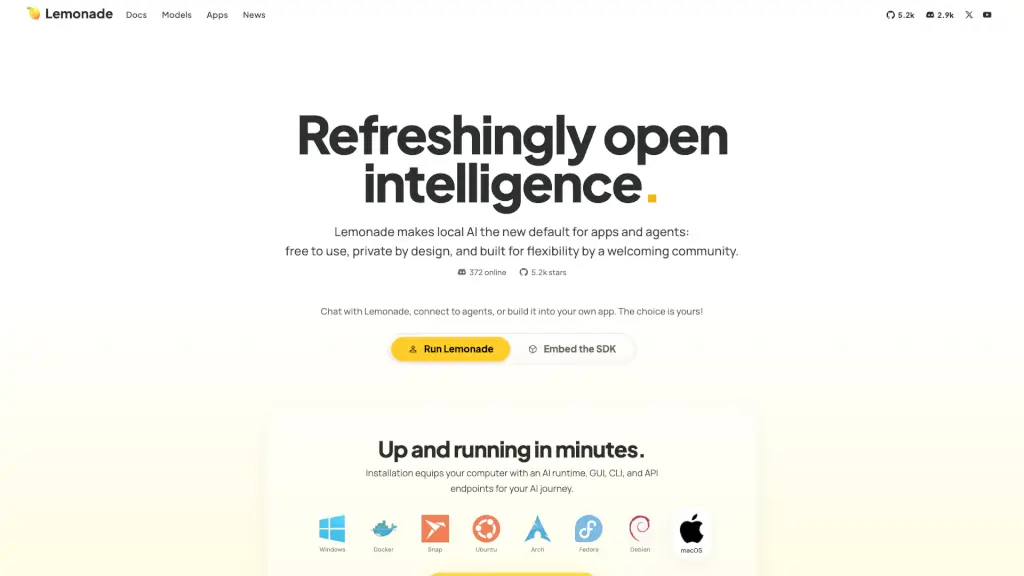
Lemonade is a local AI runtime for text, images, and speech that is free, private, and omni‑modal, giving users chat, vision, image generation, coding, and speech capabilities on their own hardware.

Verified by SeekTool
Social Media:
Lemonade

Lemonade Product Information

What is Lemonade?

Lemonade is a local AI runtime for text, images, and speech that runs entirely on your own hardware. It’s free, private by design, and built for developers, hobbyists, and teams who want to use AI without sending data to the cloud. The tool includes a GUI, CLI, API endpoints, and an embeddable SDK so you can chat, generate images, transcribe audio, write code, and run embedding models—all offline. Lemonade is especially useful for anyone who needs to keep data on-device (zero telemetry, no upsell) and wants to control which models and inference backends they use, from llama.cpp to custom engines.

What are the features of Lemonade?

  • Omni‑Modal Chat & Generation: One interface handles chat, vision, image generation, coding, and speech. You can upload an image, ask a question, generate a picture, or transcribe audio in the same session.
  • Local‑First with Cloud Routing: By default everything runs on your machine, but Lemonade can intelligently route requests to servers or cloud APIs when needed, making it a scalable platform for apps and agents.
  • Embeddable SDK: Developers can embed a copy of Lemonade directly into their own application, giving their app native local AI capabilities without requiring users to install a separate runtime.
  • Wide Model Support: Pull models from the Lemonade registry, search on Hugging Face, or import your own. It supports GGUF format for llama.cpp and works with multiple inference engines.
  • Cross‑Platform Installation: Lemonade runs on Windows, Docker, Snap, Ubuntu, Arch, Fedora, Debian, and macOS (with a .pkg installer). It also integrates with popular apps like Open WebUI, n8n, AnythingLLM, GAIA, and Claude Code via the OpenAI API standard.
  • Built‑In Benchmarking & CLI Tools: The lemonade bench command includes image‑generation benchmark mode, and the CLI lets you launch coding agents, chat REPL, manage models, and self-host a local server.
  • Community‑Driven Roadmap: Features like Auto‑Tune, Cross‑Vendor Support, Cloud Hybrid, Remote Use, GUI App, Enterprise Grade, and Omni Models are steered by open working groups on Discord.

What are the use cases of Lemonade?

  • Developer building a local coding agent: Use Lemonade’s CLI to launch a coding agent that runs Qwen‑Coder‑Next on a machine with 128 GB unified RAM, enabling advanced tool use without leaving your local environment.
  • Privacy‑conscious user who needs chat, image generation, and speech: Run Lemonade on a laptop, talk to it via voice, generate images, and transcribe meetings—all fully offline with no data leaving the device.
  • Team self‑hosting AI for internal apps: Deploy Lemonade as a LAN‑wide server, serve the whole household or office, and connect any OpenAI‑compatible app (like GitHub Copilot or PiDify) to it.
  • Productivity power user testing models: Use the CLI to pull models from Hugging Face, benchmark performance with lemonade bench, and compare backends like llama.cpp before integrating into a larger workflow.
  • App developer embedding local AI: Add the Lemonade SDK to a mobile or desktop app so that users can access chat, vision, and embeddings without an internet connection.

How to use Lemonade?

  1. Install Lemonade on your preferred platform: download the macOS .pkg, use Package Manager for Linux (Ubuntu, Arch, Fedora, Debian), or run the Docker image.
  2. Launch the GUI or open the CLI – both are included in the installation. The GUI gives you a chat interface with image, code, and speech support.
  3. Pull a model from the Lemonade registry or Hugging Face using the CLI command lemonade pull <model-name> – or import your own GGUF files.
  4. Start a chat session or use the REPL mode to interact with text, images, and speech. For API access, use the provided endpoints (compatible with OpenAI format).
  5. Connect third‑party apps by pointing them to the local Lemonade server (default port) – they will use your local AI just like they would call OpenAI.

Do you like this tool?

Upvote to help others discover it!

Lemonade Alternatives

LM Studio

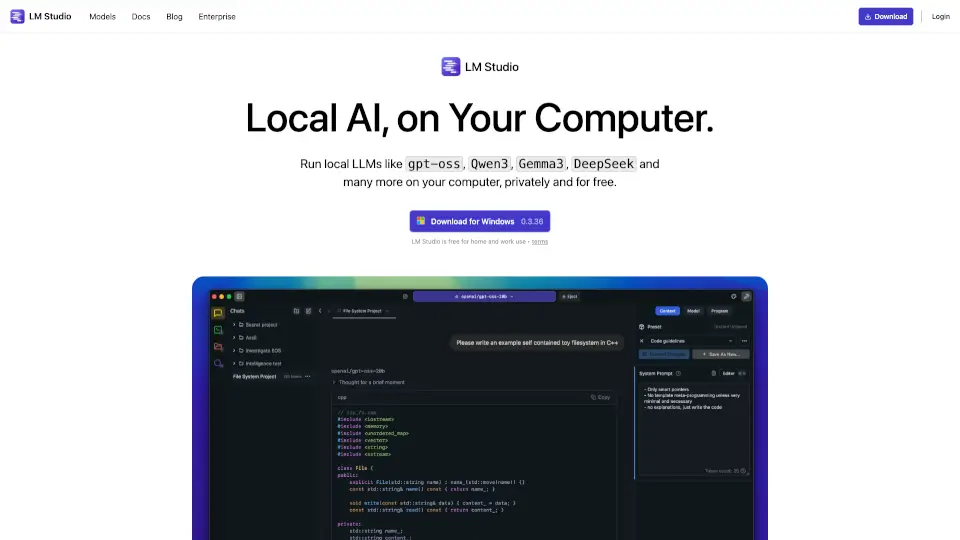
LM Studio is a beginner-friendly, privacy-focused tool for running and exploring LLMs locally, perfect for personal projects or app development.

US
17.68%
|
2.5M
|
5.0
Lunabot.AI

Lunabot is an all-in-one AI assistant that supports multiple platforms and the latest AI models, enhancing productivity and convenience with features like chat memory, night mode, and voice interaction.

RU
14.62%
|
21.4K
|
4.0
Private LLM

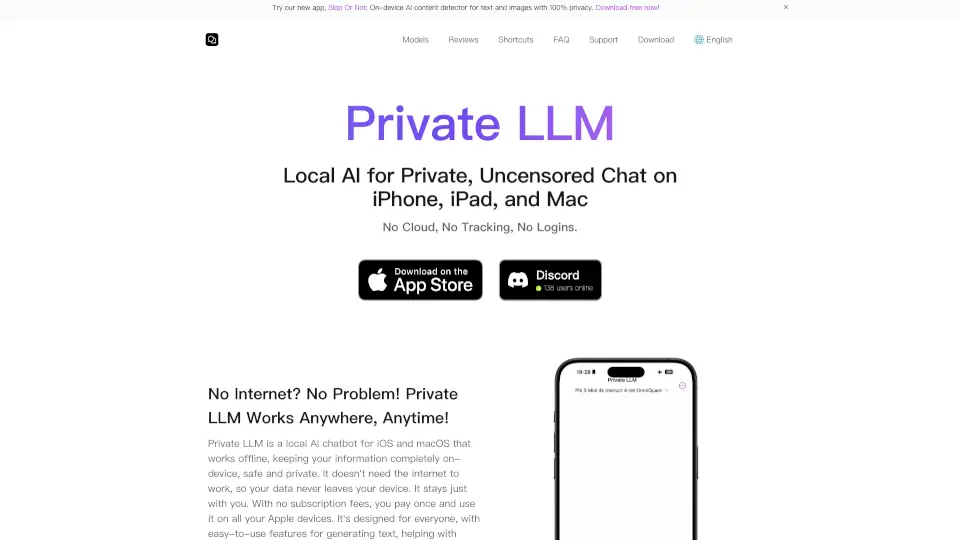
Private LLM offers local AI power with offline access and total privacy. Run AI models on your Apple devices without internet or subscriptions. Perfect for writing, creativity, and productivity, it’s your private AI companion.

US
16.02%
|
20.7K
|
4.0
AmigoChat

AmigoChat is a multi-model AI assistant that provides instant access to ChatGPT, Claude, Grok, DeepSeek, and more for text, image, and code generation.

US
66.89%
|
3.6K
|
3.0
AnythingLLM

AnythingLLM is your all-in-one AI solution, offering privacy, flexibility, and ease of use for both individuals and teams.

US
15.73%
|
596.2K
|
5.0
OmniInfer

Novita AI provides affordable, reliable, and scalable AI solutions with 200+ Model APIs, custom deployment, and serverless GPUs. Perfect for startups and enterprises alike.

US
13.79%
|
315.6K
|
5.0
LM Arena (Chatbot Arena)

LMArena is a powerful platform for benchmarking and comparing top AI models, offering side-by-side comparisons, crowdsourced leaderboards, and the latest AI news, all while advancing AI research through user feedback.

CN
58.29%
|
429.5K
|
5.0
OmniGPT

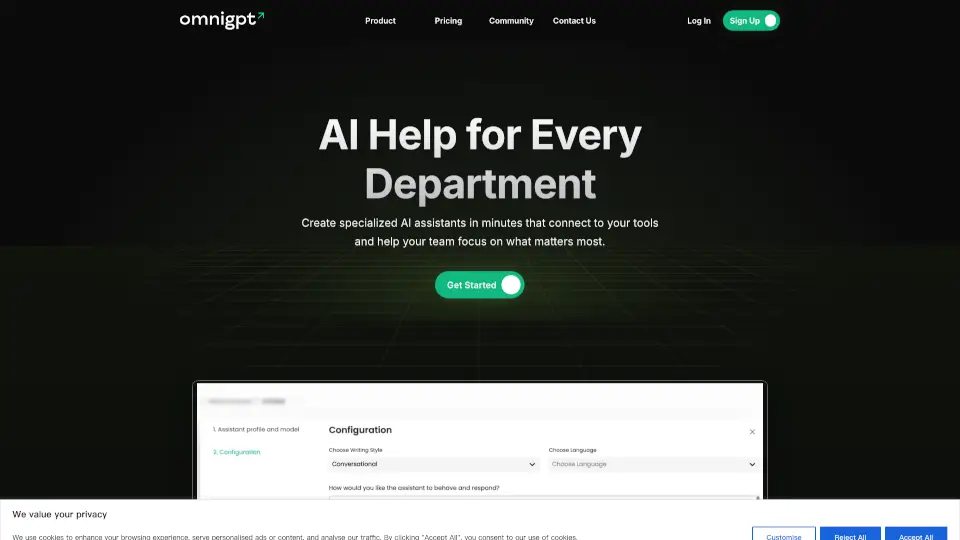
OmniGPT is an affordable, feature-rich AI tool that boosts productivity with multiple models, document management, and seamless integrations.

VN
45.05%
|
5.5K
|
3.0

Lemonade Related Other Categories

Lemonade Traffic Analysis

💡 Insights

Medium Scale
100K-1M monthly visits. Growing tool with active development.
📊
Steady Growth
Recent growth of 22%. Product is in a healthy upward trend.
👍
Good Experience
Bounce rate of 41%. Users are willing to explore features.
🌐
Global Reach
Balanced user distribution worldwide.
  • Monthly Visits

    113.67K

  • Bounce Rate

    41.22%

  • Pages Per Visit

    5.37

  • Visit Duration

    00:00:55

  • Global Rank

    243850

  • Country Rank

    53775

Visits Over Time

Traffic Sources

SearchOrganic47.24%
Direct26.39%
Referrals15.81%
SocialOrganic8.60%
GenAi1.71%
Mail0.24%
SearchPaid0.00%
SocialPaid0.00%
Affiliate0.00%

Top Keywords

1
lemonade ai
CPC$2.82
11.17KTraffic
2
lemonade
CPC$2.87
2.52KTraffic
3
lemonade server
CPC$1.67
1.52KTraffic
4
lemonade gg
900Traffic
5
lemonade llm
420Traffic

Top Regions

RegionPercentage
United States
United States
19.41%
Vietnam
Vietnam
9.21%
United Kingdom
United Kingdom
4.47%
Australia
Australia
3.90%
Japan
Japan
3.75%
Low
High

Powered by SimilarWeb

Lemonade FAQ

What is Lemonade?

Lemonade is a local AI runtime for text, images, and speech. It’s free, private, and open‑source, offering a chat interface, CLI, API, and embeddable SDK so you can run AI on your own hardware without telemetry or data leaving your device.

Who is Lemonade best for?

Developers, privacy‑focused users, and teams who want to run AI locally. It’s ideal for building apps with embedded AI, self‑hosting a server for a household or office, or experimenting with models like Qwen‑Coder‑Next on high‑RAM machines.

Does Lemonade require an internet connection?

No. Lemonade is local‑first – all AI processing happens on your machine. You only need internet to download models or optional cloud routing features. The default mode is fully offline.

What models can I use with Lemonade?

You can pull models from the Lemonade registry, search Hugging Face, or import your own. It supports GGUF format for llama.cpp and works with multiple inference backends. Ten MiniCPM text and vision GGUF models are included in the built‑in catalog.

Can I integrate Lemonade with my existing apps?

Yes. Lemonade provides OpenAI API‑compatible endpoints, so any app that uses the OpenAI API (like Open WebUI, n8n, AnythingLLM, GAIA, Claude Code, GitHub Copilot, etc.) can connect to your local Lemonade instance.

Is there a paid version or cloud upsell?

No. Lemonade is completely free and has no telemetry, no upsell, and no hidden costs. It’s open‑source under Apache 2.0 and maintained by AMD.

Lemonade Reviews

0

0

0 Reviews
Sign Into leave a review

Recent Reviews

No reviews yet

Lemonade Embed

Use website badges to drive community support for SeekTool.ai. They are easy to embed in your homepage or footer.

Light
Dark
Lemonade - Featured on SeekTool.aiLemonade - Featured on SeekTool.ai
How to install?

Looking for Lemonade Alternatives?

Compare top AI tools similar to Lemonade. Find the best option for your needs.

View Alternatives

Reviews

0.0

Share your experience with this tool...

Category Rankings

Ranked by monthly traffic

Trending

Featured

Subscribe to our AI Newsletter

Get the top AI stories delivered to your inbox weekly.