What is Dropbox AI?
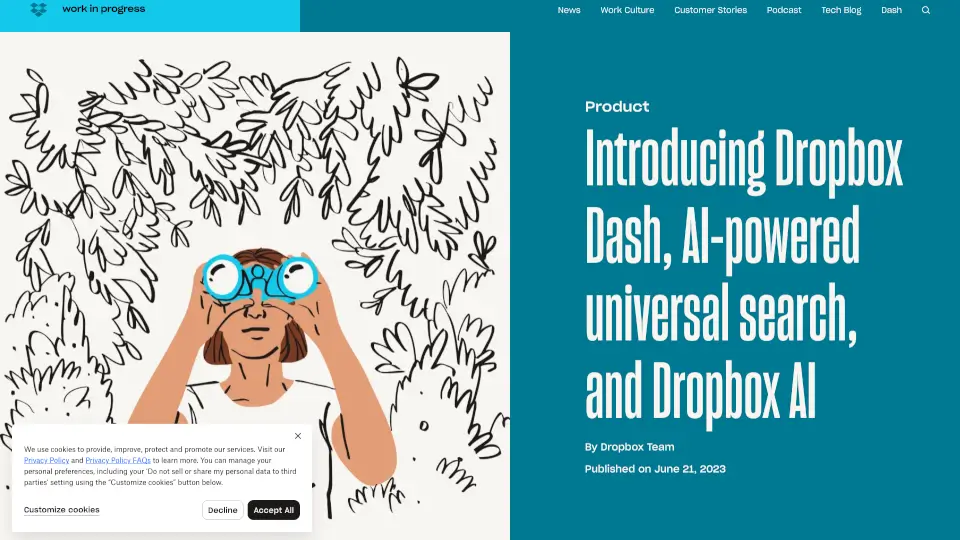
Dropbox has just rolled out some exciting new AI-powered tools—Dropbox Dash and Dropbox AI—designed to make your work life easier and more efficient. These tools aim to help you find, organize, and manage your content faster than ever before.
What are the features of Dropbox AI?
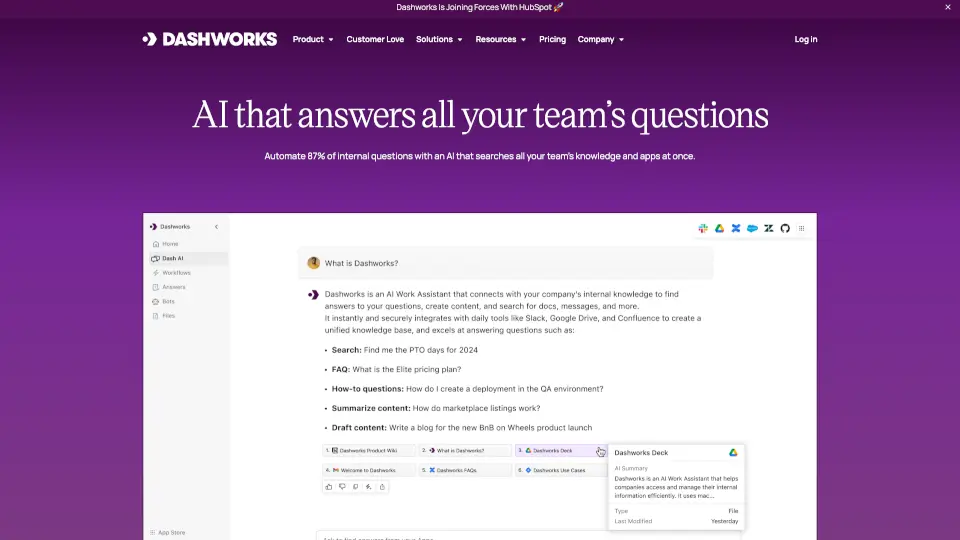
- Dropbox Dash: A universal search tool that connects all your apps, tools, and content in one place. It’s like having a supercharged search bar for everything work-related.
- Dropbox AI: Quickly summarize large documents or videos, so you don’t have to sift through pages of content. Just ask a question, and get an answer in seconds.
- Stacks: Smart collections for your links, making it easy to save, organize, and retrieve URLs.
- Start Page: A dashboard that gives you quick access to Dash, Stacks, and recent work, helping you stay on top of your tasks.
What are the use cases of Dropbox AI?
- Finding Files: Spend less time searching for documents across multiple apps and platforms.
- Summarizing Content: Get quick summaries of long contracts or meeting recordings without reading or watching the entire file.
- Organizing Links: Use Stacks to keep all your important links in one place, making them easy to share and access.
How to use Dropbox AI?
- Dropbox Dash: Install the browser extension, connect your apps, and start searching everything in one place.
- Dropbox AI: Click the “Summarize” button on file previews to get a quick overview of the content.
- Stacks: Save links to Stacks directly from your browser for easy organization.