
What is Google Antigravity?
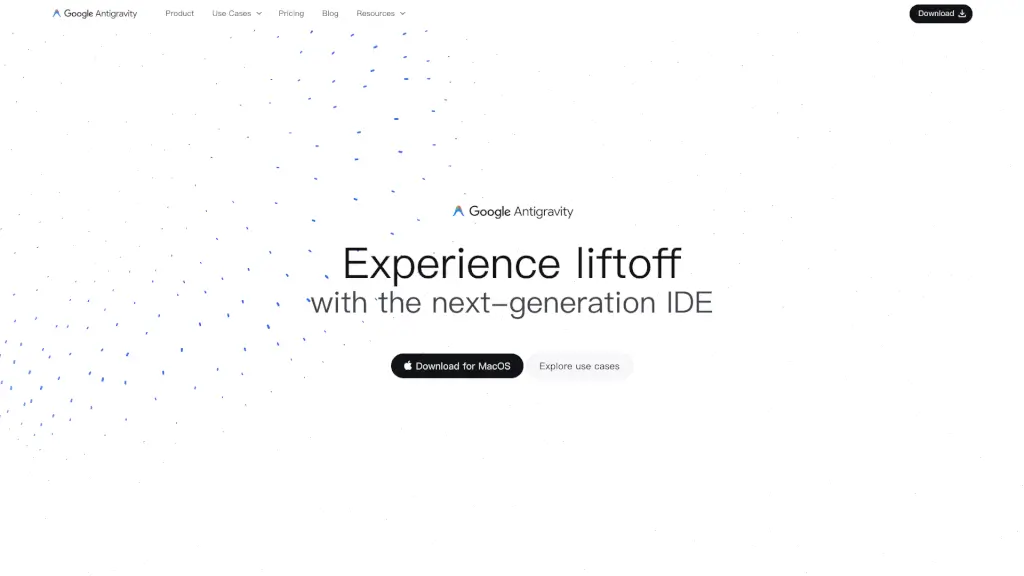
Google Antigravity is a cutting-edge development platform that reimagines the way we build software. It's designed to help developers of all levels, from hobbyists to professionals, by integrating AI and automation into their workflows. With Google Antigravity, you can streamline your coding process, reduce repetitive tasks, and focus on what really matters—creating amazing applications.
What are the features of Google Antigravity?
- AI IDE Core: Google Antigravity's Editor view offers tab autocompletion, natural language code commands, and a configurable, context-aware agent.
- Higher-level Abstractions: A more intuitive task-based approach to monitoring agent activity, presenting essential artifacts and verification results to build trust.
- Cross-surface Agents: Synchronized agentic control across your editor, terminal, and browser for powerful development workflows.
- User Feedback: Intuitively integrate feedback across surfaces and artifacts to guide and refine the agent’s work.
- Agent-First Experience: Manage multiple agents at the same time, across any workspace, from one central mission control view.
What are the use cases of Google Antigravity?
- Frontend Developer: Streamline UX development by leveraging browser-in-the-loop agents to automate repetitive tasks.
- Full Stack Developer: Build production-ready applications with confidence using thoroughly designed artifacts and comprehensive verification tests.
- Enterprise Developer: Simplify operations and reduce context switching by orchestrating agents across workspaces using the Agent Manager.
How to use Google Antigravity?
- Download and Install: Get the latest version of Google Antigravity for Windows (x64 or ARM64) from the official website.
- Set Up Your Workspace: Open the IDE and configure your workspace settings, including your preferred editor theme and key bindings.
- Start Coding: Begin writing code and take advantage of features like tab autocompletion and natural language commands.
- Monitor and Refine: Use the higher-level abstractions to monitor agent activity and refine your code based on the provided artifacts and verification results.
- Orchestrate Agents: Manage multiple agents across different workspaces from the central mission control view to optimize your workflow.