
Qu'est-ce que Amazon.com ?
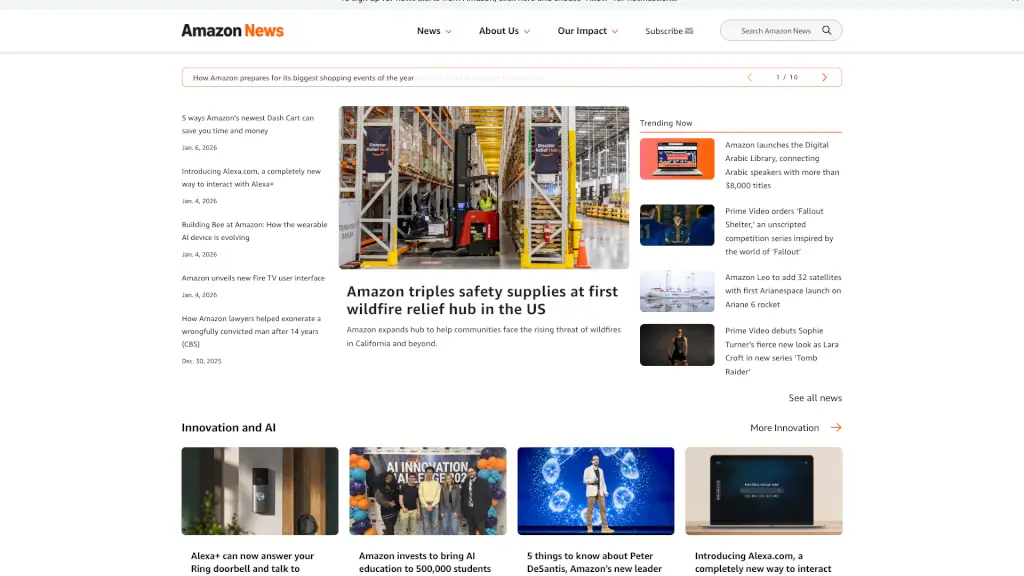
Amazon a récemment dévoilé Alexa.com, une toute nouvelle façon d'interagir avec votre assistante intelligente préférée. Cette plateforme innovante offre une expérience d'assistant personnel par IA à travers la voix, le mobile, et le web. Que vous cherchiez des réponses rapides ou que vous souhaitiez accomplir des tâches plus complexes, Alexa.com est là pour vous aider de manière fluide et intuitive. C'est l'outil parfait pour ceux qui veulent une assistance personnalisée et efficace dans leur quotidien.
Quelles sont les caractéristiques de Amazon.com ?
- Interaction Multi-plateforme: Interagissez avec Alexa via la voix, le mobile, et le web.
- Réponses Rapides: Obtenez des réponses instantanées à vos questions.
- Tâches Complètes: Faites exécuter des tâches complexes par Alexa, comme la gestion de votre calendrier ou la commande de produits.
- Personnalisation: Personnalisez votre expérience en fonction de vos préférences et besoins.
- Intégration avec d'autres Services Amazon: Connectez Alexa.com avec d'autres services Amazon, comme Prime Video, pour une expérience encore plus riche.
Quels sont les cas d'utilisation de Amazon.com ?
- Gérer votre emploi du temps et vos rappels quotidiens.
- Commander des produits sur Amazon sans quitter votre navigateur.
- Récupérer des informations en temps réel, comme les actualités ou la météo.
- Contrôler vos appareils connectés à la maison, comme les lumières et la température.
- Accéder à des contenus multimédias, comme la musique et les films, directement depuis votre navigateur.
Comment utiliser Amazon.com ?
- Connectez-vous à votre compte Amazon sur Alexa.com.
- Utilisez la barre de recherche pour poser des questions ou demander des tâches.
- Personnalisez vos paramètres et préférences pour une expérience optimale.
- Intégrez Alexa.com avec d'autres applications et services pour une utilisation plus fluide.
- Explorez les différentes sections du site pour découvrir toutes les fonctionnalités offertes.