
What is Thumblytics?
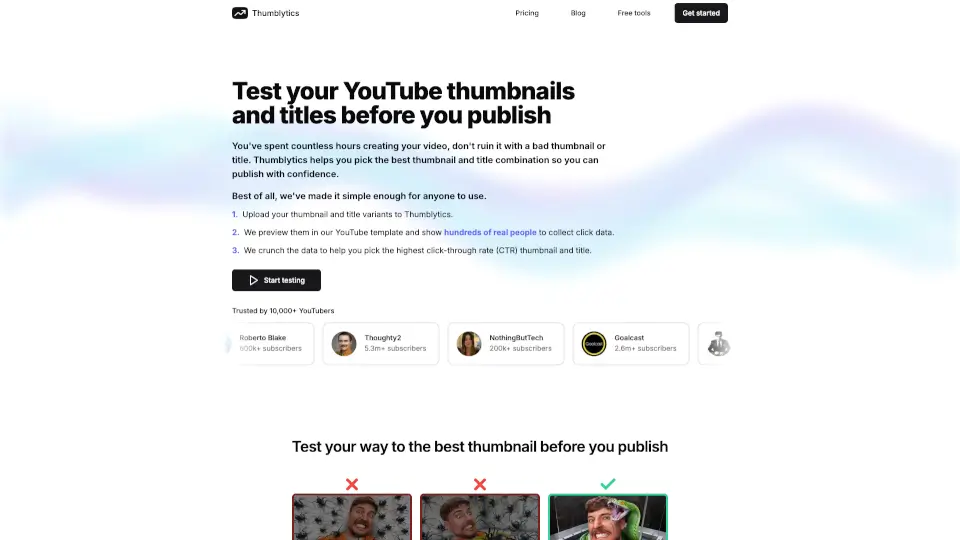
Thumblytics AI Thumbnails is an AI tool for YouTube creators that helps generate, score, and improve thumbnail and title combinations. Instead of guessing which packaging works, you start from a prompt, YouTube link, or upload, then get a 0-100 score with breakdowns for readability, contrast, and hook strength. The tool is designed for education, gaming, and commentary channels, and teams use it to speed up packaging decisions. If you want to reduce flops and publish thumbnails that compete from day one, this is a practical option.
What are the features of Thumblytics?
- AI Thumbnail Generation: Create thumbnails from a text prompt, a YouTube URL, or an uploaded image. Default 4 variants per run, up to 8 in one batch.
- Title-Thumbnail Scoring: Get a 0-100 score for the thumbnail, the title, or both combined. Rubric covers readability, contrast, and hook strength to identify weak areas.
- Iterative Recommendations: Use clear suggestions to tighten weak points before publishing. The feedback loop helps you move from guesswork to repeatable improvement.
- Library and Batch Tracking: Save winning concepts, download instantly, and track batches over time. Reuse high-performing directions across multiple uploads.
- Live Status Flow: Each run shows a progress flow from Queued → Generating → Scoring → Complete, so you know exactly where your batch stands.
What are the use cases of Thumblytics?
- YouTube creators testing multiple thumbnail variants before publishing to pick the one with the highest predicted CTR.
- Content teams needing a faster, more consistent packaging process without relying on freelance designers for every upload.
- Gaming and commentary channels that publish frequently and want to maintain high click-through rates without guesswork.
- Educators and tutorial creators who need to ensure their thumbnails clearly communicate the video’s value and hook viewers.
How to use Thumblytics?
- Start by creating a new project — either write a prompt, paste a YouTube link, or upload your own image to generate thumbnails.
- Review the generated variants (default 4 per run) and select the most promising ones for scoring.
- Run the scoring tool to analyze the thumbnail, title, or both; examine the readability, contrast, and hook strength breakdowns.
- Apply the tool’s recommendations to refine weak areas, then re-run the score until you’re confident in the packaging.
- Save your best versions to the library for future reuse and track performance across batches.