
What is AI Photo Filter?
Transform your photos into stunning artworks with Dzine.AI's AI Photo Filter. Whether you're a beginner or a pro, this tool makes it easy to apply artistic effects, from anime to reality, in just a few clicks. No complex editing required—just upload, choose a style, and watch your images come to life.
What are the features of AI Photo Filter?
- AI-Powered Filters: Turn your photos into anime, cartoons, or realistic masterpieces.
- 2D to 3D Conversion: Add depth and dynamism to your images effortlessly.
- Customizable Styles: Choose from a wide range of styles like vintage, futuristic, and more.
- User-Friendly Interface: Simple controls make editing fun and accessible for everyone.
- Free Daily Credits: Get 30 free credits daily to explore the tool without limits.
What are the use cases of AI Photo Filter?
- Social Media: Create eye-catching posts for Instagram, Facebook, and more.
- Art Projects: Turn sketches into detailed artworks for your portfolio.
- Interior Design: Visualize your ideas with realistic previews.
- Professional Use: Enhance resumes, product promos, and branding materials.
How to use AI Photo Filter?
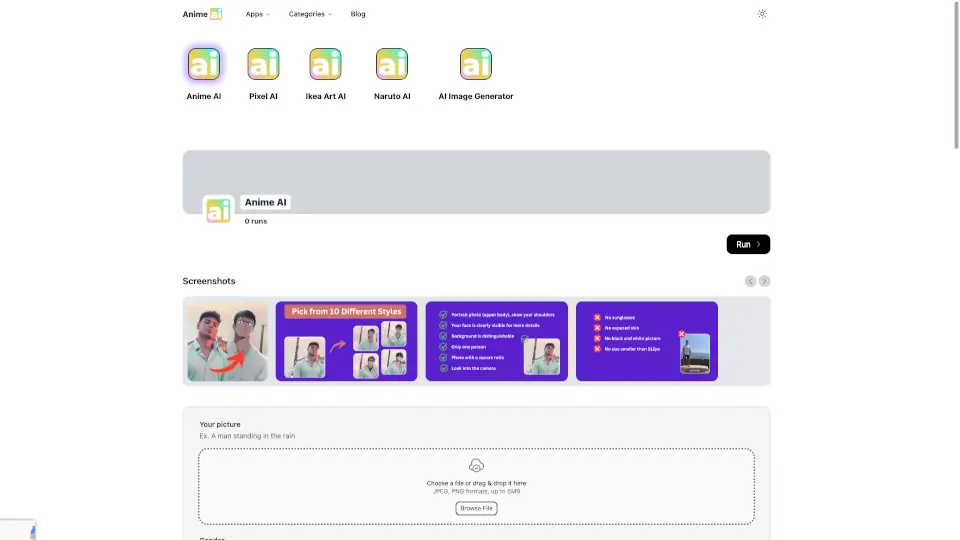
- Upload Your Image: Start by uploading a photo or generating one directly on the platform.
- Choose a Style: Pick from a diverse library of styles like cartoon, painting, or vintage.
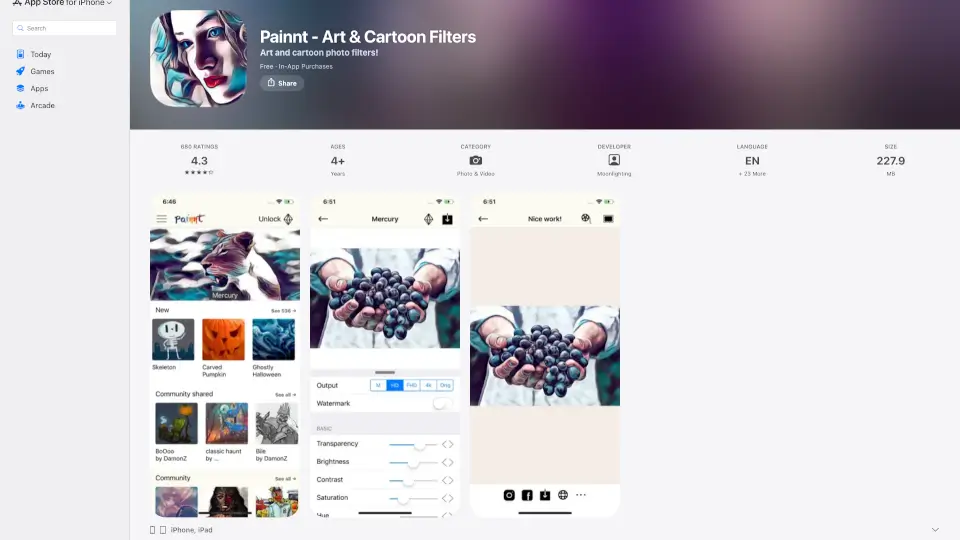
- Adjust Settings: Use sliders to control the style intensity and structure match.
- Export: Once satisfied, export your transformed image and share it with the world.