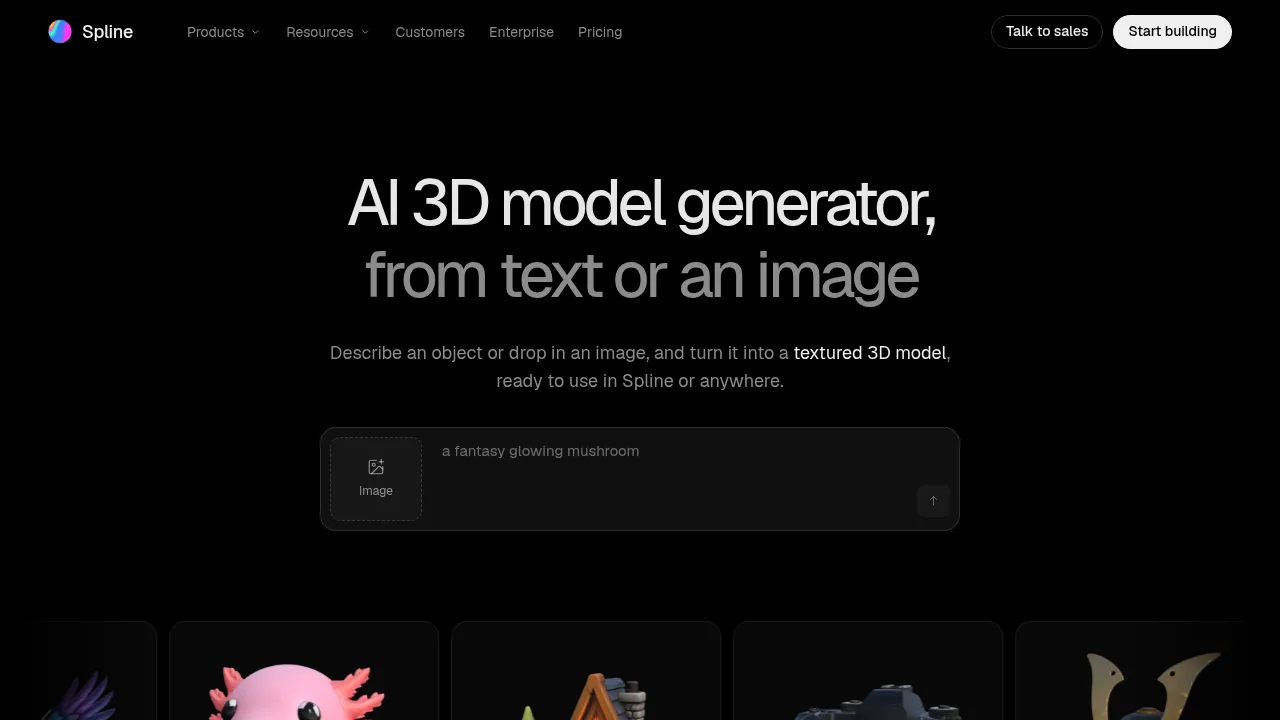
Spline AI converts text descriptions or reference images into textured 3D models with PBR maps, exportable as GLB files.

Social Media:

Spline AI Product Information

What is Spline AI?

Spline AI generates textured 3D models from text prompts or reference images using selectable AI backends. It outputs GLB files and integrates directly into the Spline editor for further lighting, animation, and publishing. Access requires a paid workspace plan with a monthly allowance of AI credits.

What are the features of Spline AI?

  • Text-to-3D generation
    A text prompt describing one object returns four image previews; selecting one produces a textured 3D model.
  • Image-to-3D generation
    Uploads a front-facing PNG, JPG, or WebP file up to 15 MB to produce a textured 3D model.
  • Selectable AI backends
    Users choose between Hunyuan3D, Hunyuan 3.1 Pro, Trellis 2, and Meshy, and can run the same input through multiple models.
  • PBR materials
    Generated meshes include base color, metallic-roughness, and normal maps.
  • Model inspection
    Viewport tools display shaded, clay, and wireframe rendering modes alongside triangle count, vertex count, and file size.
  • In-editor generation
    An AI Generate command in the Spline toolbar drops the finished model directly into an open scene.

What are the use cases of Spline AI?

  • Game asset creation
    Produces props, characters, and creatures as textured GLB files importable into Blender, Unity, or Unreal Engine.
  • Product visualization
    Converts a product photo into a 3D model for interactive display on websites or stores via Spline's web publishing.
  • 3D printing preparation
    Opens a generated model in the Spline editor and exports it as STL for slicing software.

How to use Spline AI?

  1. Provide input
    Type a text prompt describing one object or upload a front-facing reference image (PNG, JPG, or WebP, up to 15 MB) in the Generate interface.
  2. Select an AI model
    Choose a backend such as Hunyuan3D, Trellis 2, or Meshy.
  3. Choose a preview
    For text prompts, review the four returned image previews and select one.
  4. Generate the model
    Confirm the action to build the textured 3D model with PBR maps.
  5. Export or edit
    Download the result as a GLB file or open it directly in the Spline editor.

Spline AI Pricing Information:

  • Hobby, Pro, and Max plans
    Paid workspace plans that each include a monthly allowance of AI credits for generation.
  • Credit billing
    Each run consumes credits in two steps: generating image previews and building the 3D model from the selected preview. The estimated cost is shown before execution. Meshing an already-generated image charges only for the model step. Switching back to a previously generated model costs nothing.

Spline AI Contact Email:

help@spline.design

Do you like this tool?

Upvote to help others discover it!

Spline AI Alternatives

AI3DGen

AI3DGen

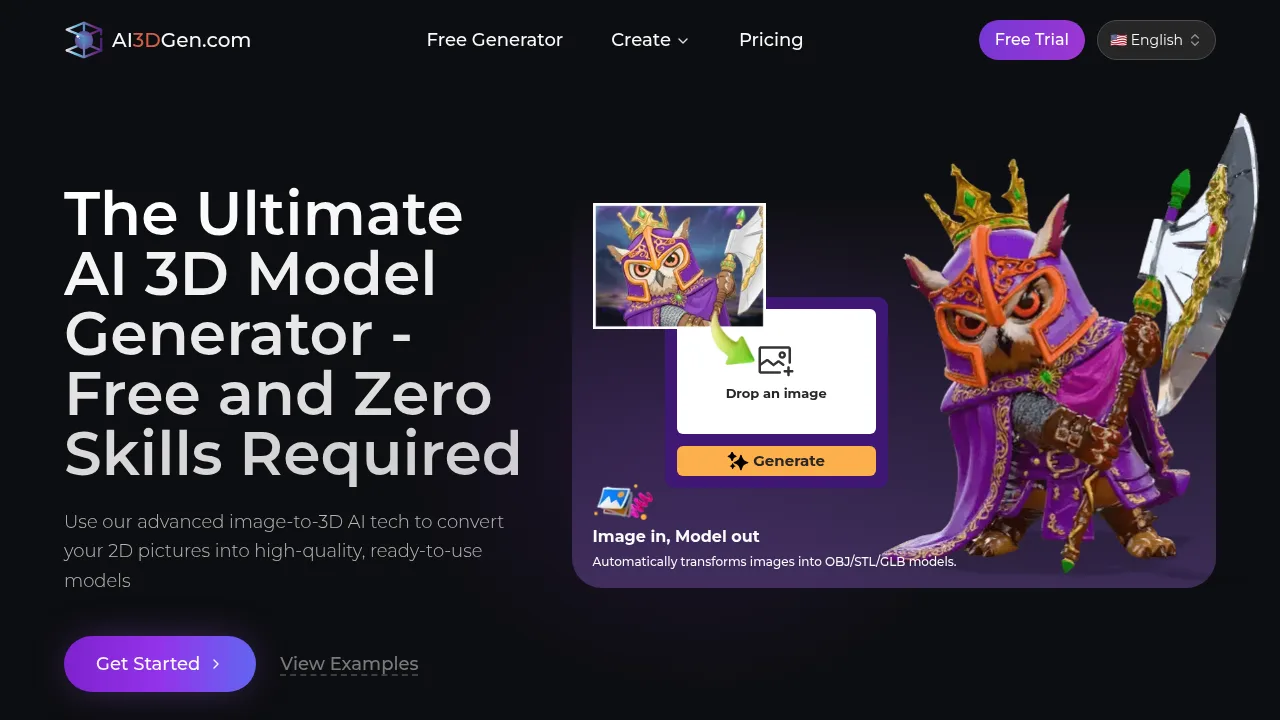
AI3DGen converts JPG, PNG, or WebP photos into downloadable .GLB, .OBJ, or .STL 3D models directly in a web browser.

US
14.06%
276.7K
0
Meshy

Meshy

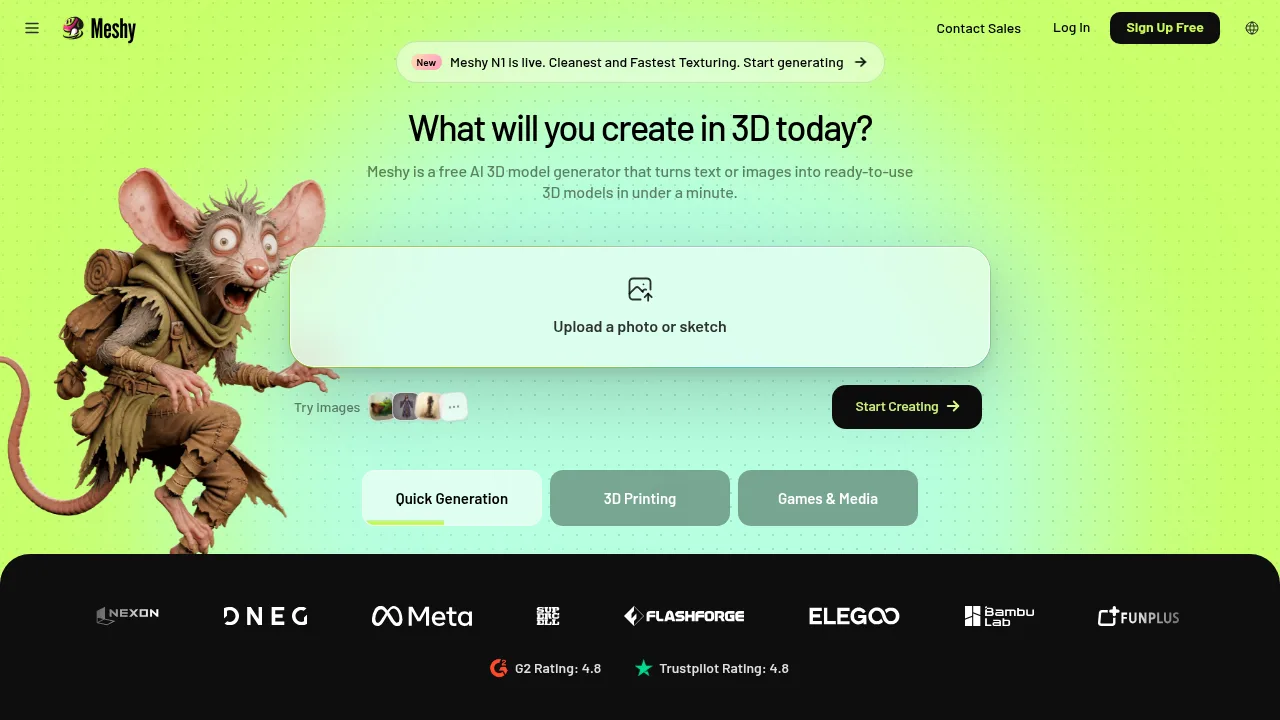
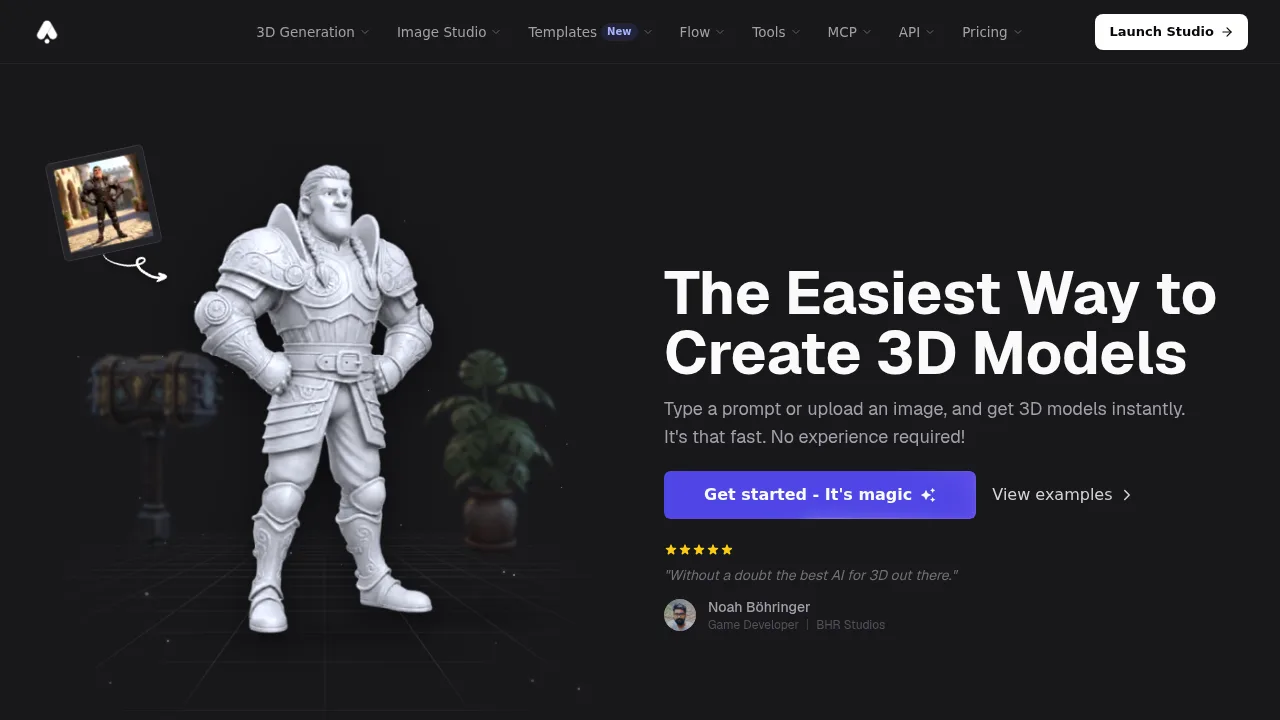
Meshy generates textured, rigged, or 3D-print-ready models from text descriptions, photos, and sketches.

US
18.04%
19.5M
0
Sloyd

Sloyd

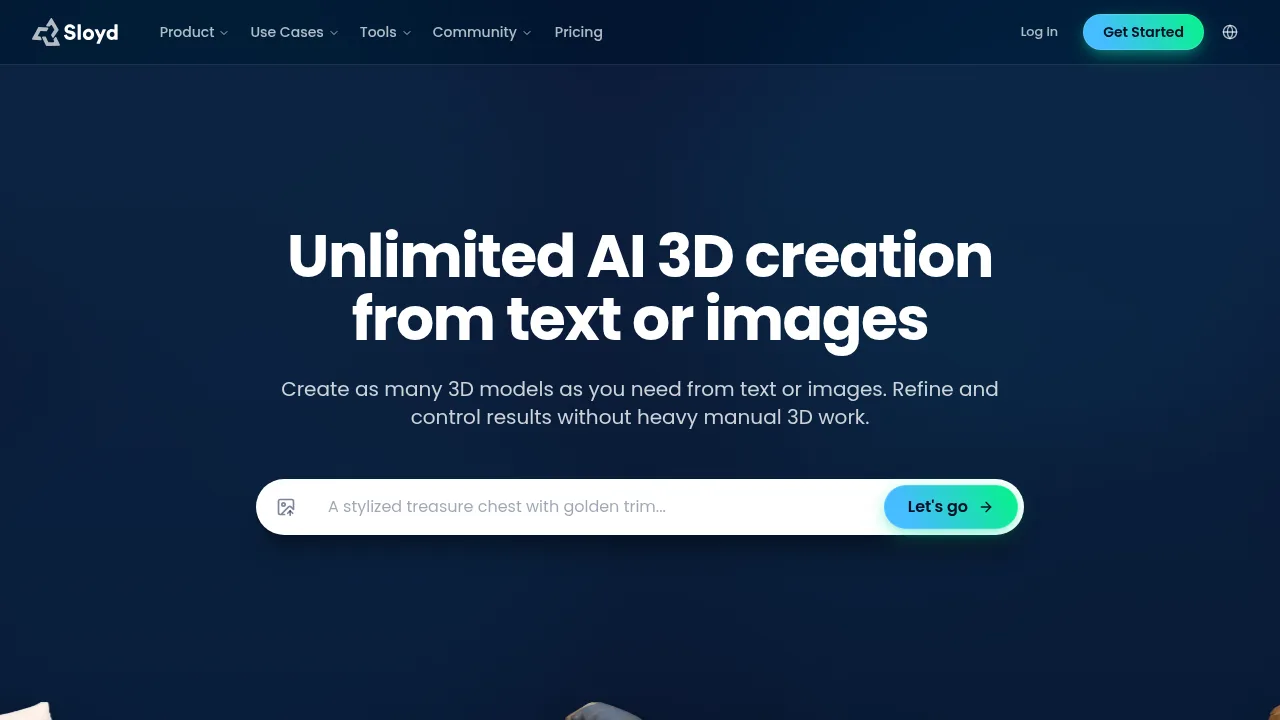
Sloyd converts text prompts and images into rigged, printable, or game-ready 3D models through a web interface and developer API.

US
19.20%
427.6K
0
Hi3D

Hi3D

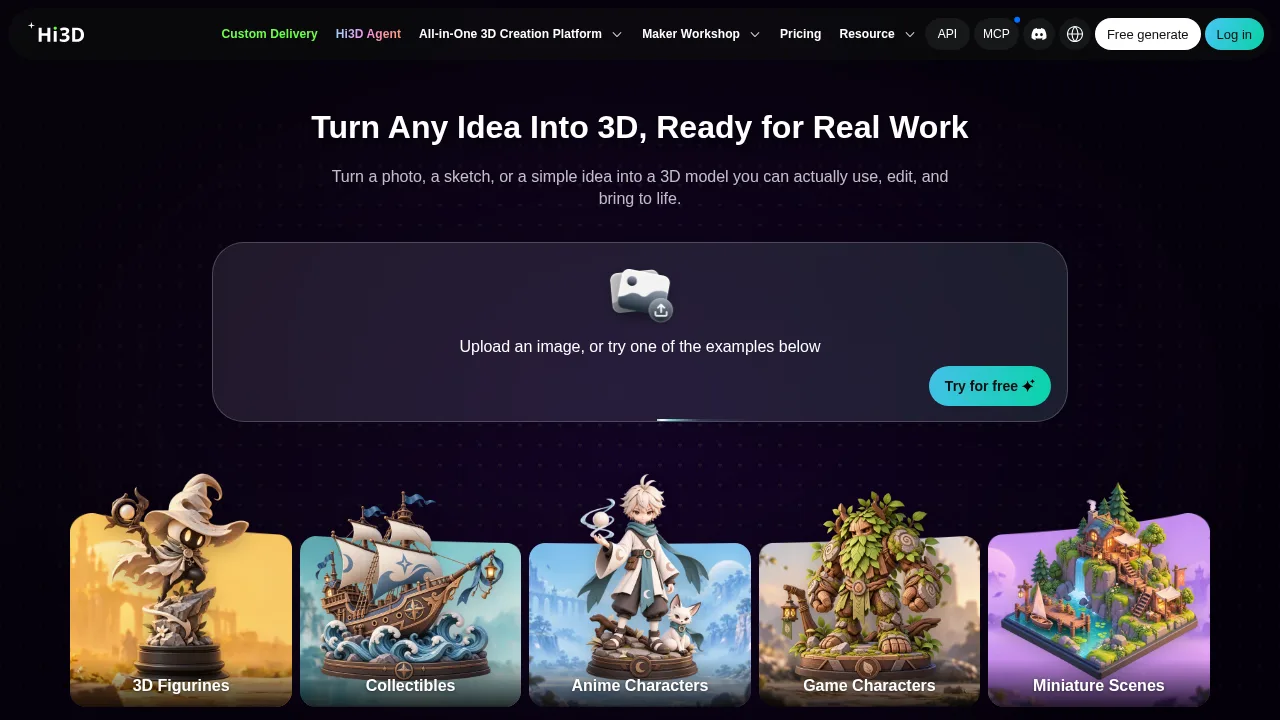
Hi3D converts uploaded photos or text prompts into editable 3D models ready for slicer export or physical printing.

US
20.64%
1.5M
0
Triple 3D

Triple 3D

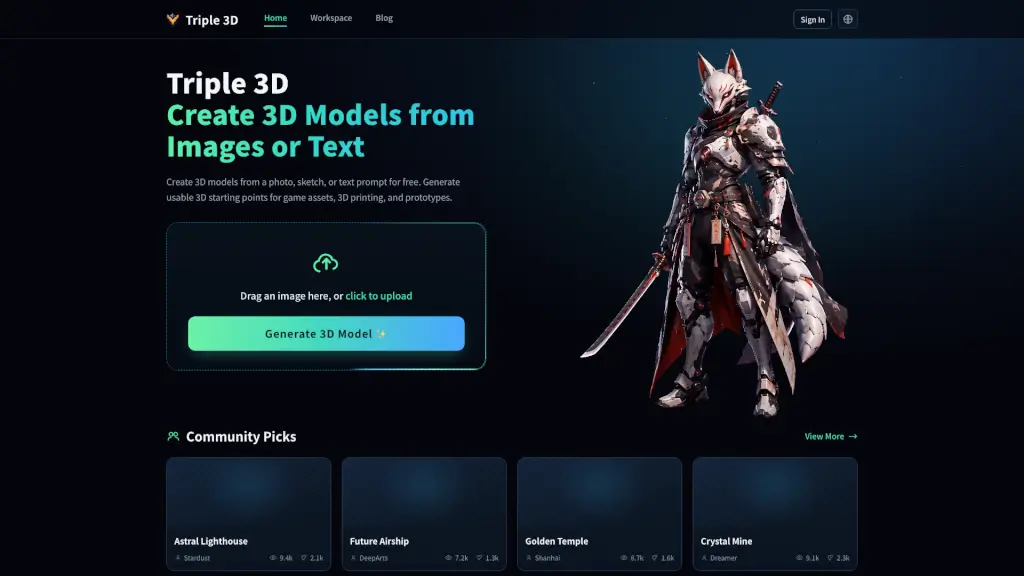
Triple 3D is a free AI tool that creates usable 3D models from images or text prompts for game assets, 3D printing, and creative prototyping.

US
40.34%
44.5K
0
3D AI Studio

3D AI Studio

3D AI Studio converts text prompts and uploaded images into textured 3D models exportable in formats like GLB, FBX, OBJ, and STL.

US
22.87%
615.9K
0
FurniMesh

FurniMesh

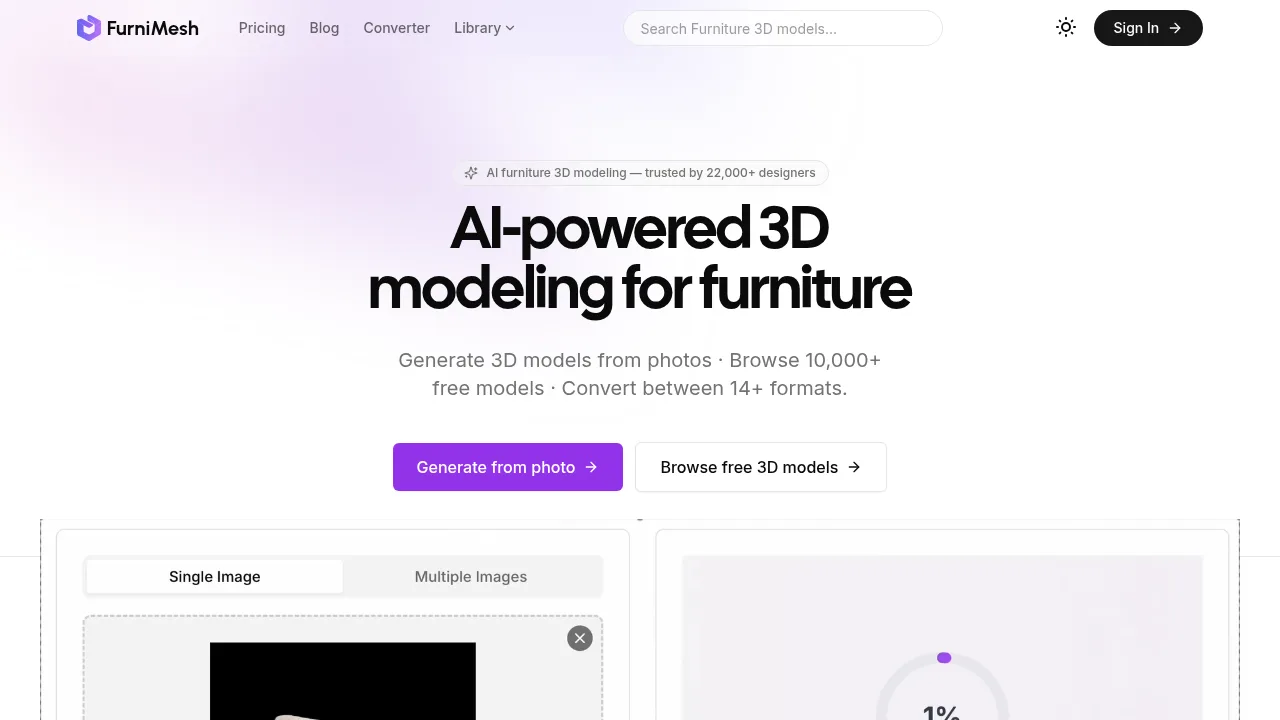
FurniMesh converts single furniture photographs into textured GLB, OBJ, SKP, or BLEND 3D models through a web interface.

IN
20.01%
160.4K
0
Modelfy 3D

Modelfy 3D

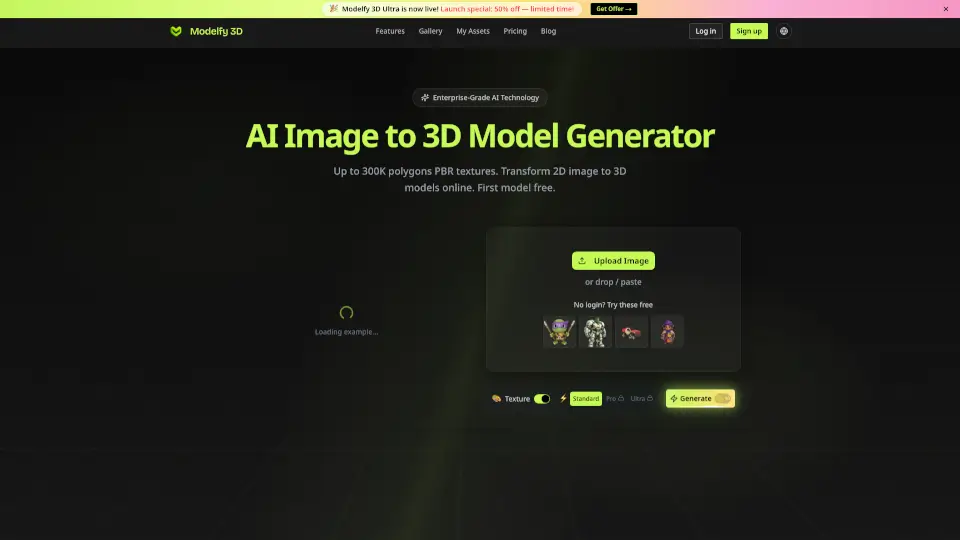
Modelfy 3D is an easy-to-use AI tool that transforms any 2D image into a detailed 3D model in minutes. Perfect for 3D printing, gaming, and professional projects, it offers multiple quality levels, realistic textures, and seamless asset management.

US
8.56%
66.5K
0

Spline AI Related Other Categories

Spline AI Traffic Analysis

These figures cover the whole website spline.design. Multiple listings share this website; only one representative is included in traffic rankings.

Data month: 2026-10

  • Monthly Visits

    588.32K

  • Bounce Rate

    42.33%

  • Pages Per Visit

    4.97

  • Visit Duration

    00:02:37

  • Global Rank

    67903

  • Country Rank

    21959

Visits Over Time

Traffic Sources

Search Organic48.85%
Direct36.15%
Referrals5.58%
Social Organic3.97%
Gen Ai3.16%
Search Paid1.16%
Mail0.74%
Social Paid0.22%
Display Ads0.16%
Affiliate0.00%

Top Keywords

1
spline
CPC$0.83
56.89KTraffic
2
spline 3d
CPC$0.91
6.52KTraffic
3
spline ai
CPC$0.24
4.80KTraffic
4
spline design
CPC$0.71
4.03KTraffic
5
ai 3d model generator
CPC$2.36
2.88KTraffic

Top Regions

RegionPercentage
India
India
18.31%
United States
United States
14.70%
Russia
Russia
8.19%
Germany
Germany
4.45%
United Kingdom
United Kingdom
3.63%
Low
High

Powered by SimilarWeb

Spline AI FAQ

Can I use Spline AI without paying?

No, AI 3D Generation is available only on the paid Hobby, Pro, and Max workspace plans.

Does Spline AI train on my uploaded files?

The vendor states that Spline AI does not use any user files or data, and all processing occurs on Spline's own servers.

Spline AI Reviews

0
0 Reviews
Sign Into leave a review

Recent Reviews

No reviews yet

Spline AI Embed

Use website badges to drive community support for SeekTool.ai. They are easy to embed in your homepage or footer.

Light
Dark
Spline AI - Featured on SeekTool.aiSpline AI - Featured on SeekTool.ai
How to install?