
What is Scenario?
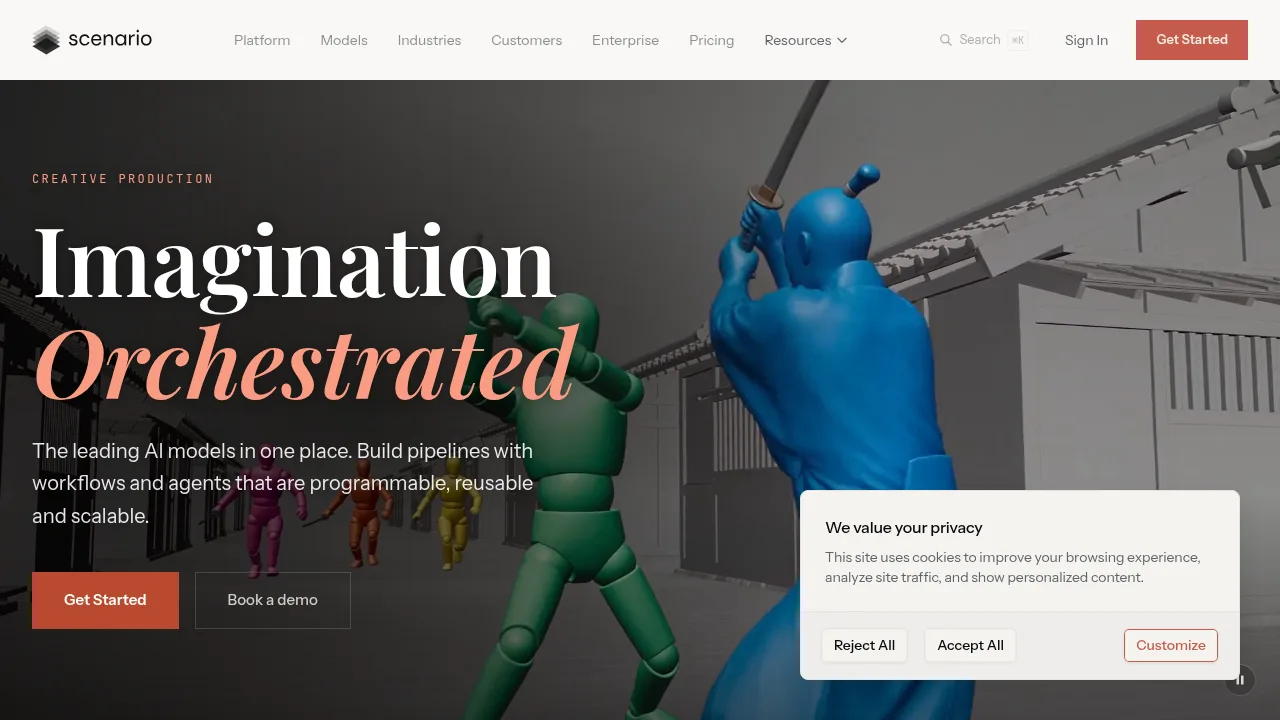
Scenario is a browser-based platform for generating and editing image, video, 3D, and audio assets using over 750 models from more than 50 providers. Creative teams can chain these models into reusable node workflows or automate them with agents. Free access provides 50 daily credits without requiring a credit card.
What are the features of Scenario?
- Multi-modal generationProduces images, video, textured 3D models, and audio (sound effects, music, voice) from prompts, references, or input files within a single workspace.
- Node-based workflow builderChains models and tools on a visual canvas, then publishes the sequence as an app or one-click workflow showing estimated costs before execution.
- Custom model trainingTrains models on user-provided reference art to maintain specific characters, brand styles, or product lines across generated assets.
- Agent automationConverts natural-language briefs into working node graphs (Node Agent) or selects models and fills forms via a chat assistant (Genie).
- API and MCP integrationExposes saved workflows and models through a REST API with TypeScript and Python SDKs, or connects coding assistants like Claude Code, Codex, and Cursor via Scenario MCP.
- Blender pluginGenerates textures, props, and scenes directly inside the Blender viewport using the platform's models.
What are the use cases of Scenario?
- Converting a rough previs animation into a finished shot while preserving camera movement and timing.
- Generating a matching set of game inventory icons in two styles from a single list of item names.
- Turning one floor plan and its 3D model into photorealistic real-estate listing footage.
How to use Scenario?
Web workflow:
- Sign in to the browser-based application.
- Select a model and provide a prompt or reference to generate an asset.
- Chain models and tools as nodes on the canvas to build a pipeline.
- Save the node graph as a workflow so team members can execute it with one click.
Scenario Pricing Information:
- Free access: 50 daily credits; no credit card required.
- Starter: $15 per month ($10 per month billed annually); 1,500 monthly credits.
- Pro: $45 per month ($30 per month billed annually); 5,000 monthly credits; supports custom models.
- Max: $75 per month ($50 per month billed annually); 10,000 monthly credits.
- Enterprise: Custom pricing on a twelve-month agreement with committed credits; unlimited users sharing a credit pool, project-level spend caps, approved model lists, SSO, audit logs, and optional IP Detection add-on.