
What is AI Keywording Tool?
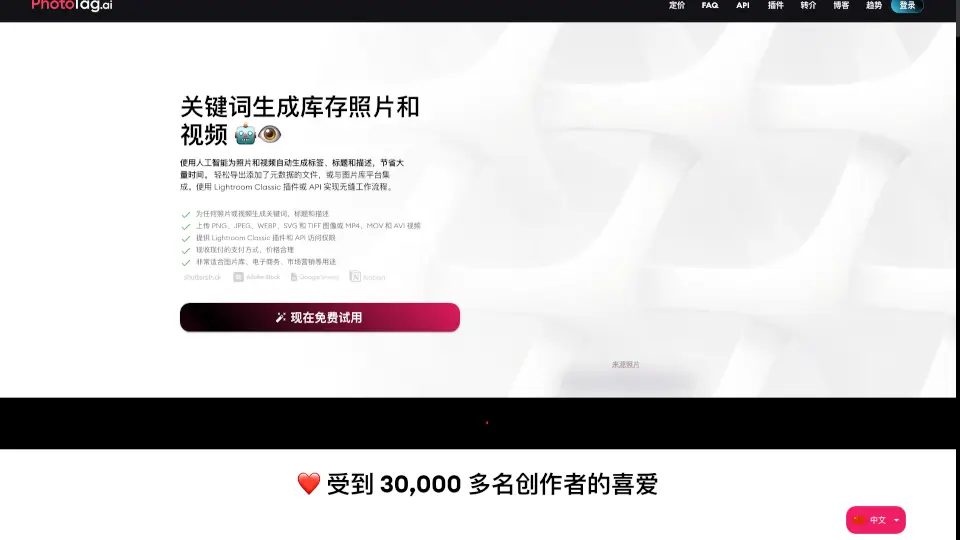
Tired of spending hours writing titles, descriptions, and keywords for your photos or videos? Meet Pixify Studio—a smart, AI-powered keywording tool built specifically for creators who want to save time without sacrificing quality. Whether you're a stock photographer, travel content creator, or digital marketer, Pixify helps you generate accurate, detailed metadata in seconds instead of minutes.
Used by over 4,000+ professionals worldwide, Pixify’s AI doesn’t just slap generic tags on your files—it crafts thoughtful, relevant titles and descriptions that actually help your content get discovered. And the best part? You can try it completely free with no risk.
What are the features of AI Keywording Tool?
- AI-Powered Metadata Generation: Automatically creates tailored titles, descriptions, and keywords for images and videos.
- Video Support: Handles videos of any length or file size—just 1 credit per 5 seconds.
- Bulk & Folder Uploads: Drag and drop entire folders or use FTP to upload nested directories at once.
- Custom Instructions: Add your own prompts to guide the AI output to match your style or niche.
- Secure Cloud Storage: All files are stored safely on Amazon S3, included with your subscription.
- Lightroom Classic Plugin: Seamlessly integrate keywording directly into your Adobe workflow.
- Free Tier Available: Get 10 free credits after verifying your account—no credit card needed.
What are the use cases of AI Keywording Tool?
- Stock photographers uploading hundreds of images to Shutterstock or Adobe Stock
- Travel creators tagging location-specific metadata across thousands of photos
- E-commerce brands generating consistent product image descriptions at scale
- Video editors needing quick, searchable metadata for footage libraries
- Agencies managing large visual assets for multiple clients
- Hobbyists looking to organize personal photo collections with smart keywords
How to use AI Keywording Tool?
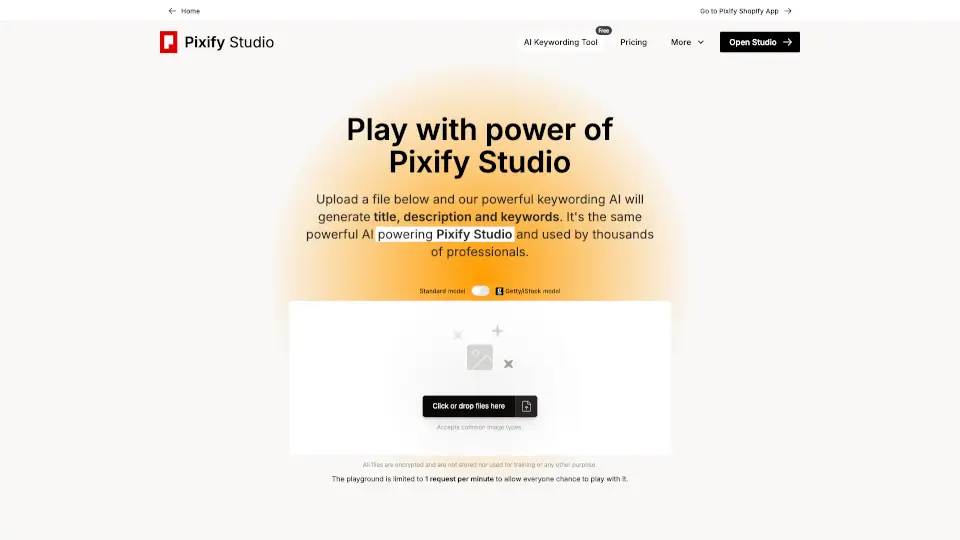
- Go to the Free AI Keywording Tool on Pixify’s website.
- Upload an image or video file (note: limited to 1 request per minute in the free playground).
- Optionally add custom instructions to shape the AI’s output.
- Review the generated title, description, and keywords.
- Sign up for Pixify Studio to unlock full features and get 10 free credits.
- For heavy use, explore folder uploads via FTP or the Lightroom plugin for faster workflows.