
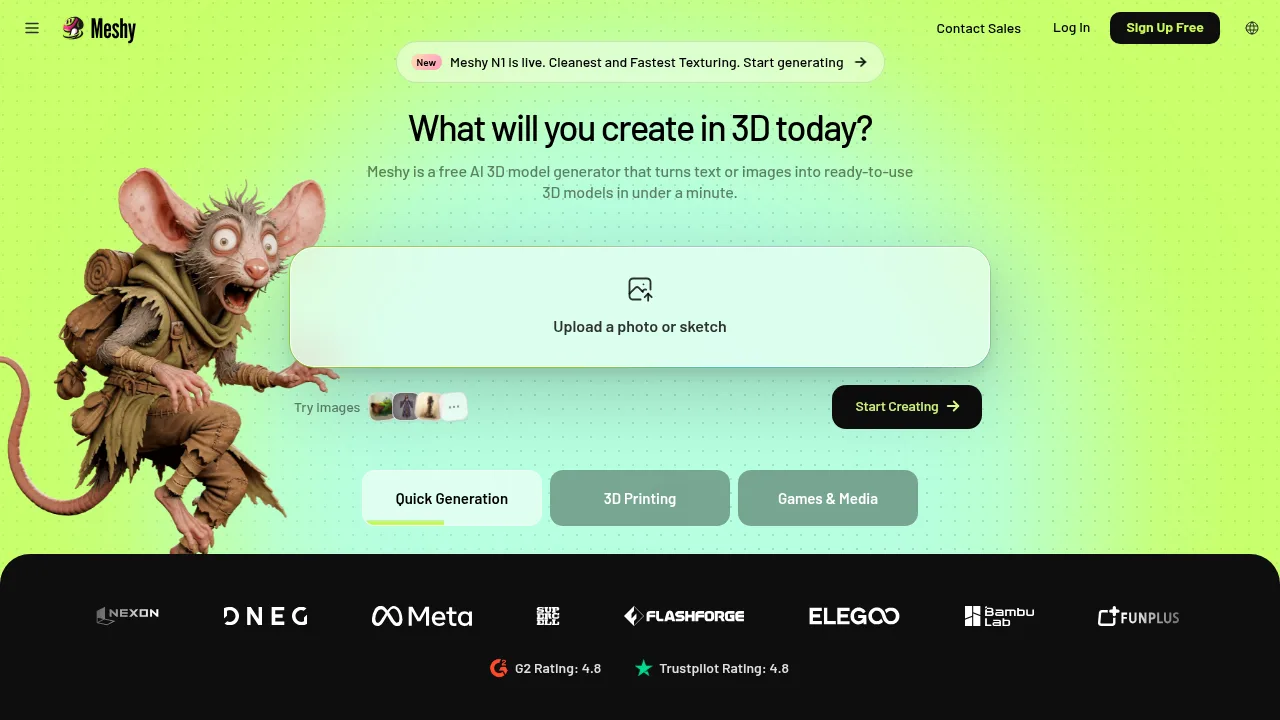
Meshy generates textured, rigged, or 3D-print-ready models from text descriptions, photos, and sketches.

Social Media:
Meshy

Meshy Product Information

What is Meshy?

Meshy is an AI 3D model generator that converts text prompts, photos, or sketches into 3D models. It supports export for game engines, animation software, and 3D printing slicers. Users can access the tool via a web interface, mobile app, API, CLI, or MCP server integration without requiring a credit card to start.

What are the features of Meshy?

  • Image-to-3D conversion
    Uploads a photo, sketch, or concept art to generate a 3D model.
  • Text-to-3D generation
    Produces a 3D model from a written text description.
  • PBR texturing
    Generates albedo, normal, metallic, and roughness texture maps, with an option for 4K resolution output.
  • Auto-rigging and animation
    Automatically rigs humanoid and quadruped characters and applies motion presets such as walk cycles, jumps, and attacks.
  • 3D print preparation
    Outputs watertight, manifold models in STL, OBJ, or 3MF formats, with built-in auto-repair and automatic splitting for multi-color printing.
  • Low-poly generation
    Produces models with user-controlled polygon counts optimized for real-time performance.

What are the use cases of Meshy?

  • Tabletop miniature creation
    Converts character designs into physical 28mm or 32mm miniatures by generating printable 3D files.
  • Game asset production
    Builds multiple assets with controlled poly counts and PBR textures for playtesting in Unity, Unreal Engine, or Godot.
  • Child drawing realization
    Transforms a child's hand-drawn sketch into a physical 3D figure using image-to-3D conversion and 3D printing.

How to use Meshy?

  1. Provide input
    Upload a photo or sketch, or type a text description of the desired 3D object on the web interface.
  2. Generate model
    Initiate the creation process to produce the 3D model.
  3. Select output options
    Choose specific features such as HD texturing, low-poly mode, or auto-rigging depending on the intended use.
  4. Export file
    Download the finished model in a supported format like STL, OBJ, 3MF, FBX, GLB, or USDZ.

Meshy Pricing Information:

  • Free starting access
    No credit card required to generate a first 3D model; specific ongoing quotas or feature limits are not detailed in the source.
  • API access
    Requires an API key (formatted as msy_YOUR_API_KEY); specific pricing tiers and usage limits are not provided in the source.
  • Enterprise
    Available via a contact sales form; pricing and limits are not specified.
Do you like this tool?

Upvote to help others discover it!

Meshy Alternatives

AI3DGen

AI3DGen

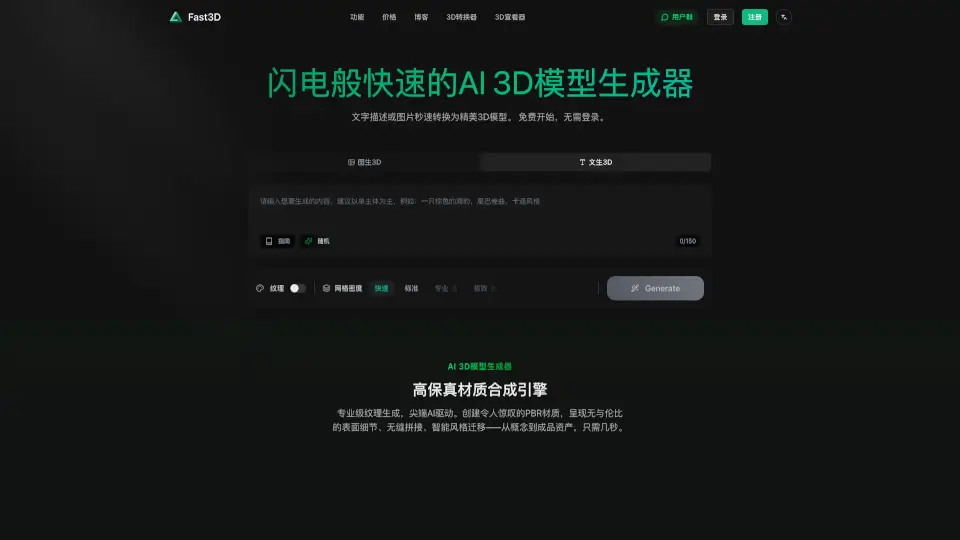
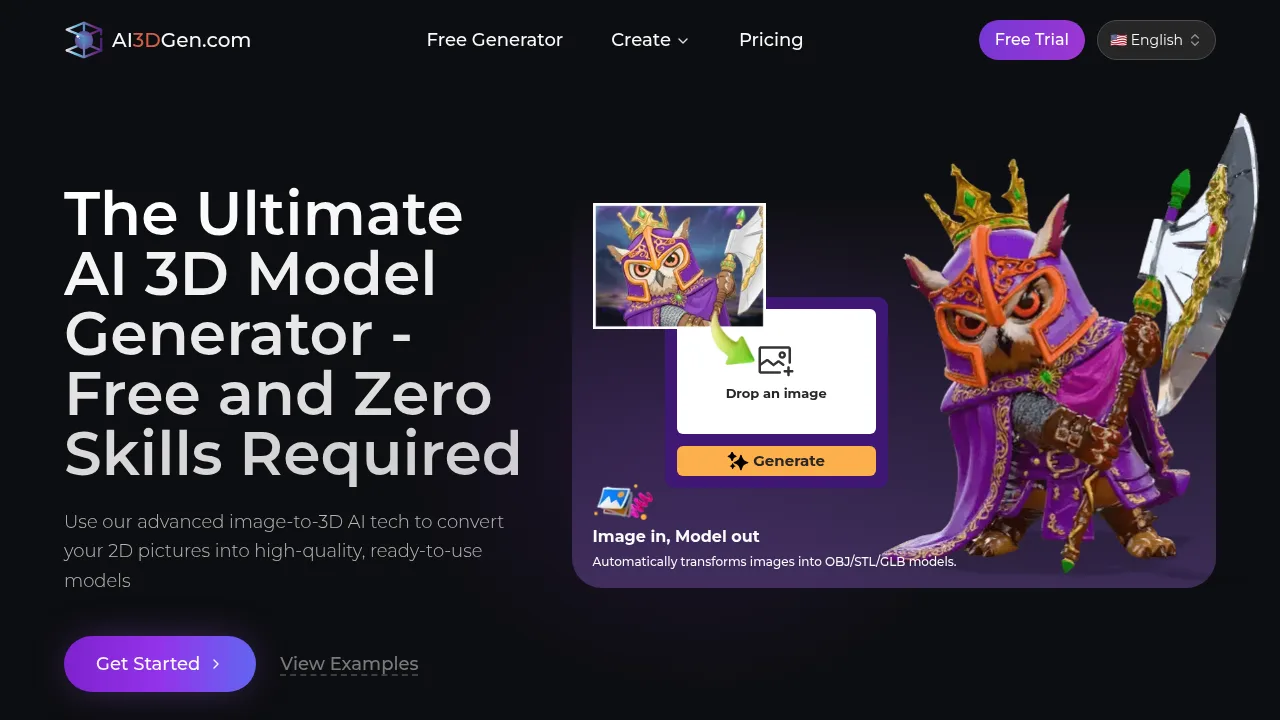
AI3DGen converts JPG, PNG, or WebP photos into downloadable .GLB, .OBJ, or .STL 3D models directly in a web browser.

US
14.06%
276.7K
0
Modelfy 3D

Modelfy 3D

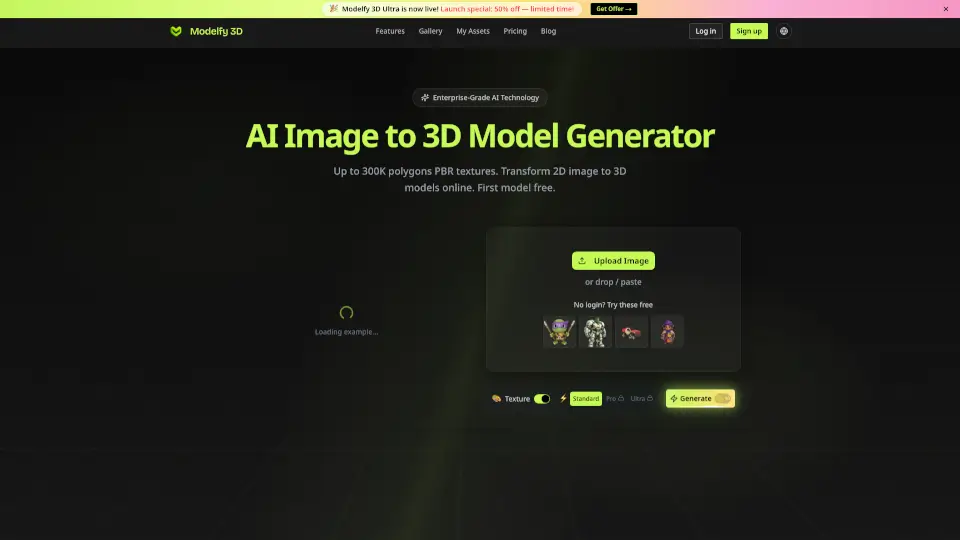
Modelfy 3D is an easy-to-use AI tool that transforms any 2D image into a detailed 3D model in minutes. Perfect for 3D printing, gaming, and professional projects, it offers multiple quality levels, realistic textures, and seamless asset management.

US
8.56%
66.5K
0
Triple 3D

Triple 3D

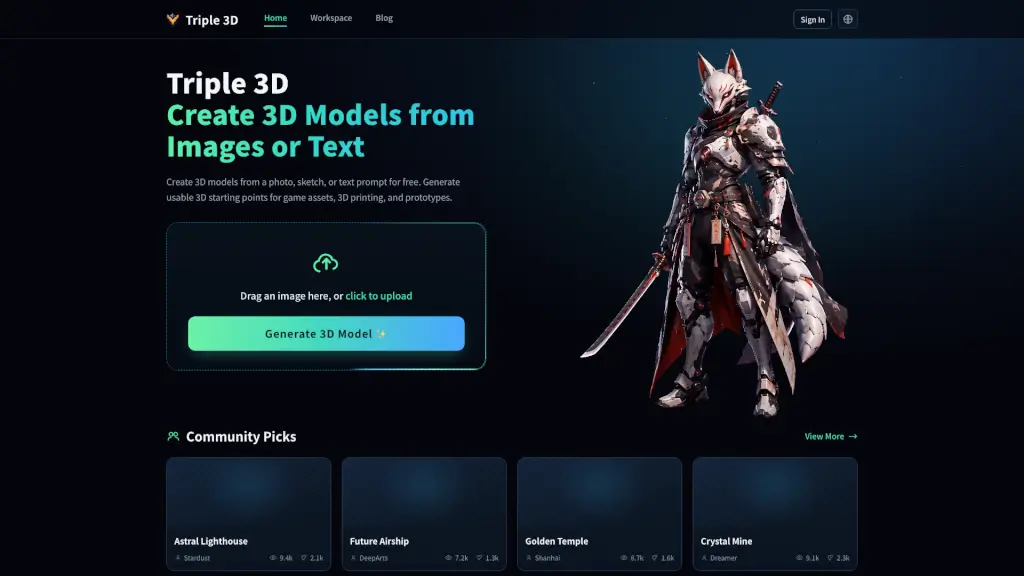
Triple 3D is a free AI tool that creates usable 3D models from images or text prompts for game assets, 3D printing, and creative prototyping.

US
40.34%
44.5K
0
Hi3D

Hi3D

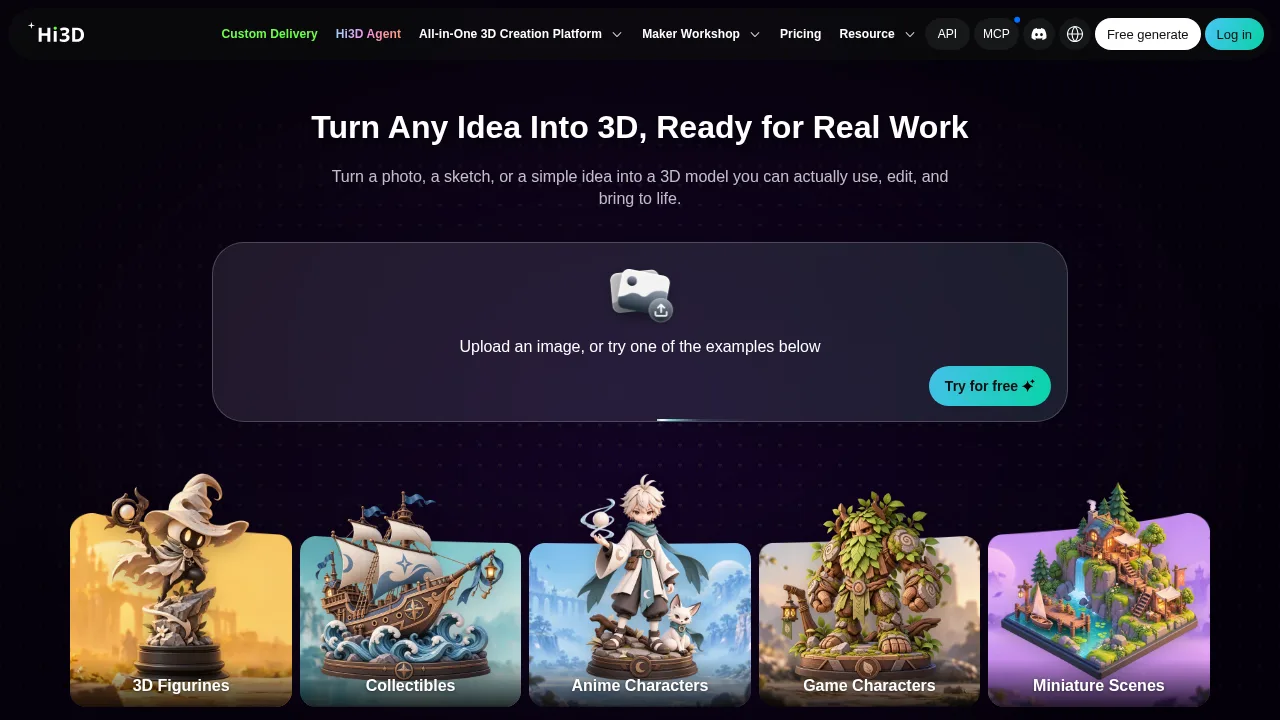
Hi3D converts uploaded photos or text prompts into editable 3D models ready for slicer export or physical printing.

US
20.64%
1.5M
0
Spline AI

Spline AI

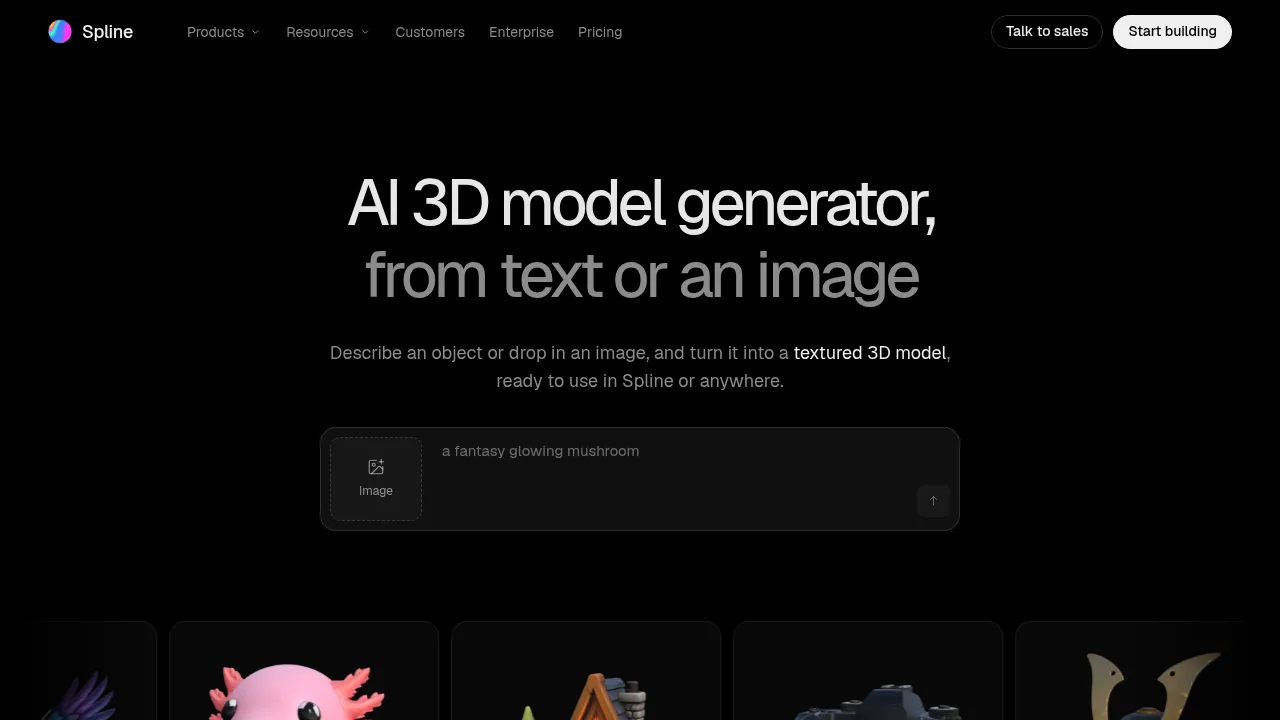
Spline AI converts text descriptions or reference images into textured 3D models with PBR maps, exportable as GLB files.

IN
18.31%
588.3K
0
Fast3D

Fast3D

Fast3D is the easiest way to make 3D models—no skills required. Generate high-quality assets for games, printing, or VR in seconds. Try it free today!

US
9.84%
198.9K
0
FurniMesh

FurniMesh

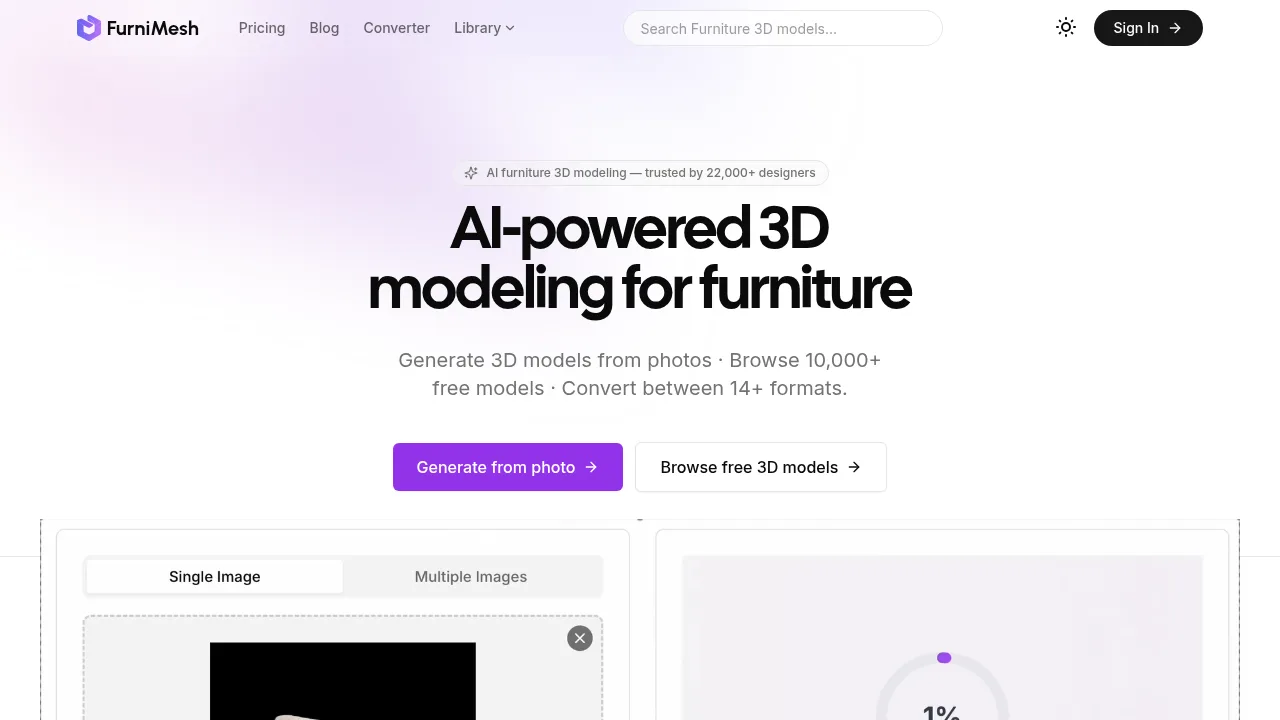
FurniMesh converts single furniture photographs into textured GLB, OBJ, SKP, or BLEND 3D models through a web interface.

IN
20.01%
160.4K
0
Sloyd

Sloyd

Sloyd converts text prompts and images into rigged, printable, or game-ready 3D models through a web interface and developer API.

US
19.20%
427.6K
0

Meshy Related Other Categories

Meshy Traffic Analysis

Website traffic estimates for meshy.ai. Visits are not unique users or product usage.

Data month: 2026-10

💡 Insights

🚀
Super High Traffic
Estimated monthly visits exceed 10 million.
⚠️
Slight Decline
Estimated visits decreased 2.3% from the previous month.
🌐
Distributed visits
At least five regions are reported; the largest accounts for less than 20% of visits.
  • Monthly Visits

    19.52M

  • Bounce Rate

    61.89%

  • Pages Per Visit

    1.35

  • Visit Duration

    00:03:36

  • Global Rank

    3741

  • Country Rank

    4813

Visits Over Time

Traffic Sources

Direct32.93%
Search Organic27.70%
Search Paid13.73%
Display Ads8.50%
Social Paid5.29%
Social Organic5.27%
Referrals3.65%
Gen Ai1.68%
Mail1.08%
Affiliate0.16%

Top Keywords

1
meshy ai
CPC$1.58
370.63KTraffic
2
meshy
CPC$2.42
369.92KTraffic
3
ai 3d model generator
CPC$2.36
60.75KTraffic
4
text to 3d
CPC$1.95
45.71KTraffic
5
image to 3d
CPC$1.66
43.43KTraffic

Top Regions

RegionPercentage
United States
United States
18.04%
India
India
9.33%
Brazil
Brazil
4.59%
Russia
Russia
3.92%
Japan
Japan
3.58%
Low
High

Powered by SimilarWeb

Meshy FAQ

Which software integrations are supported for exporting or using Meshy models?

Supported integrations include Unity, Unreal Engine, Godot, Blender, Maya, Bambu Studio, Creality Print, OrcaSlicer, Ultimaker Cura, Elegoo Slicer, LycheeSlicer, Snapmaker, and Roblox Studio.

Can I use Meshy directly inside other AI coding tools?

Yes, the Meshy MCP server allows 3D generation inside clients like Claude Code and Cursor using a single command-line setup.

Meshy Reviews

0
0 Reviews
Sign Into leave a review

Recent Reviews

No reviews yet

Meshy Embed

Use website badges to drive community support for SeekTool.ai. They are easy to embed in your homepage or footer.

Light
Dark
Meshy - Featured on SeekTool.aiMeshy - Featured on SeekTool.ai
How to install?