
What is ImageKit?
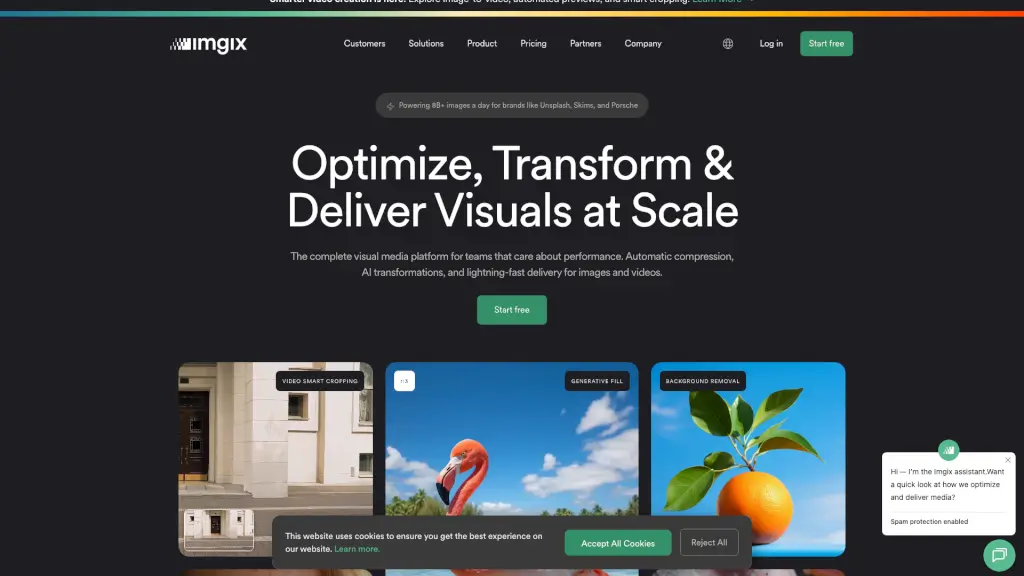
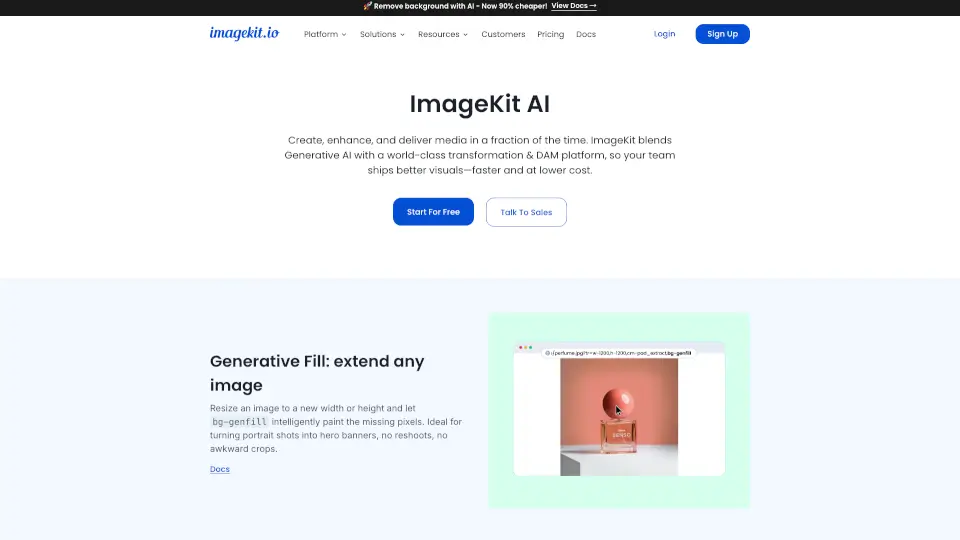
ImageKit is a powerful media platform that helps websites and apps deliver faster, smarter, and more engaging images and videos—without slowing down developers or designers. By embedding AI and generative AI transformations directly into your image and video URLs, ImageKit automates tedious visual tasks like cropping, background removal, upscaling, and even generating new visuals from text prompts.
Whether you're running an e-commerce store, a news site, or a creative agency, ImageKit saves time, cuts costs, and boosts performance. It handles everything from automatic smart cropping that keeps faces or products in focus, to AI-generated backgrounds, video subtitles, and shoppable video experiences—all through simple URL parameters. No complex code, no manual editing, just smarter media delivery at scale.
What are the features of ImageKit?
- Smart & Object-Aware Cropping: Use
fo-auto,fo-face, orfo-{object}(like "car" or "shoe") to automatically frame the most important part of any image. - Generative Fill: Resize images beyond their original dimensions and let AI intelligently fill in missing areas—perfect for turning portraits into banners.
- AI Background Replacement: Replace dull backdrops with custom scenes using a text prompt like “sunset beach” via
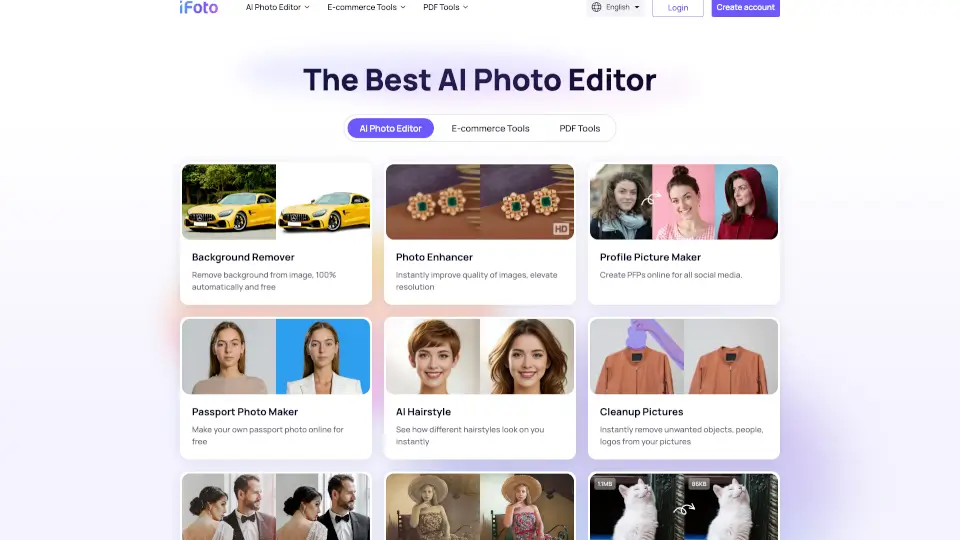
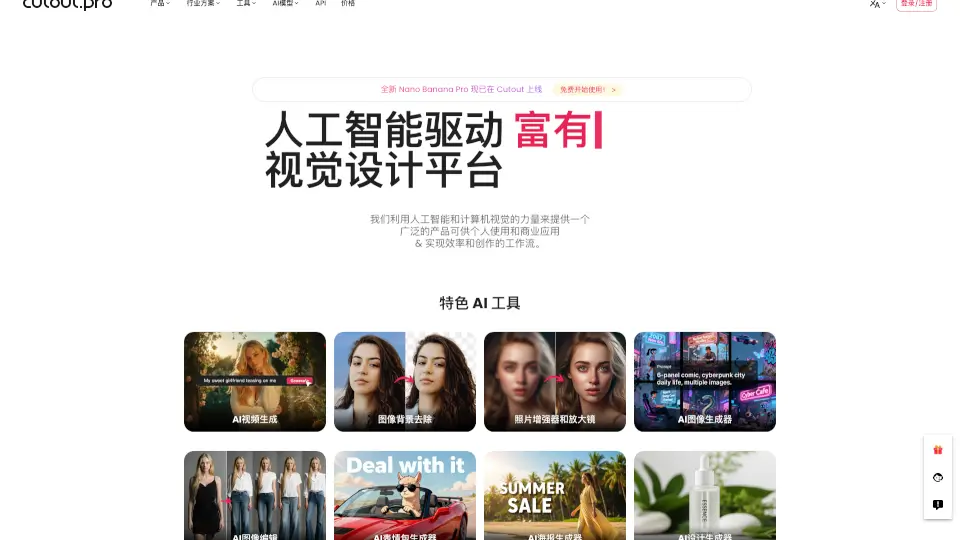
e-changebg-prompt-{text}. - One-Click Background Removal: Isolate subjects instantly with
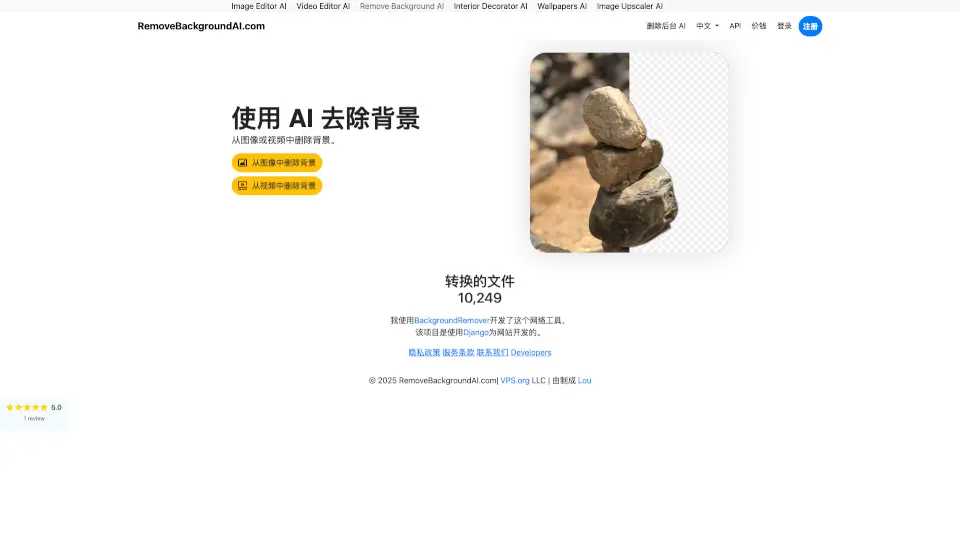
e-removedotbgor the cost-efficiente-bgremove, and add realistic shadows withe-dropshadow. - AI Image Upscaling: Boost resolution up to 4× using
e-upscaleto revive low-quality or user-uploaded images. - Text-to-Image Generation: Create brand-new, copyright-safe images from prompts using
ik-genimg-prompt-{text}—no stock photos needed. - AI Video Smart Crop: Automatically reframe videos for mobile, social, or thumbnails while keeping key action visible.
- AI-Powered Video Player: Includes auto-generated subtitles in 100+ languages, chapters, playlists, shoppable hotspots, and a floating player.
What are the use cases of ImageKit?
- E-commerce teams creating on-brand product banners at scale without design bottlenecks
- News publishers delivering fast-loading, responsive images that boost SEO and Core Web Vitals
- Marketing teams personalizing visuals with dynamic overlays (logos, text, offers) via URL
- User-generated content platforms auto-tagging, cropping, and optimizing millions of uploads
- Travel sites transforming portrait photos into full-width hero banners using Generative Fill
- Agencies building YouTube-like video experiences with auto-chapters and multilingual subtitles
- Creative teams generating endless style or color variations of a single product image
How to use ImageKit?
- Start by signing up for a free ImageKit account and uploading your first image or video
- Apply transformations by adding parameters directly to your media URL (e.g.,
?tr=fo-face,w-300,h-300) - Chain multiple AI features in one URL—like removing a background, adding a shadow, and overlaying a logo
- For video, embed the ImageKit video player and enable AI features like subtitles or smart crop via dashboard settings
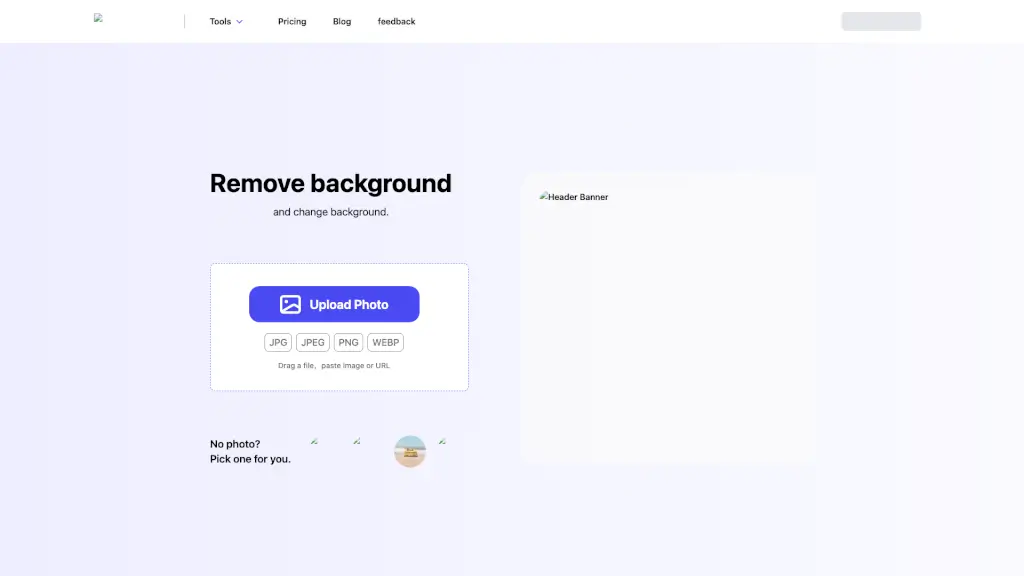
- Use the free tools (like background remover or MP4-to-GIF converter) to test capabilities before integrating
- Integrate SDKs for React, Next.js, WordPress, Shopify, or other platforms to automate workflows