
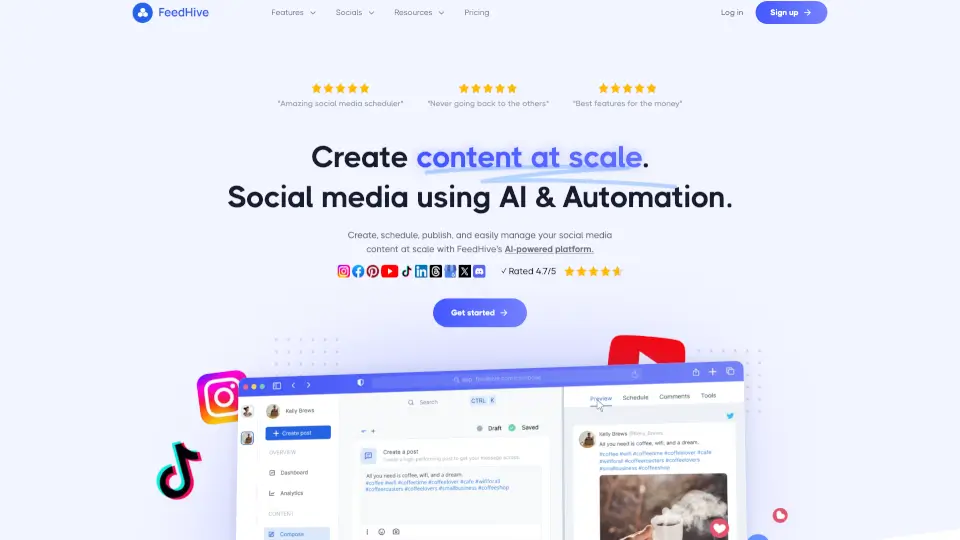
What is FeedHive?
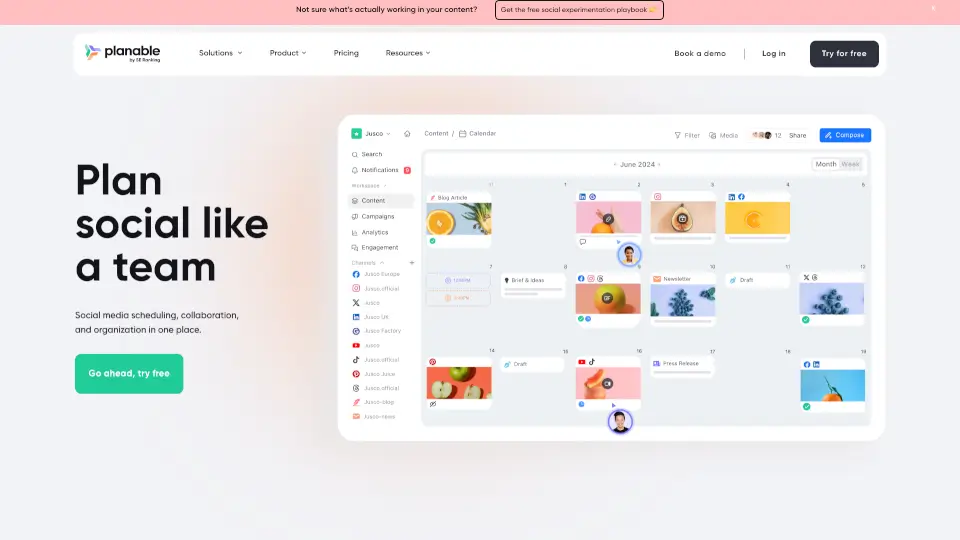
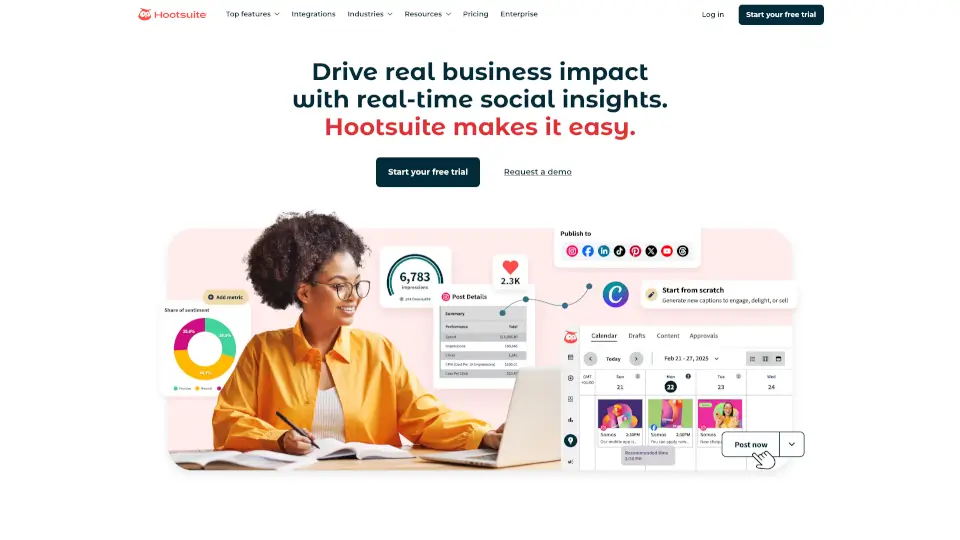
FeedHive v2.0 is a social media automation platform that uses AI and automation to help you create, schedule, and publish content across multiple channels. It learns your brand’s voice, audience, and goals to generate on-brand posts and keeps your social presence active without starting from scratch every day. Whether you’re a solo creator or a team, FeedHive turns random ideas into a consistent content machine.
What are the features of FeedHive?
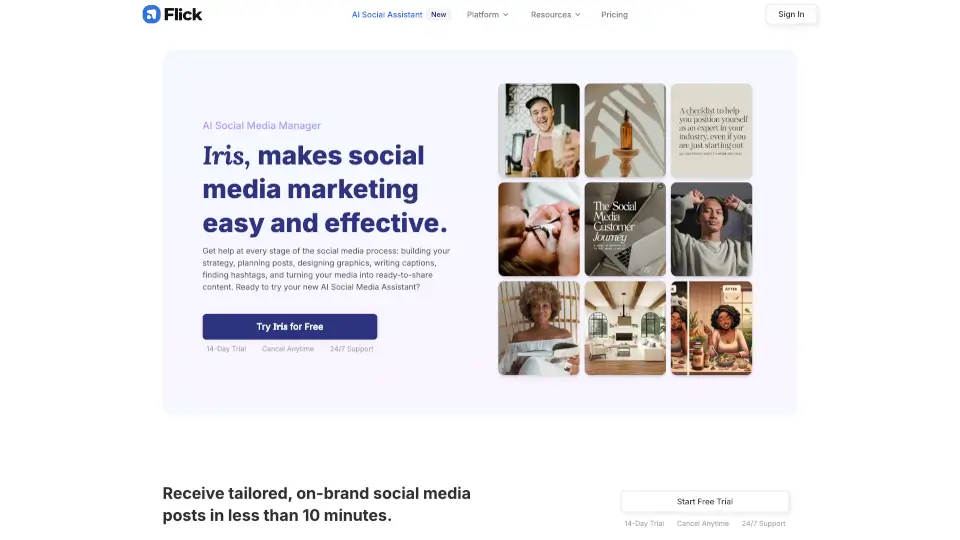
- AI Composer & Vibe Marketing: Generate on-brand posts, ideas, and variations with a built-in AI agent that understands your tone and style.
- Automation Workflows: Build visual, advanced content pipelines with posting conditions, recycle suggestions, and smart scheduling.
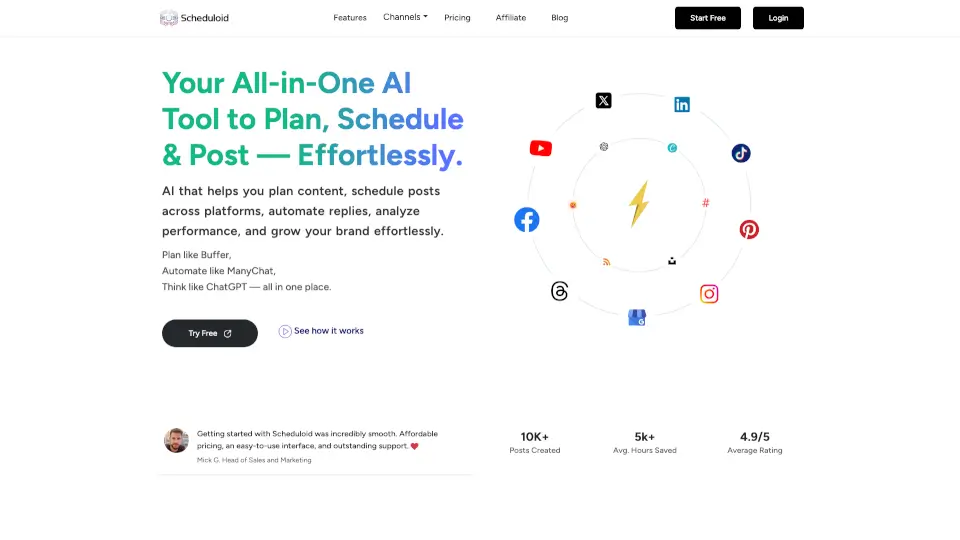
- Multi-Platform Publishing: Publish to Facebook, Instagram, YouTube, X, TikTok, LinkedIn, Pinterest, Google Business, Threads, and more.
- Team Collaboration & Approval Flows: Plan, review, and approve drafts in one unified workspace with roles, feedback, and custom fields.
- AI Image Generation & Design Library: Create fresh visuals directly inside FeedHive using Flux Pro and Nano Banana 2.
- Post Recycling & Link Shortening: Automatically suggest and recycle your best posts, and shorten links with LinkDrip.
- API, CLI & MCP Server: Connect FeedHive to custom scripts, developer tools, and AI systems like Claude Code and OpenClaw.
What are the use cases of FeedHive?
- A marketing team schedules a month of social content across Instagram, LinkedIn, and TikTok from one dashboard.
- A solo business owner uses AI to turn notes into weekly posts and sets up automation to recycle top-performing content.
- A social media manager sets approval workflows so drafts must be reviewed by a client before going live.
- An agency creates content calendars, assigns team roles, and tracks performance stats for multiple clients.
- A developer integrates FeedHive’s API to auto-schedule posts from a custom content pipeline.
How to use FeedHive?
- Learn your brand: Let FeedHive analyze your voice, audience, and goals so it can generate content that fits.
- One-click content creation: Use the AI Composer to produce on-brand posts, ideas, and variations in seconds.
- Set up automation workflows: Build visual pipelines with conditions (e.g., recycle a post if engagement drops) to keep your channels active.
- Schedule and publish: Use smart scheduling (best time slots) or post conditions to publish across all your supported social platforms.
- Collaborate with your team: Invite team members, set roles, leave feedback, and use approval flows before content goes live.
- Monitor and optimize: Use the Social Inbox, performance stats, and recycle suggestions to refine your strategy.