
What is ClickHouse?
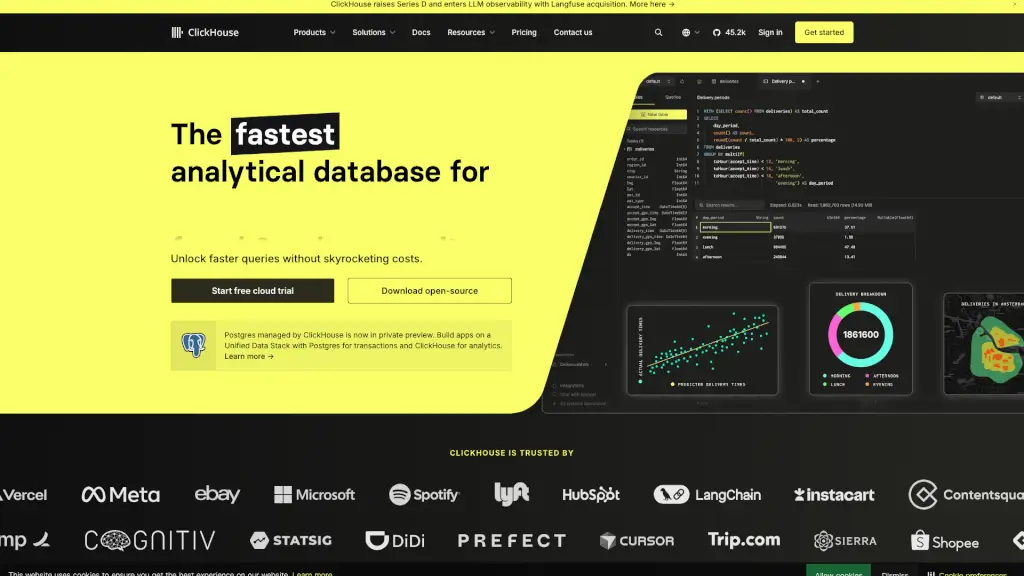
ClickHouse is a super-fast, open-source database management system that's perfect for real-time analytics. It's designed to handle massive amounts of data and deliver results in milliseconds, making it a go-to choice for businesses that need to analyze and visualize data on the fly. Whether you're running a gaming platform, a financial service, or an e-commerce site, ClickHouse can help you get the insights you need, when you need them, without breaking the bank.
What are the features of ClickHouse?
- Column-Oriented Storage: ClickHouse stores data in columns, which makes it incredibly fast at processing analytical queries, especially on large datasets.
- High Performance: With optimized compression and vectorized query execution, ClickHouse can process queries up to 100 times faster than traditional row-oriented databases.
- Scalability: ClickHouse is built to scale, whether you're running it on your own hardware or in the cloud. It can handle petabytes of data and millions of queries per second.
- Cost-Effective: Thanks to its efficient storage and query execution, ClickHouse can save you a lot of money on storage and compute resources.
- Developer-Friendly: ClickHouse uses simple SQL, making it easy for developers to write and run complex queries without needing to learn a new language.
- Open Source: ClickHouse is open source, meaning you can customize it to fit your needs and contribute to its development.
What are the use cases of ClickHouse?
- Real-Time Analytics: Use ClickHouse to generate instant reports and dashboards, providing real-time insights into your business operations.
- Observability: Store and query logs, metrics, and traces at scale using ClickStack, the open-source observability stack powered by ClickHouse.
- Data Warehousing: Analyze and explore data instantly, scaling your data warehousing capabilities to handle heavy workloads.
- Machine Learning and GenAI: Power your machine learning and generative AI applications with fast vector search, instant aggregations, and scalable training.
- Fraud Detection: Detect and prevent fraudulent activities in real time by analyzing transaction data and user behavior.
- Gaming Analytics: Track player behavior, game performance, and other key metrics to optimize the gaming experience.
How to use ClickHouse?
- Install ClickHouse: You can install ClickHouse on your local machine or in the cloud. For a quick start, use the command:
curl https://clickhouse.com/ | sh. - Set Up Your Data: Import your data into ClickHouse. It supports various formats like CSV, TSV, and Parquet.
- Write Queries: Use standard SQL to write and run your queries. ClickHouse’s intuitive syntax makes it easy to get started.
- Visualize Data: Connect ClickHouse to your favorite BI tools like Tableau, Grafana, or Metabase to create interactive dashboards.
- Optimize Performance: Use ClickHouse’s advanced features like materialized views and partitioning to further optimize query performance.
- Scale as Needed: As your data grows, you can easily scale ClickHouse by adding more nodes or increasing your cloud resources.