
What is Adobe?
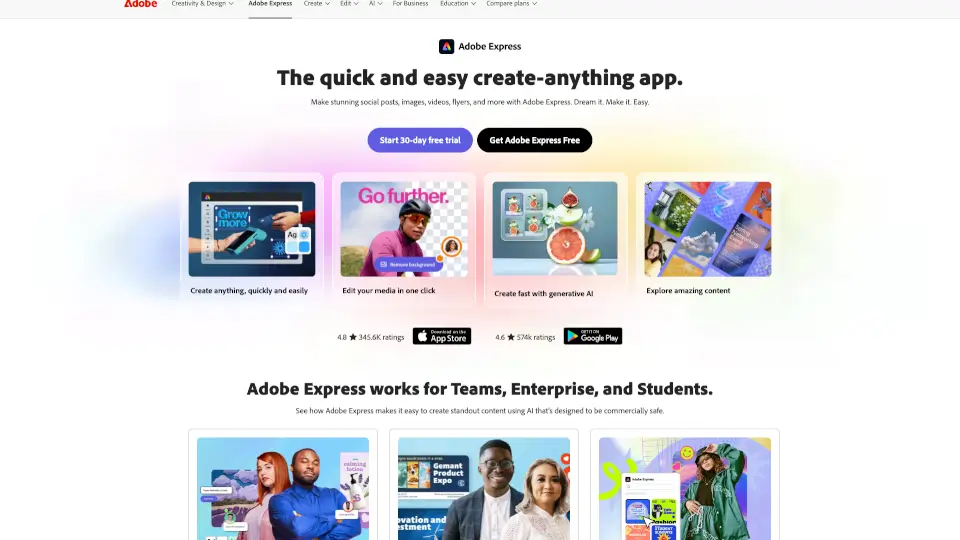
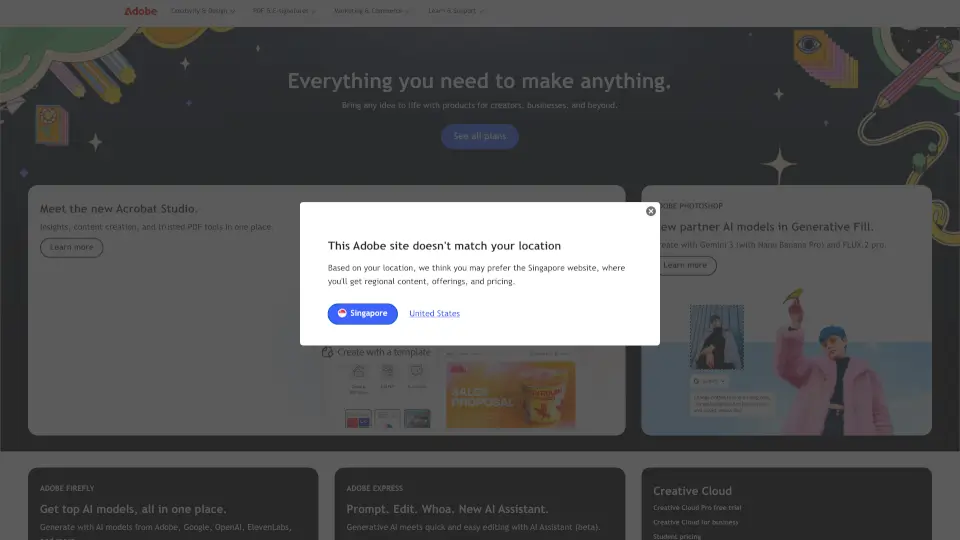
Adobe offers a complete ecosystem of creative, marketing, and document management tools to help you create, deliver, and optimize digital experiences. Whether you’re a student, influencer, creative pro, or global brand, Adobe has the apps you need — from Creative Cloud (Photoshop, Illustrator, Premiere Pro) and Firefly AI for image/video generation, to Acrobat for PDFs and Adobe Experience Cloud for business marketing. Everything works together with AI to save you time and spark your best ideas.
What are the features of Adobe?
- Creative Cloud (20+ apps): Industry‑leading tools like Photoshop, Illustrator, Premiere Pro, and Acrobat Pro — all in one subscription.
- Firefly Generative AI: Create and edit images, video, audio, and designs using top AI models (from Adobe, Google, OpenAI, and more). Get unlimited generations on select models for the first year.
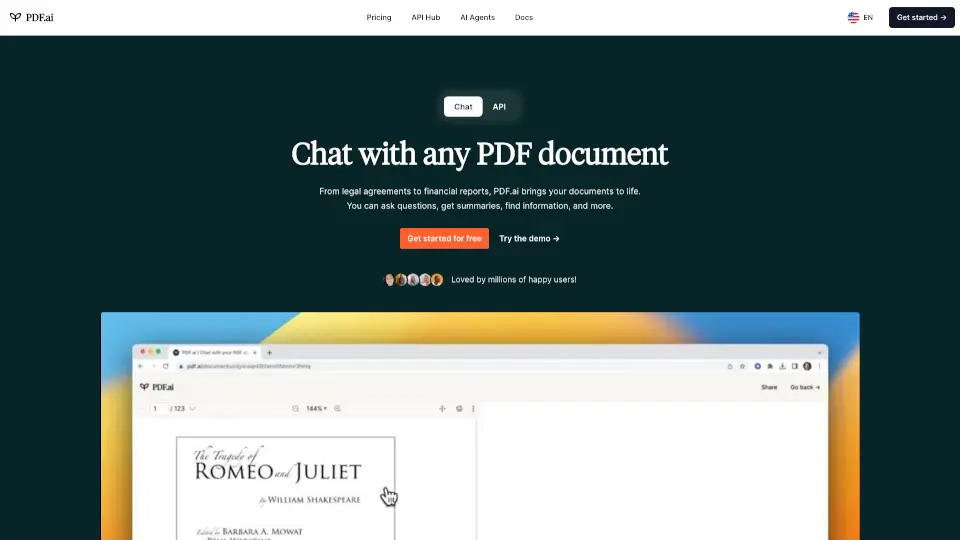
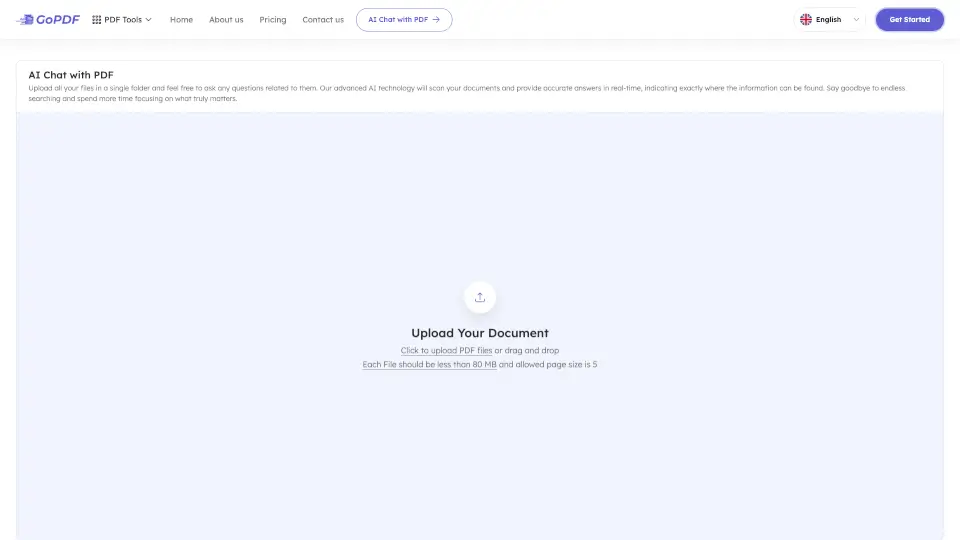
- Acrobat AI Assistant: Edit PDFs, chat with documents, summarize contracts, and create polished presentations — all with AI.
- Adobe for Business (Experience Cloud): Unify data, content, and workflows to personalize at scale and prove marketing impact.
- Student & Teacher Discounts: Save 71% on Creative Cloud Pro (regularly $69.99/mo, just $19.99/mo for the first year).
- Quick Actions & Tools: Edit PDF, remove backgrounds, resize images, convert formats, generate captions, and more — no install needed.
- Cross‑Platform Sync: Move seamlessly between desktop, mobile, and web with cloud‑driven collaboration.
What are the use cases of Adobe?
- Content creation on the fly: Use Firefly to generate social media images, videos, and music in minutes — perfect for influencers and small teams.
- PDF productivity: Real estate agents can summarize key contract details in seconds using Acrobat AI.
- Professional design and video editing: Filmmakers and graphic designers use Premiere Pro and Photoshop to craft feature‑length films and stunning visuals.
- Enterprise marketing orchestration: Large brands use Adobe Experience Cloud to automate email campaigns, manage customer journeys, and test AI‑driven brand visibility.
- Student projects and skill‑building: Students and teachers access the full Creative Cloud suite at a deep discount to create portfolios, presentations, and more.
How to use Adobe?
- Choose your plan – Start with a free trial of Creative Cloud, Acrobat, or Firefly. New subscribers can get 50% off Creative Cloud Pro for the first three months.
- Download the apps – Install Photoshop, Illustrator, Premiere Pro, Acrobat, or Firefly from the Adobe Creative Cloud desktop app.
- Explore AI features – In Acrobat, click “Chat with PDF” to ask questions. In Photoshop, try the AI Assistant to edit specific objects while keeping everything else intact.
- Use Quick Actions – For one‑off tasks (compress PDF, remove background), go to the Adobe website and use the free tools without signing up.
- Sync across devices – Save your work to Adobe Cloud to pick up on mobile or tablet later.
- Manage your account – Visit the Adobe Help Center to update your plan, download business support, or find tutorials on Firefly, Acrobat, and Creative Cloud.