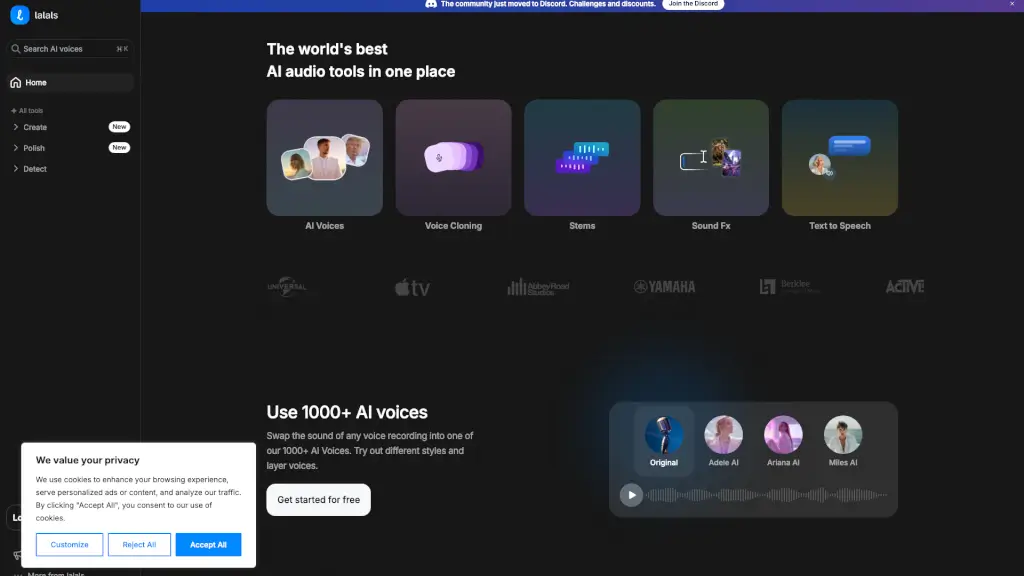
What is ACE Studio?
ACE Studio is your all-in-one AI music studio, designed to help creators produce high-quality music with ease. Whether you're a seasoned producer or just starting out, this powerful tool offers a wide range of features to bring your musical ideas to life. From generating professional vocals and realistic instrument performances to transforming your voice and creating unique sound effects, ACE Studio has everything you need to stay ahead in the AI era.
What are the features of ACE Studio?
- AI Singing Voice Generator: Turn MIDI and lyrics into expressive, studio-quality singing vocals with over 100+ royalty-free voices across 8 languages.
- AI Instruments: Create natural-sounding instrument performances without the need for bulky sample libraries.
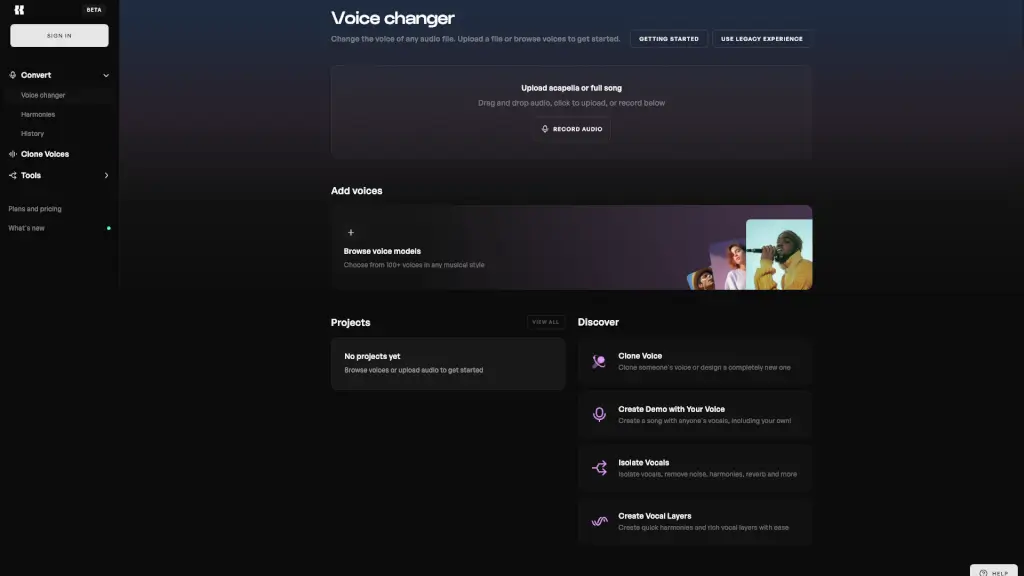
- Voice Changer: Transform your voice into different characters or creative instrument sounds, perfect for adding unique elements to your tracks.
- Voice Cloning: Upload your own vocal samples and train your own AI singing voice models, giving you complete control over your sound.
- Stem Splitter: Split your track into various stems with advanced separation technology, making it easy to work on individual elements.
- Video to Music: Generate royalty-free backing tracks that perfectly match your video, ensuring a seamless audio-visual experience.
- Text to Samples: Generate sample loops using text, allowing you to create custom sounds that fit your tracks perfectly.
What are the use cases of ACE Studio?
- Music Producers: Create professional-quality tracks with AI-generated vocals and instruments.
- Content Creators: Generate background music and sound effects for videos, podcasts, and other multimedia projects.
- Singers and Rappers: Experiment with different vocal styles and create unique tracks using AI voice cloning and changing tools.
- Film and TV Composers: Produce cinematic scores and soundtracks with realistic AI instruments and choirs.
- Educators and Students: Use ACE Studio as a learning tool to explore music production and AI technology.
- Game Developers: Create immersive soundscapes and character voices for video games.
How to use ACE Studio?
- Start by Signing Up: Create an account on the ACE Studio website to access all features.
- Upload Your MIDI and Lyrics: For AI vocals, input your MIDI file and lyrics to generate expressive singing.
- Experiment with AI Instruments: Choose from a variety of AI instruments and generate natural-sounding performances.
- Customize Your Sound: Use the voice cloning and changer tools to create unique vocal styles and characters.
- Split and Edit Stems: Use the stem splitter to separate your track into individual elements for detailed editing.
- Integrate with DAWs: Use the ACE Bridge plugin to seamlessly integrate ACE Studio with your favorite DAWs like Ableton, Logic, or FL Studio.