
What is Yumzi?
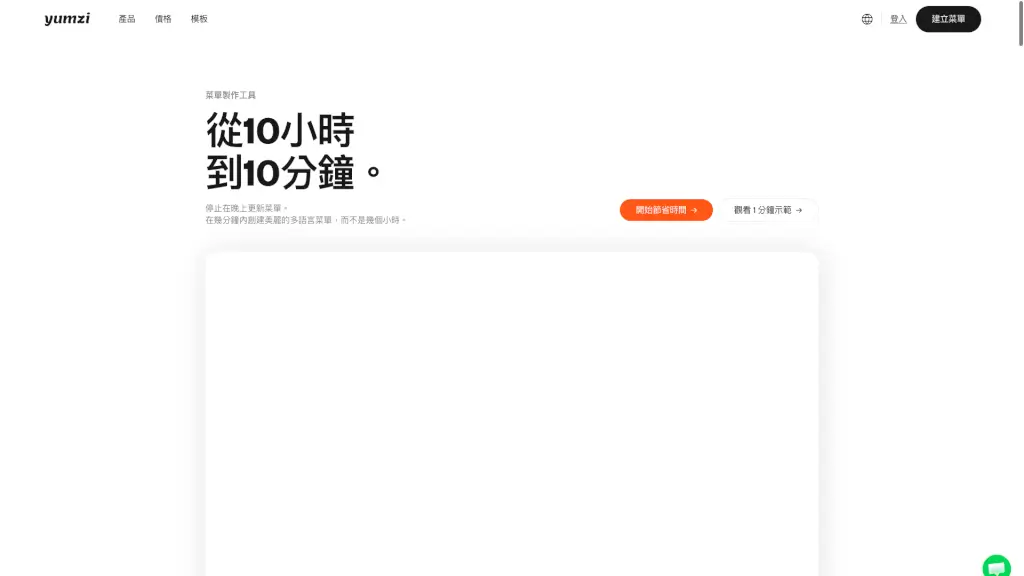
Yumzi is a game-changing tool for restaurant owners who want to create, update, and manage their menus with ease. In just 5 minutes, you can transform your existing menu into a stunning, digital, and multilingual version that customers can access via QR codes or printed copies. With over 1000 customizable templates, real-time updates, and AI-powered features, Yumzi simplifies the menu management process, saving you time and effort while enhancing the dining experience for your customers.
What are the features of Yumzi?
- 1000+ Templates: Choose from a wide range of professionally designed templates that fit any restaurant style.
- Multilingual Support: Offer your menu in up to 25 languages, making it accessible to international customers.
- Real-Time Updates: Make changes to your menu instantly, and see them reflected across all platforms.
- QR Code Integration: Generate QR codes for easy, contactless access to your menu.
- AI-Powered Image Enhancement: Turn amateur photos into professional-looking menu images with one click.
- Printable PDFs: Create high-quality, printable PDFs of your menu for traditional use.
- Centralized Management: Manage multiple locations and menus from a single, intuitive dashboard.
What are the use cases of Yumzi?
- Small Local Cafes: Quickly create and update a simple, yet stylish menu that reflects the cozy atmosphere.
- High-End Restaurants: Design an elegant, multilingual menu that showcases your fine dining experience.
- Bars and Pubs: Keep your drink menu fresh and up-to-date with seasonal cocktails and special offers.
- Food Trucks: Easily switch between different menus for various events and locations.
- Hotels and Resorts: Provide consistent, high-quality menus across all dining outlets and room service.
- Catering Services: Offer customized, printable menus for different events and clients.
How to use Yumzi?
- Upload Your Menu: Start by uploading your existing menu in PDF or image format.
- Choose a Template: Select a template that matches your restaurant’s style and branding.
- Customize Your Menu: Add or edit items, descriptions, and prices. Customize colors, fonts, and images.
- Generate QR Codes: Create QR codes for your menu and place them on tables or at the entrance.
- Share and Print: Share the digital menu via links or print high-quality PDFs for physical use.
- Manage Updates: Make real-time updates to your menu, and they will be automatically synchronized across all platforms.