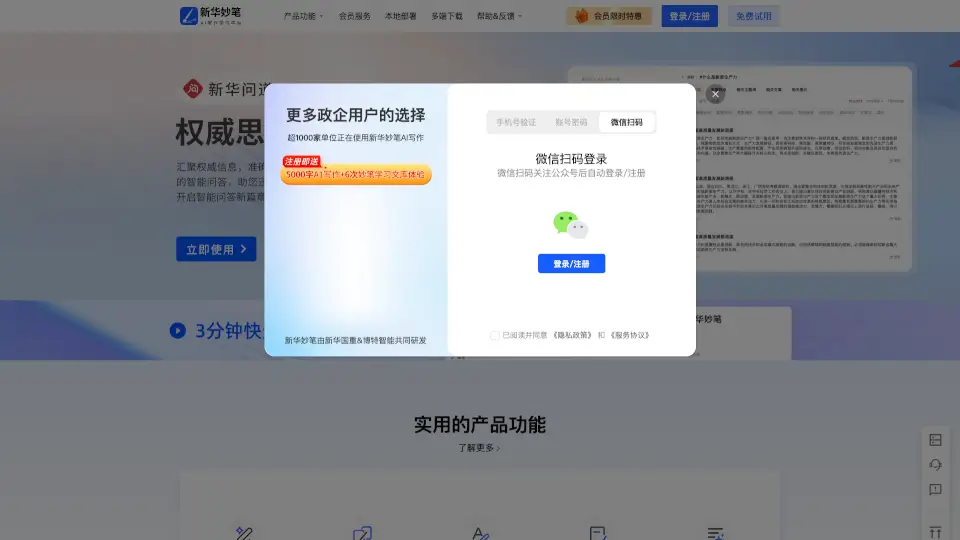

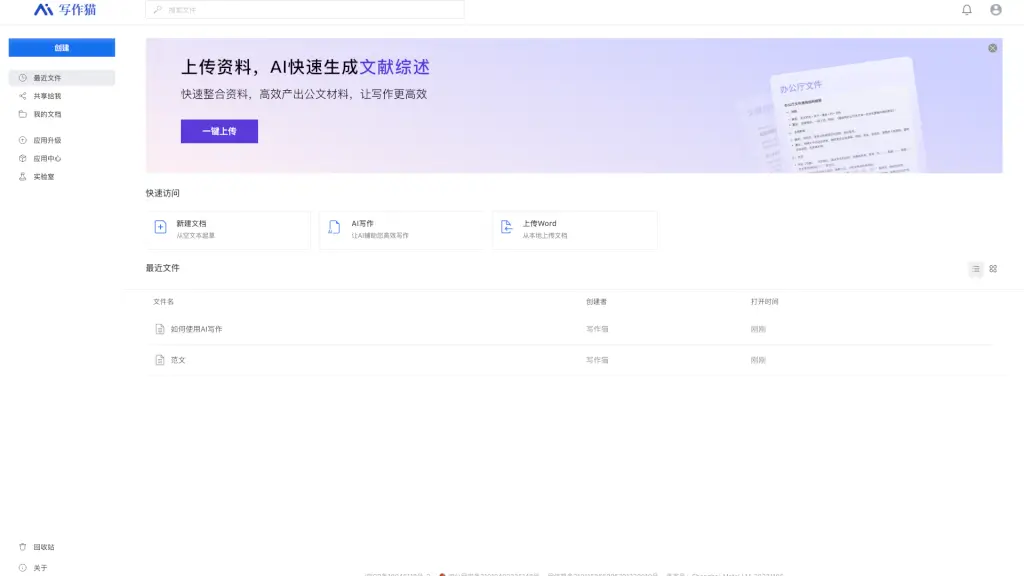
What is 秘塔写作猫?
Meet 秘塔写作猫 (Mita Writing Cat), your all-in-one writing assistant that makes crafting perfect documents a breeze. Whether you're working on a school essay, a professional report, or just need to polish up your writing, 秘塔写作猫 is here to help. With its advanced AI, it offers features like smart text correction, rewriting, and even automatic continuation of your thoughts. This platform is designed to make your writing process smoother, more efficient, and more enjoyable.
What are the features of 秘塔写作猫?
- Smart Text Correction: Automatically corrects grammar, spelling, and punctuation errors in your text.
- Rewriting and Polishing: Helps you refine your sentences and paragraphs, making them clearer and more engaging.
- Automatic Continuation: Continues your writing based on the context, helping you overcome writer's block.
- Intelligent Image Matching: Suggests and adds relevant images to enhance the visual appeal of your document.
- Document Management: Easily organize, share, and manage your documents with a user-friendly interface.
What are the use cases of 秘塔写作猫?
- Writing Essays and Reports: Perfect for students who need to write essays, research papers, or any academic assignments.
- Professional Document Creation: Ideal for professionals who need to create reports, proposals, or presentations.
- Creative Writing: Great for writers looking to improve their storytelling and get inspiration for their next chapter.
- Business Communication: Useful for creating emails, memos, and other business communications that need to be polished and professional.
- Learning English: A fantastic tool for non-native speakers to practice and improve their English writing skills.
How to use 秘塔写作猫?
- Create a New Document: Click on "New Document" to start from scratch or choose a template.
- Upload Your Document: If you have an existing document, upload it using the "Upload File" option.
- Use AI Writing Tools: Highlight the text you want to improve and select the appropriate AI tool, such as "Correct," "Rewrite," or "Continue."
- Add Images: Click on the "Add Image" button to insert relevant visuals that enhance your document.
- Save and Share: Save your work and share it with others directly from the platform.