
Was ist Hatchful?
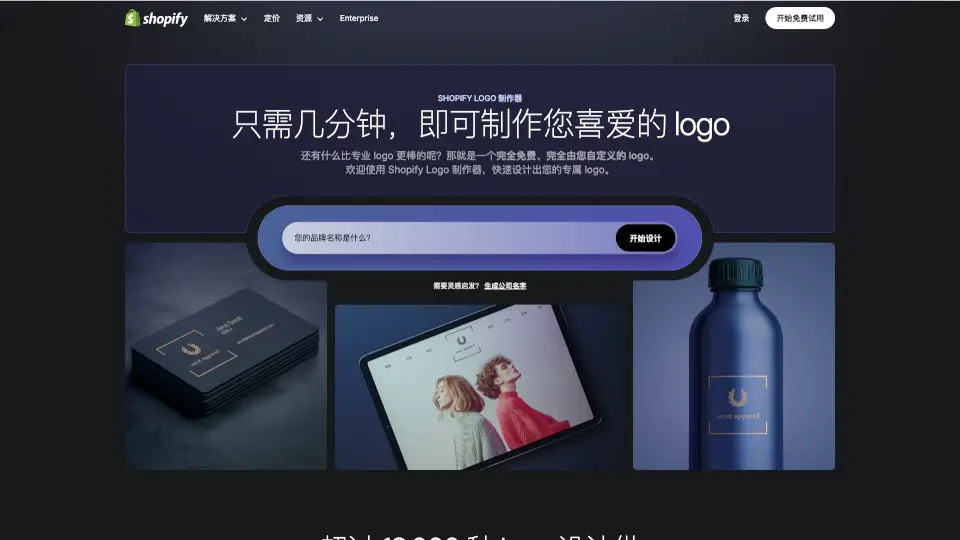
Mit dem kostenlosen Logo-Maker von Shopify kannst du in nur wenigen Minuten ein professionelles Logo für dein Business erstellen – ganz ohne Design-Erfahrung. Egal, ob du gerade dein eigenes Unternehmen gründest oder dein Branding auffrischen möchtest: Dieses Tool liefert dir sofort hochwertige, anpassbare Logos, die zu deiner Branche passen und auf allen Plattformen gut aussehen.
Der Shopify Logo-Maker nutzt intelligente Empfehlungen, moderne Vorlagen und Premium-Designelemente, damit du ein einzigartiges, druck- und webfähiges Logo erhältst – komplett kostenlos und ohne versteckte Kosten. Viele Nutzer berichten, dass sie ihr Logo sogar unterwegs, etwa im Uber, erstellt haben – so einfach ist es!
Was sind die Merkmale von Hatchful?
- 100 % kostenlos: Keine versteckten Gebühren, kein Abo – dein Logo gehört dir sofort und dauerhaft.
- KI-gestützte Empfehlungen: Gib einfach deinen Markennamen und deine Branche ein, und erhalte maßgeschneiderte Logo-Vorschläge.
- Unbegrenzte Anpassungen: Ändere Farben, Schriftarten, Symbole und Layouts so oft du willst – bis alles perfekt passt.
- Hochauflösende Downloads: Erhalte dein Logo als PNG und SVG – bereit für Social Media, Druck, Web und Merchandise.
- Branchenspezifische Vorlagen: Über 13.000 moderne, trendaktuelle Designs für alle Branchen – von Mode bis Food.
- Slogan hinzufügen: Füge optional einen Slogan direkt im Logo-Editor hinzu, um deine Botschaft zu verstärken.
- Responsive & barrierefrei: Dein Logo sieht auf allen Geräten gut aus – dank Google Fonts und kontrastreicher Farben.
Was sind die Anwendungsfälle von Hatchful?
- Du startest einen Online-Shop und brauchst schnell ein professionelles Logo für deine Shopify-Seite.
- Du verkaufst auf Instagram oder TikTok und möchtest ein erkennbares Profilbild für deine Marke.
- Du benötigst ein Logo für Visitenkarten, Verpackungen oder Werbeartikel – ohne Designer zu beauftragen.
- Du testest eine Geschäftsidee und willst kostengünstig ein vorläufiges Branding erstellen.
- Du baust dein persönliches Branding als Freelancer oder Influencer auf.
- Du suchst nach einem passenden Namen und Logo gleichzeitig – dank integriertem Business-Name-Generator.
Wie benutzt man Hatchful?
- Gehe zur Shopify Logo-Maker-Seite und klicke auf „Logo erstellen“.
- Gib deinen Markennamen (und optional einen Slogan) ein.
- Wähle deine Branche und den gewünschten Verwendungszweck (z. B. Website, Social Media).
- Durchstöbere die vorgeschlagenen Designs und wähle dein Lieblingslogo aus.
- Passe Farben, Schriftarten und Symbole nach Belieben an – so lange, bis es perfekt ist.
- Lade dein fertiges Logo als PNG oder SVG herunter und nutze es überall.