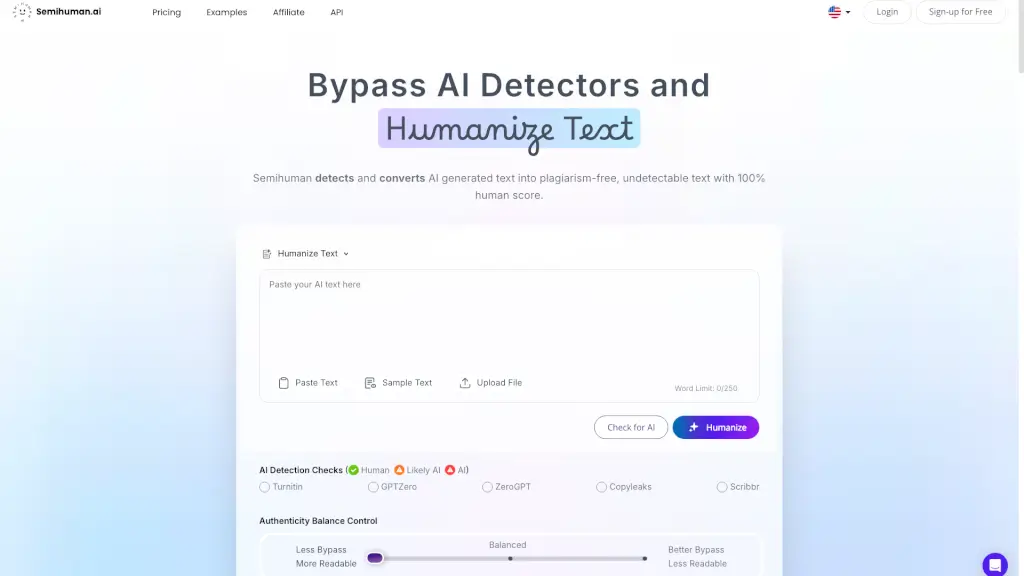
What is Semihuman AI?
Welcome to Semihuman, your go-to tool for bypassing AI detectors and humanizing text. Whether you're a student, content creator, or marketer, Semihuman helps you transform AI-generated text into high-quality, human-like content that's undetectable by AI detection tools. This ensures your work maintains its authenticity and passes through even the most stringent AI checks, giving you peace of mind and more time to focus on what truly matters.
What are the features of Semihuman AI?
- AI Detection Bypass: Seamlessly converts AI-generated text into human-like content, ensuring it remains undetectable by AI detectors.
- Humanization: Enhances the natural flow and readability of your text, making it indistinguishable from content written by humans.
- SEO Optimization: Creates keyword-rich, SEO-optimized content that ranks high on search engines and engages your audience.
- Plagiarism-Free: Ensures your text is original and free from plagiarism, maintaining the highest standards of authenticity.
- User-Friendly Interface: Easy to use with a simple paste-and-go process, making it accessible for everyone.
- API Access: Integrate Semihuman directly into your platform for seamless and efficient content creation.
What are the use cases of Semihuman AI?
- Content Creators: Generate high-quality, human-like blog posts, articles, and social media content that ranks well on search engines.
- Marketers: Create engaging, SEO-optimized emails and marketing materials that avoid being flagged as spam.
- Students & Academics: Draft initial content, speed up the editing process, and ensure academic outputs are authentic and plagiarism-free.
- Journalists: Produce original, human-like news articles that maintain credibility and avoid AI detection.
- Freelancers: Elevate your writing and avoid detection, ensuring your work stands out and remains authentic.
- Businesses: Ensure all your content, from newsletters to product descriptions, appears human-written and passes AI checks.
How to use Semihuman AI?
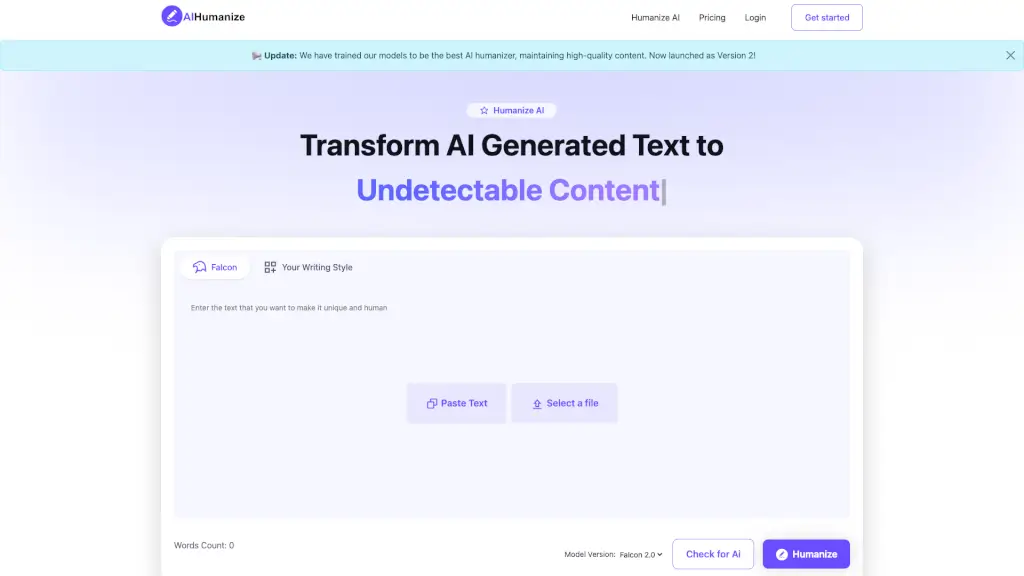
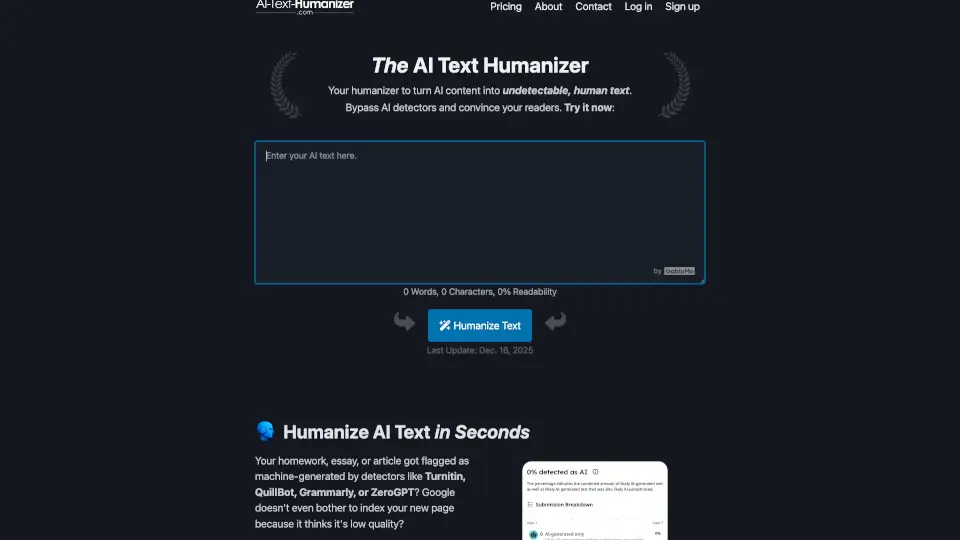
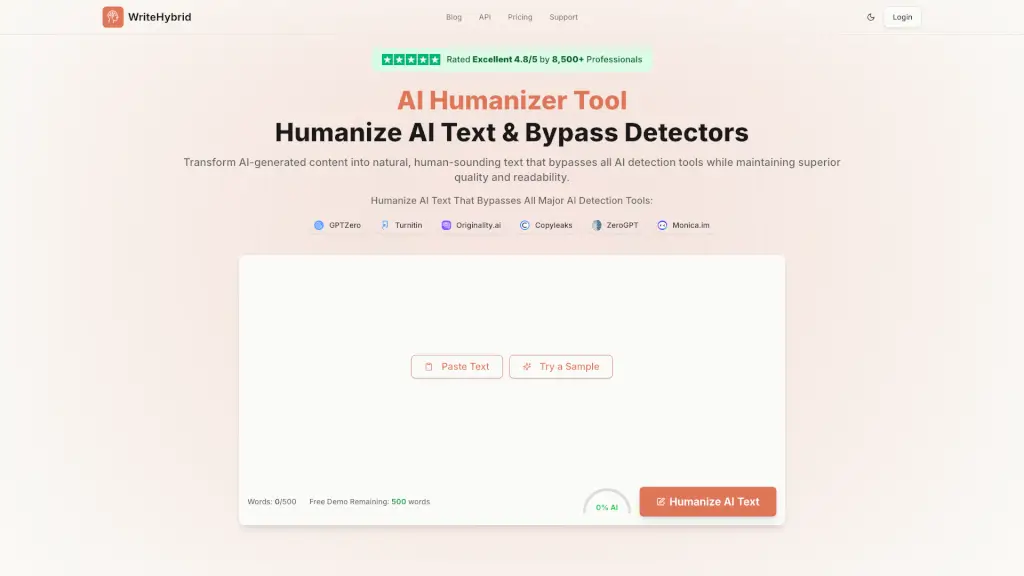
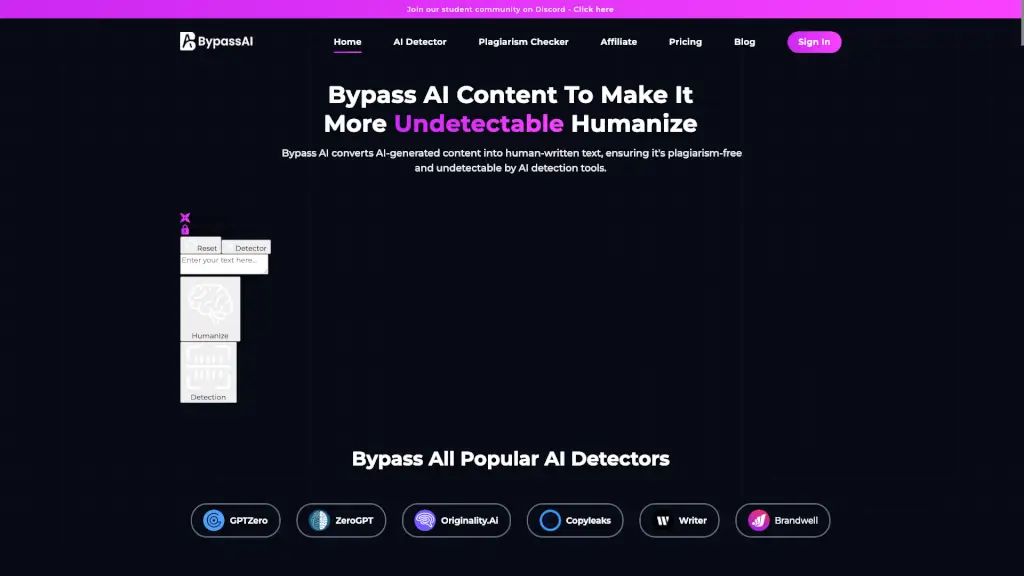
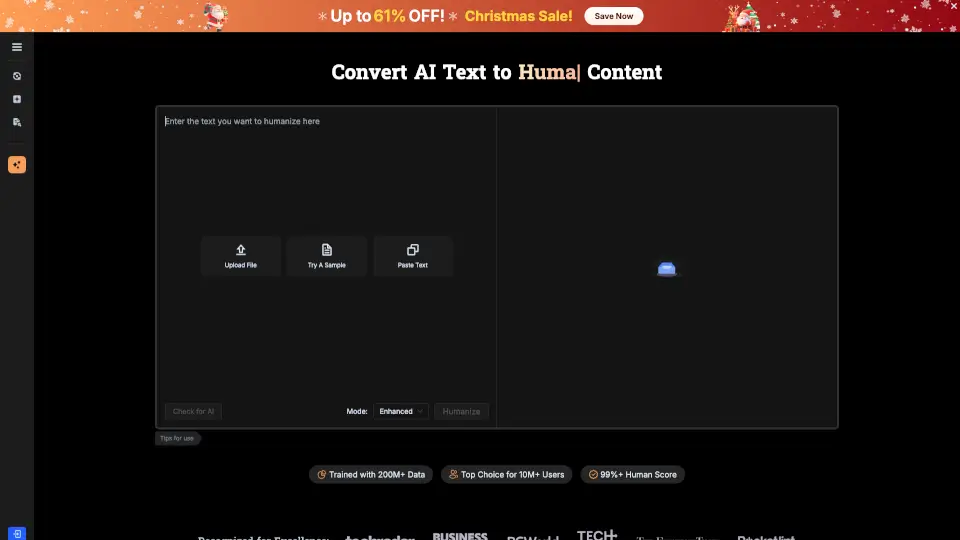
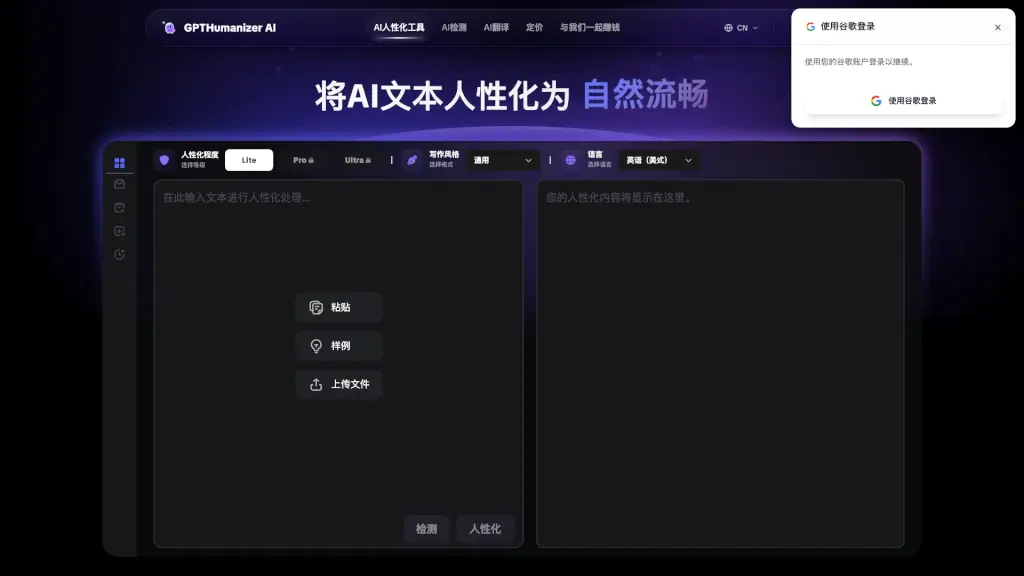
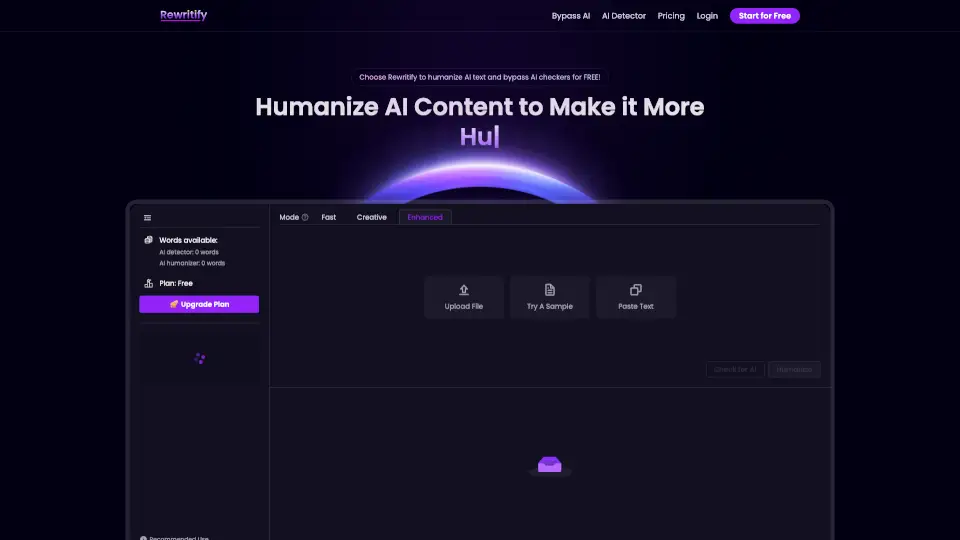
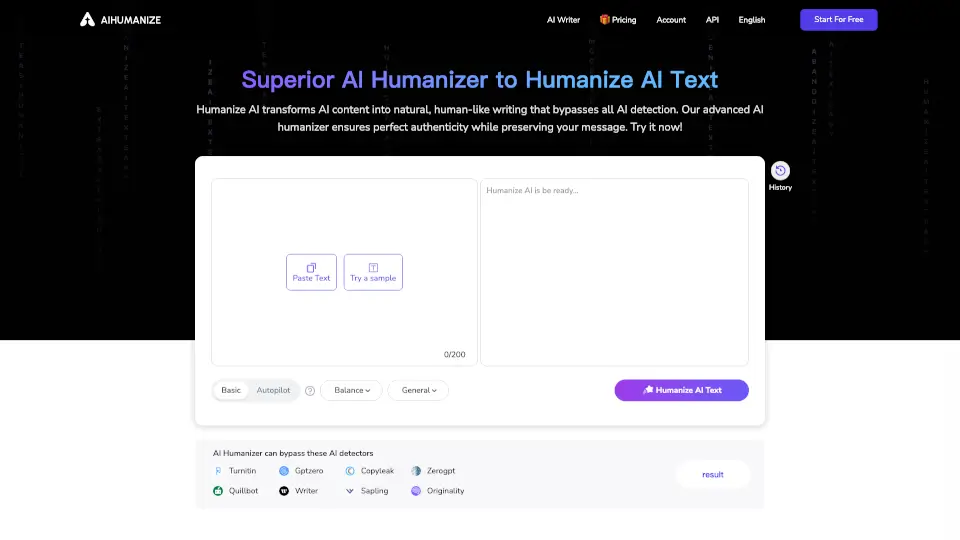
- Paste Your Text: Copy and paste the AI-generated text into the Semihuman tool.
- Select Options: Choose the desired settings for humanization and AI detection bypass.
- Click Humanize: Hit the "Humanize" button to start the conversion process.
- Review and Edit: Review the humanized text and make any necessary edits to fit your needs.
- Download or Copy: Download the final text or copy it to your clipboard for immediate use.
- Integrate with API: For advanced users, integrate Semihuman's API into your platform for automated content processing.