
What is Securly?
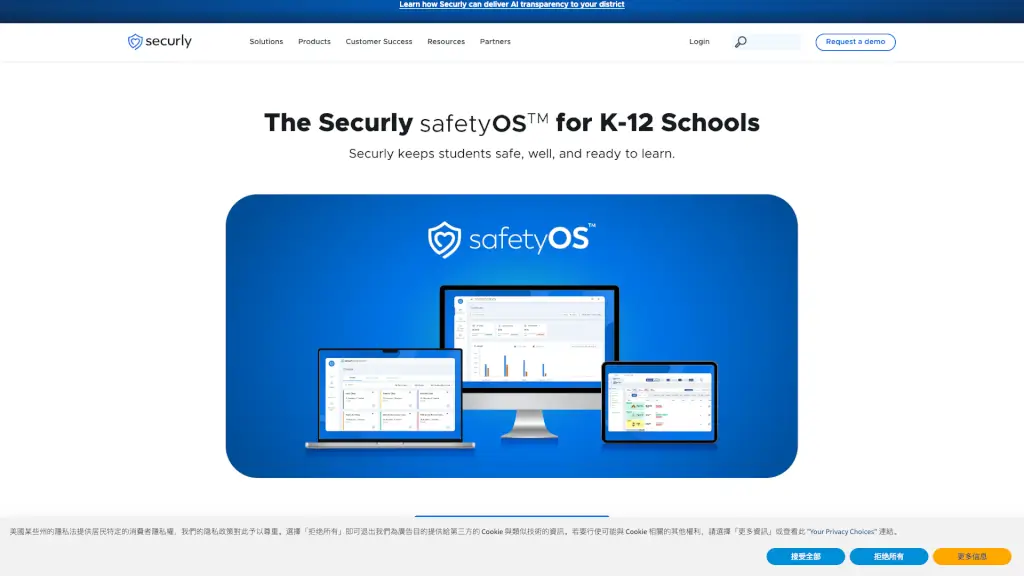
Securly is a cloud-based platform designed to keep students safe and engaged, both at school and at home. With its suite of tools, Securly helps educators and parents monitor and manage student activities online, ensuring a secure and positive learning environment. Whether it's filtering web content, managing classroom devices, or providing insights into student wellness, Securly is a one-stop solution for K-12 schools.
What are the features of Securly?
- Online Student Wellness Monitoring: Track and support student mental health with real-time alerts and analytics.
- Classroom Management for Teachers: Easily manage and control student devices in the classroom, keeping them on task.
- Cloud Web Filtering for Schools: Block inappropriate content and ensure a safe browsing experience for students.
- Apple Device Management (MDM): Securely manage and deploy Apple devices across your school.
- Edtech Usage and Budget Analysis: Get detailed insights into how educational technology is being used and optimize your budget.
- Daily Safety and Wellness Insights: Receive daily updates on student safety and well-being to take proactive measures.
What are the use cases of Securly?
- Schools looking to enhance student safety and wellness: Implement Securly to monitor and support student mental health and online behavior.
- Teachers needing better classroom management tools: Use Securly to control and manage student devices, ensuring they stay focused during lessons.
- Administrators wanting to optimize edtech usage: Analyze and manage the use of educational technology to make informed decisions and save costs.
- Parents seeking to protect their children at home: Utilize Securly’s family engagement app to monitor and manage their child’s online activities.
- Districts aiming to comply with privacy laws: Ensure compliance with data privacy regulations while providing a safe and engaging learning environment.
How to use Securly?
- Set up your account: Follow the quick setup process to get started with Securly.
- Configure web filters: Customize the web filters to block inappropriate content and ensure a safe browsing experience.
- Monitor student activity: Use the dashboard to track and analyze student online behavior and wellness.
- Manage classroom devices: Control and manage student devices in the classroom to keep them on task.
- Engage with parents: Use the family engagement app to communicate and collaborate with parents about their child’s online activities.