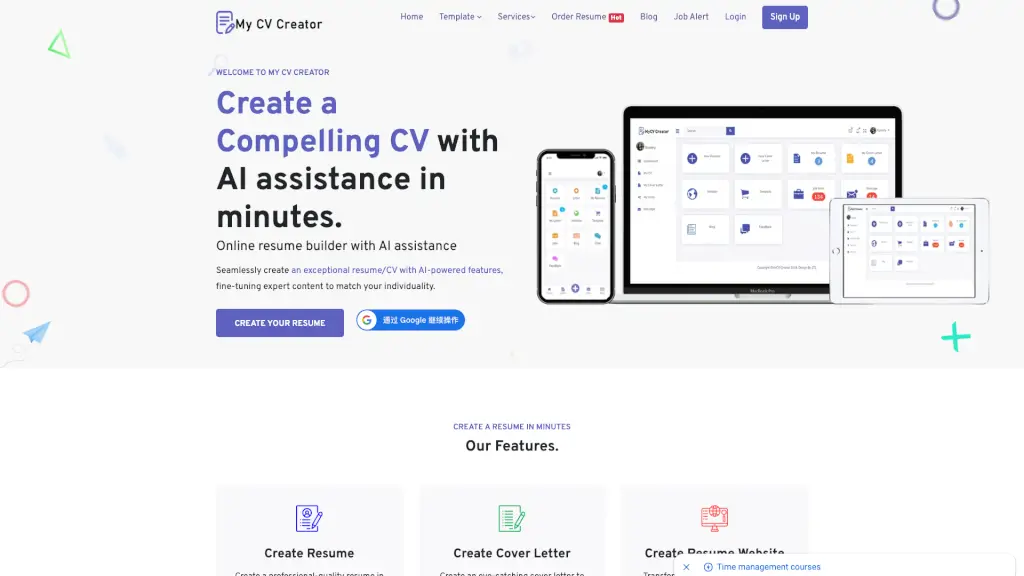
What is MyCVCreator?
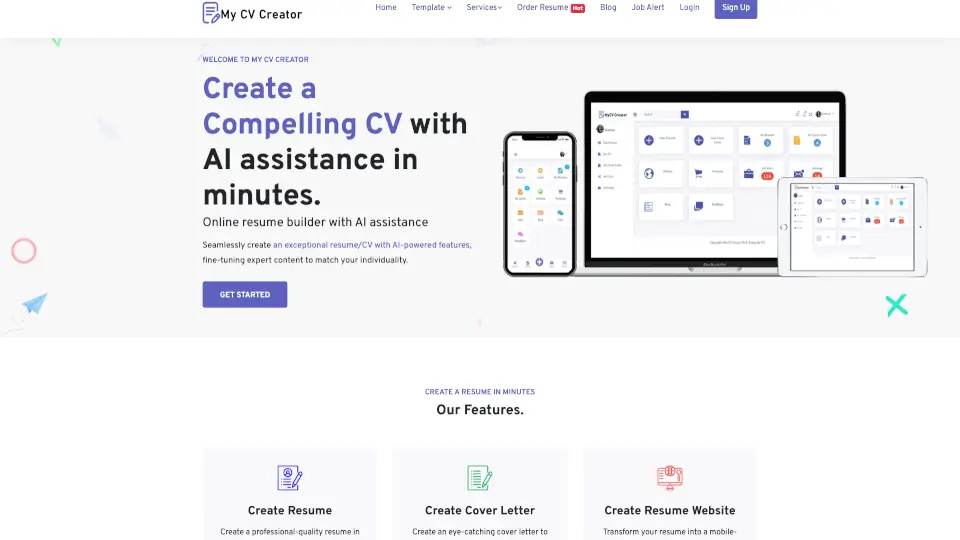
Welcome to MyCVCreator, your go-to online tool for building a standout resume and cover letter. Whether you're a recent graduate or a seasoned professional, our platform makes it easy to create a polished, professional CV in minutes. With AI-powered features, expert tips, and a wide range of templates, MyCVCreator helps you craft a resume that gets noticed and lands you the job you want.
What are the features of MyCVCreator?
- AI-Powered Resume Checker: Our smart AI analyzes your resume and provides suggestions to improve its content and structure.
- Professional Templates: Choose from over 20 modern and professional templates to find the perfect style for your resume and cover letter.
- Cover Letter Builder: Create a compelling cover letter that complements your resume, using the same design and tone.
- Resume Website: Transform your resume into a mobile-friendly website that you can share with recruiters and potential employers.
- LinkedIn Optimization Service: Enhance your LinkedIn profile to attract more job opportunities and network connections.
- Expert Tips and Guidance: Get advice from our career experts on how to write a resume that stands out.
- Flexible Text Editor: Use our advanced text editor to customize every detail of your resume, ensuring it reflects your unique style and experience.
What are the use cases of MyCVCreator?
- Job Seekers: Quickly create a professional resume and cover letter to apply for new job opportunities.
- Career Changers: Reframe your skills and experience to transition into a new industry or role.
- Recent Graduates: Build a strong first resume that highlights your education, internships, and extracurricular activities.
- Freelancers and Consultants: Create a polished resume and online presence to attract clients and showcase your portfolio.
- Executives and Senior Managers: Craft a high-impact resume that showcases your leadership and strategic accomplishments.
- Remote Workers: Create a resume that highlights your remote work experience and skills, making you a top candidate for virtual roles.
How to use MyCVCreator?
- Choose a Template: Start by selecting one of our professionally designed templates that best fits your needs.
- Fill in Your Details: Follow the simple prompts to enter your personal information, work experience, education, and skills.
- Customize Your Content: Use the flexible text editor to fine-tune your resume and make it uniquely yours.
- Add a Cover Letter: Create a matching cover letter using the same template and style as your resume.
- Download and Share: Once you’re happy with your resume, download it in multiple formats and start applying for jobs.
- Optimize Your LinkedIn Profile: Use our LinkedIn optimization service to enhance your online presence and attract more opportunities.