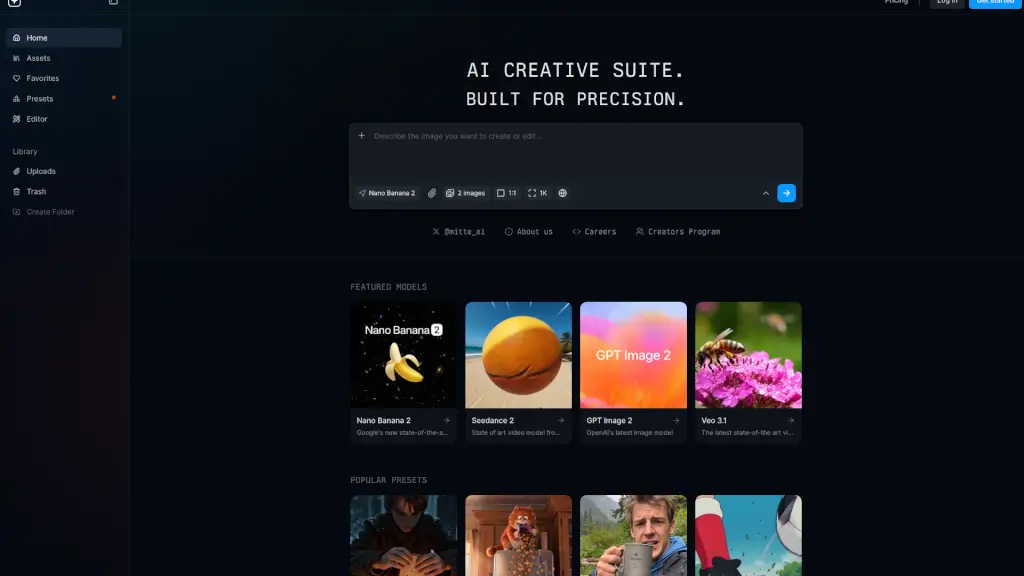
Was ist MixVio AI?
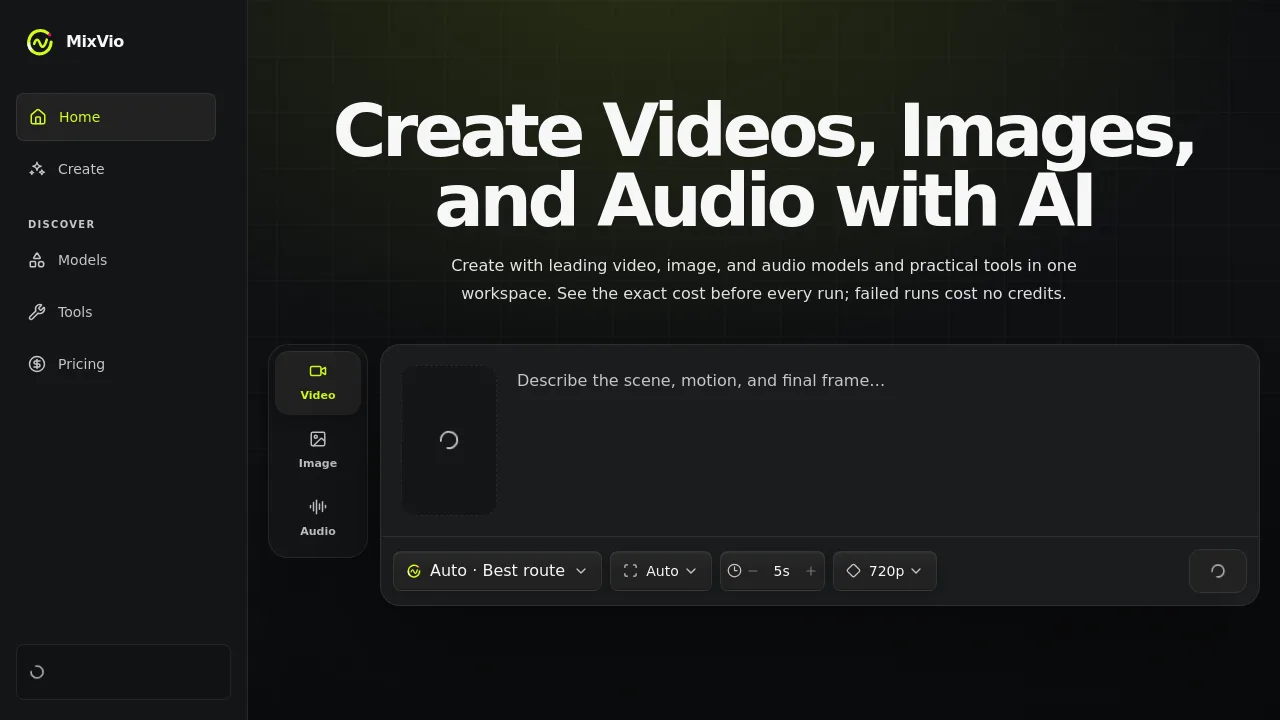
MixVio ist eine KI-Plattform für die Erstellung von Videos, Bildern und Audio aus Text- und Bildreferenzen. Sie richtet sich an Kreative und Content-Ersteller, die mehrere Modelle und praktische Tools in einem Arbeitsbereich nutzen möchten. Vor jedem Durchlauf wird der genaue Credit-Preis angezeigt; fehlgeschlagene Generationen verbrauchen keine Credits. Die Plattform bietet sowohl automatische Routenauswahl als auch manuelle Modellwahl.
Was sind die Merkmale von MixVio AI?
- Text-zu-Video: Erstelle kurze, filmische Videos aus einer Textbeschreibung – ideal für schnelle visuelle Konzepte.
- Bild-zu-Video: Animierte Standbilder mit Kamerabewegung, natürlichem Blinzeln und leichten Kopfdrehungen.
- KI-Video-Upscaler: Hochskalieren von Clips bis 4K, für Social Media, Werbung oder Archivmaterial.
- Hintergrundentferner: Schneidet saubere, transparente Motive aus – nützlich für Produktfotos oder Composings.
- KI-Bild-Upscaler: Schärft Standbilder für Social Media, Druck oder Listing-Bilder.
- Integrierte Audio-Modelle: Erzeuge Szenen-begleitendes Audio oder Voiceovers mit zeitlicher Abstimmung aus Text.
Was sind die Anwendungsfälle von MixVio AI?
- Social-Media-Manager: Erstellt aus Text kurze Cinematic-Videos für Markenkampagnen ohne Videobearbeitung.
- Produktfotograf: Entfernt Hintergründe aus Produktfotos und skaliert sie auf 2K für Online-Shops.
- Indie-Filmemacher: Wandelt Standbilder aus Storyboards in animierte Vorschauen mit Kamerabewegung um.
- Musikproduzent: Generiert Szenen-begleitendes Audio mit zeitlicher Abstimmung zu Videoclips.
- Content-Creator: Nutzt GPT Image 2 für präzise Bildbearbeitung und Seedream 5.0 für layoutkontrollierte Kunst.
Wie benutzt man MixVio AI?
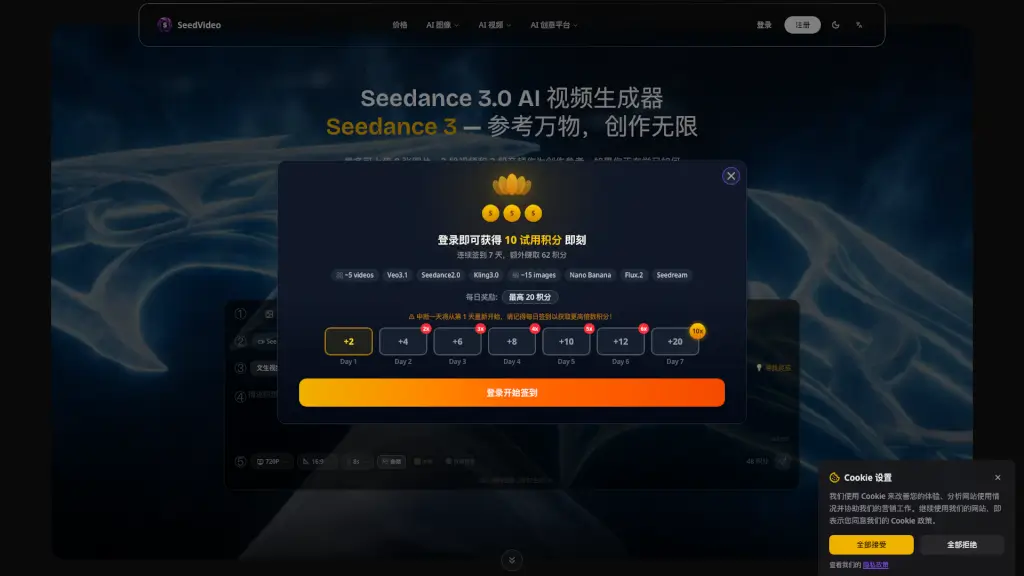
- Registriere ein Konto für 20 Welcome-Credits (gültig 7 Tage) – keine Kreditkarte nötig.
- Beschreibe das gewünschte Ergebnis im Textfeld oder lade ein Referenzbild hoch.
- Wähle entweder die automatische Modell-Empfehlung oder manuell ein Modell aus der Liste.
- Prüfe den angezeigten Credit-Preis vor dem Absenden.
- Lade das fertige Ergebnis aus deinem privaten Arbeitsbereich herunter (Download-Links sind kurzlebig).