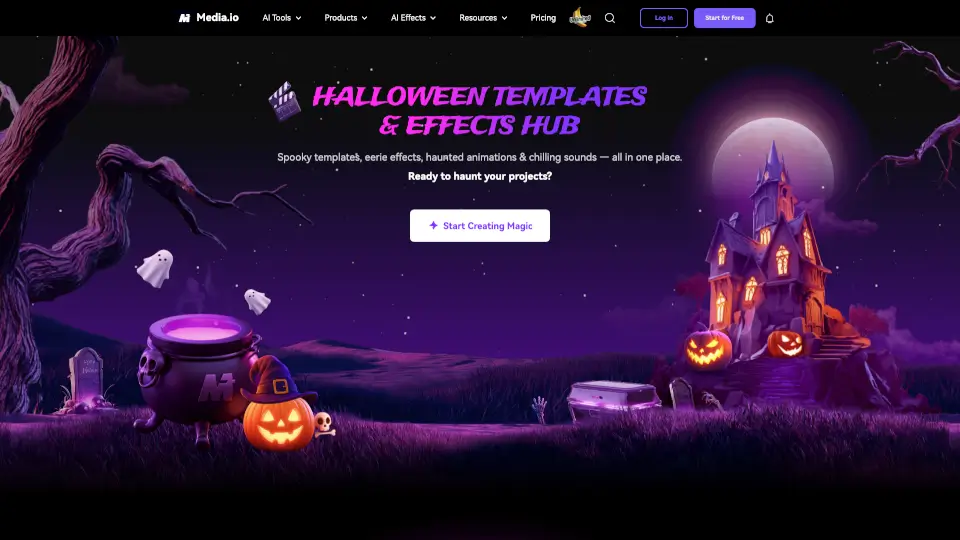
What is Media.io Halloween AI Generator?
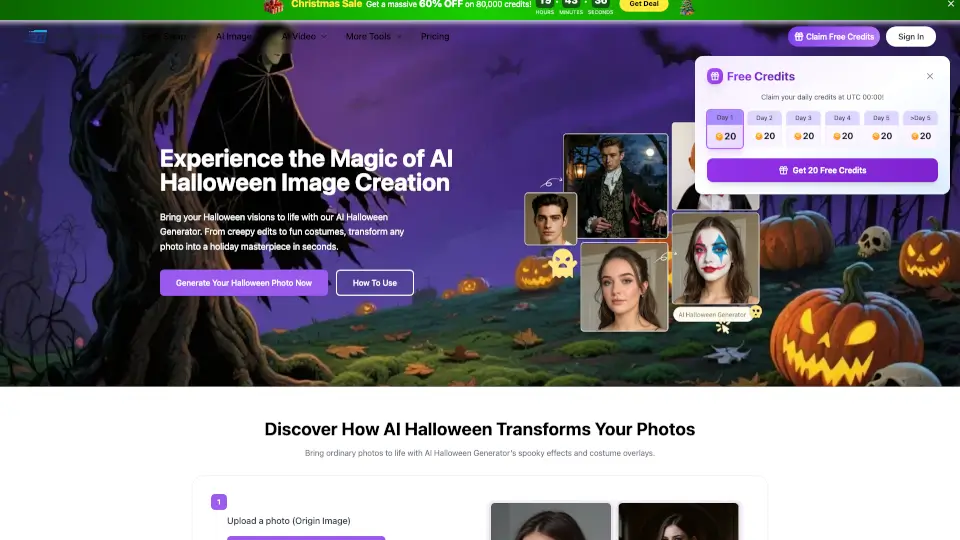
Looking to transform your selfies into spooky masterpieces this Halloween? Media.io’s Halloween AI Filters 2025 let you create scary, cute, or downright haunting photos and videos online for free. No downloads, no fuss—just upload your photo, pick a filter, and watch the magic happen. Whether you want to be a vampire, zombie, or your favorite horror movie character, it’s all just a click away.
What are the features of Media.io Halloween AI Generator?
- One-Click Halloween Filters: Instantly apply effects like skeleton, zombie, vampire, Tim Burton, Beetlejuice, Ghostface, Michael Myers, Chucky, Freddy Krueger, Joker, clown, and more.
- Realistic Makeup & Effects: Enjoy studio-quality makeup, glowing eyes, fangs, and eerie backgrounds that look real.
- Video & Photo Support: Works with both photos and short video clips for TikTok, Instagram, and more.
- Conversational Editing: Make changes by typing simple instructions like “add fog” or “make eyes glow.”
- Consistent Characters: Keep your look the same across different scenes and backgrounds.
- Cinematic Lighting: Filters respect shadows, light, and reflections for a realistic, spooky vibe.
- Huge Template Library: Over 2,000 creative effects for Halloween and other occasions.
- Free & Premium Options: Try basic features for free or unlock more with premium credits.
What are the use cases of Media.io Halloween AI Generator?
- Halloween Party Invites: Create eye-catching invites or social posts with your spooky new look.
- Social Media Challenges: Stand out on TikTok, Instagram, or YouTube with unique, scary videos and photos.
- Brand Campaigns: Marketers can batch-create themed content for seasonal promotions.
- Fun with Friends: Swap faces, try different horror characters, or prank your friends with creepy transformations.
- Creative Projects: Make short horror films, haunted animations, or themed profile pics.
How to use Media.io Halloween AI Generator?
- Step 1: Go to Media.io’s Halloween AI Effects page.
- Step 2: Upload a clear photo or video.
- Step 3: Choose your favorite Halloween filter (like zombie, vampire, or Tim Burton).
- Step 4: Let the AI work its magic—preview your transformation.
- Step 5: Download your spooky creation and share it on social media or with friends.